5.17 Comment
5-79
5
Registration
3. In the dialog, set the options of [Color], [Enlarge], [Windows Font], etc. as necessary.
4. Click [Setting]. The settings made in the dialog are reflected through the text.
* The text properties you set cannot be previewed in the [Comment Edit] window (only the
color is previewed) unless [Windows Font] is set.
When necessary, go to the [Screen Edit] window or MONITOUCH to preview the text
properties.
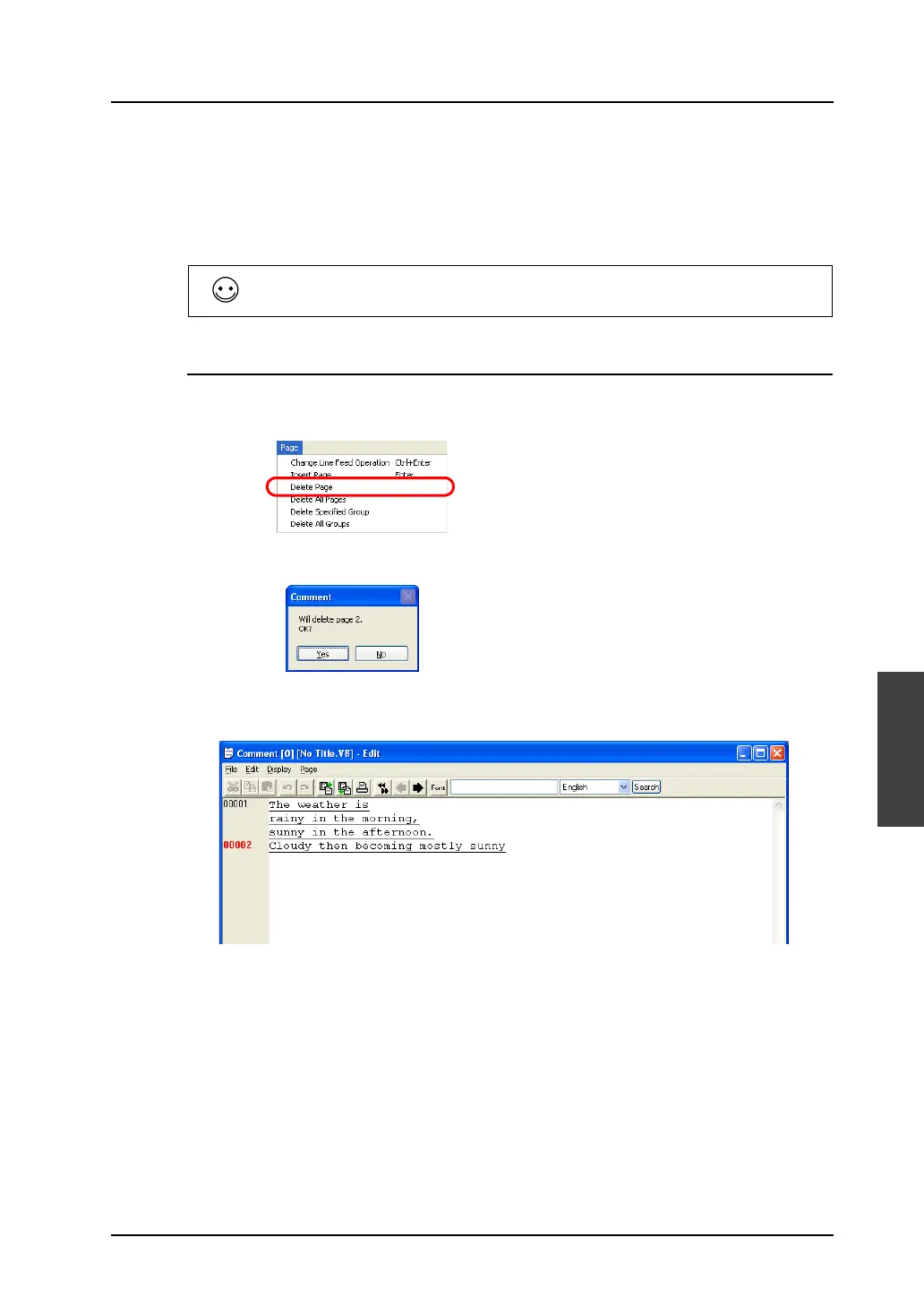
Deleting a Comment
1. Move the cursor to the comment to be deleted.
2. Click [Page] → [Delete Page].
3. The following dialog is displayed:
4. When [Yes] is clicked, the corresponding comment is deleted and the comments entered below
are moved up.
To shift to the next group, click the [Next] icon on the icon bar.



 To Next Page