5.17 Comment
5-77
5
Registration
Calling a Comment
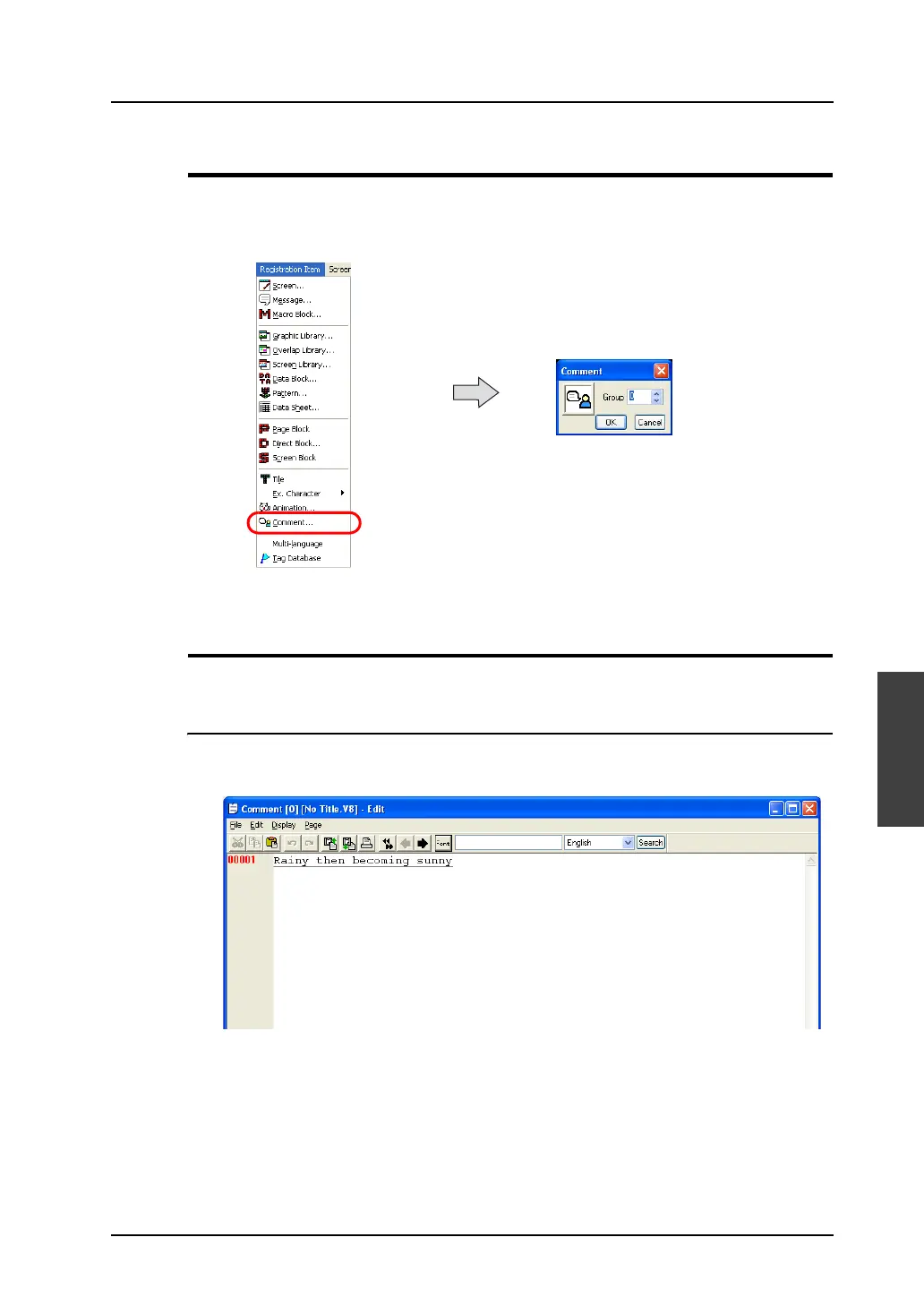
Click [Comment] from the [Registration Item] menu.
The [Comment] dialog is displayed. Specify the comment group number to be opened and click [OK].
(Alternatively, you can call the screen from the [Screen] menu in Project View.)
Comment Editing
The procedural steps for comment registration are as follows:
Entering a Comment
1. In the [Comment Edit] window, start from No.1 for entering a comment.
Enter the text of the comment just as you type characters normally.



 To Next Page