Windows Font
A1-35
A1
Font
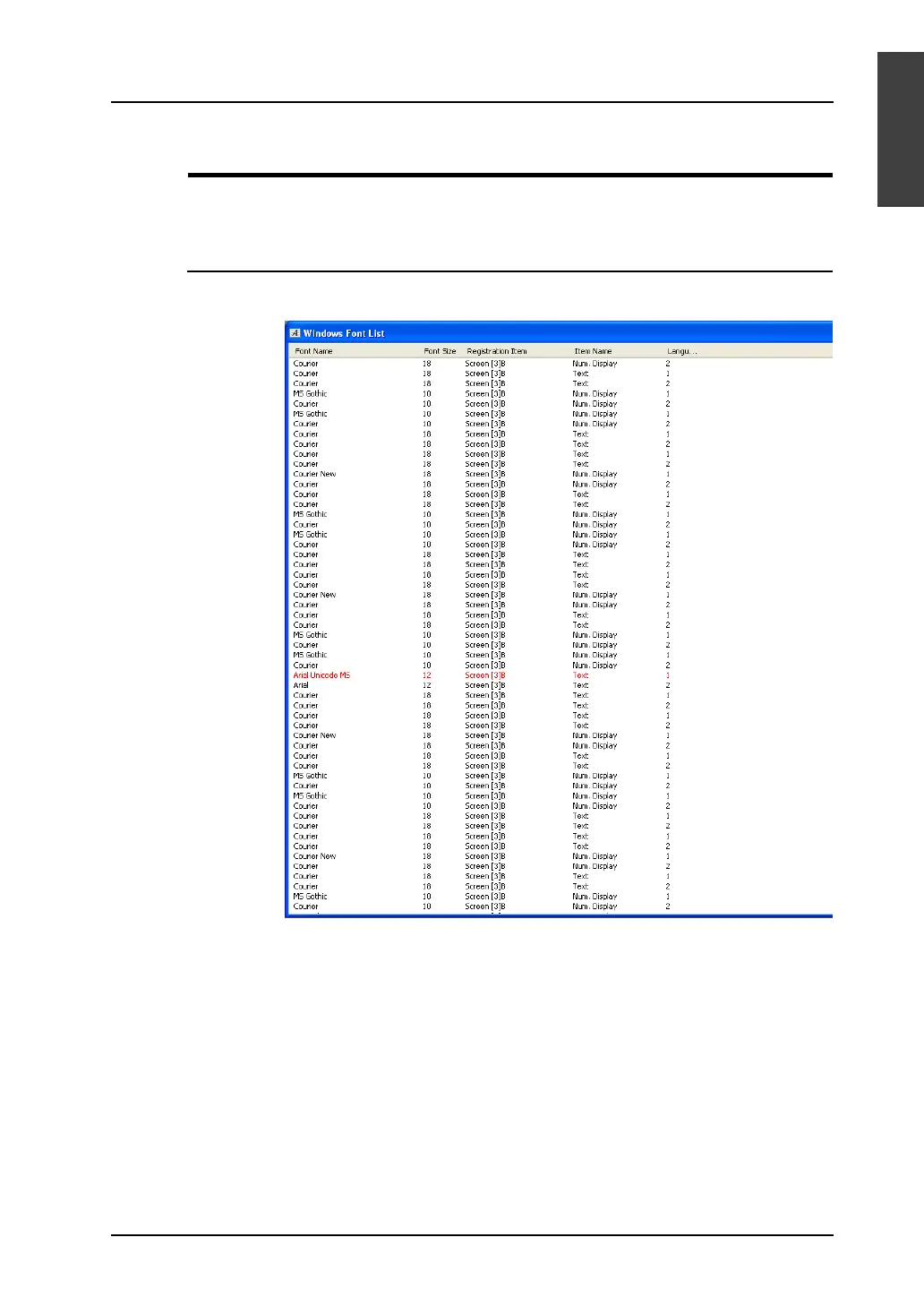
[Windows Font List] Window
The [Windows Font List] window offers the list of the Windows font names used in screen data, setting
locations, point sizes, language numbers, etc.
Location of the Dialog
Click [Tool] → [Register Windows Font]. The [Windows Font List] window is displayed.
• Double-clicking a font name in the window causes a jump to the screen where the font is set.
• If a font that does not exist in your computer is used in screen data, its name is colored red.
For more information, refer to “Windows Font Not Installed on Your Computer Exists in Screen
Data” (page A1-39).



 To Next Page