2.5 Toolbar
2-26
Layout
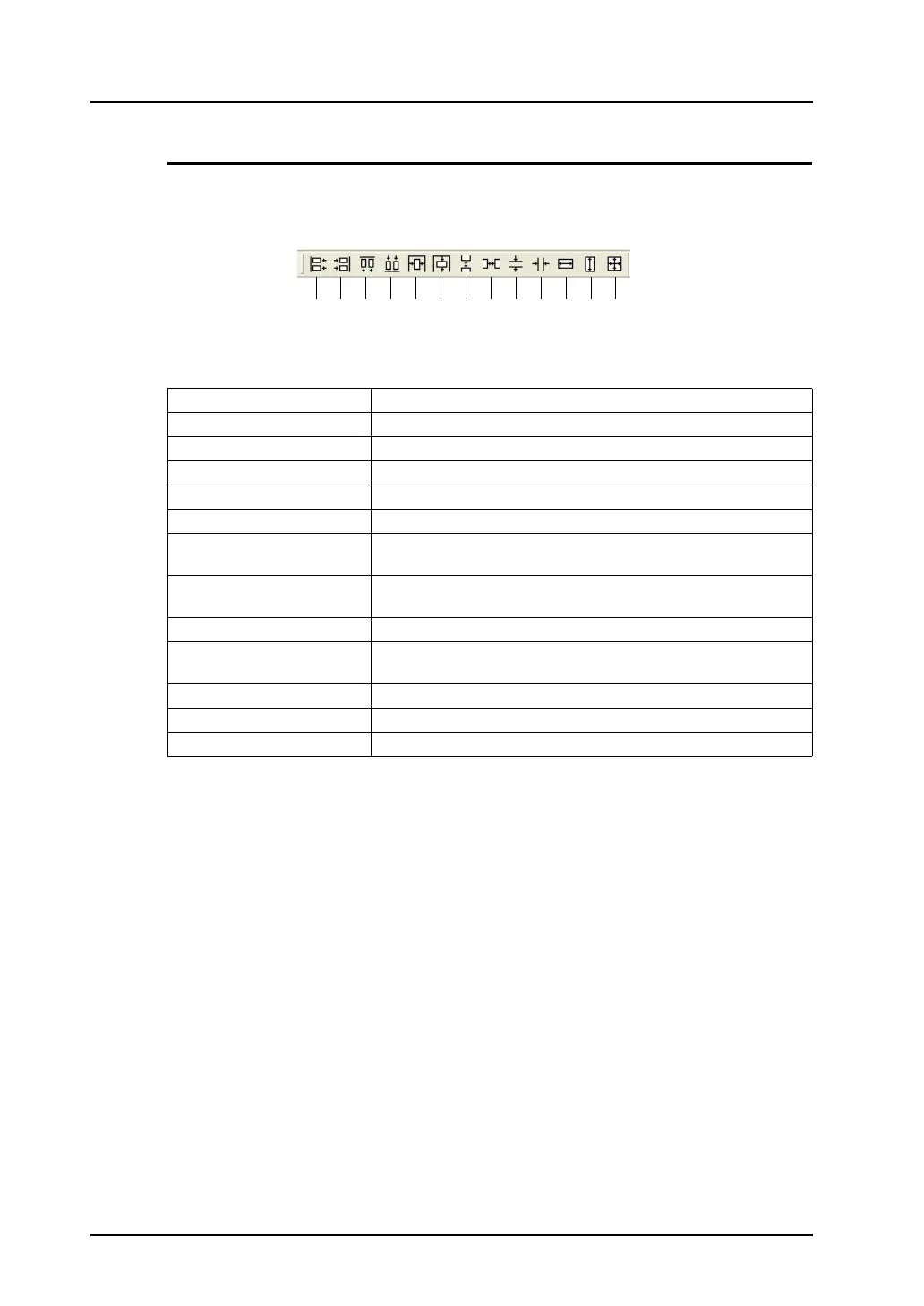
This toolbar is active when multiple items are selected.
1. Flush Left Aligns selected items to the left end of datum item.
2. Flush Right Aligns selected items to the right end of datum item.
3. Flush Top Aligns selected items at the top of datum item.
4. Bottom Align Aligns selected items at the bottom of datum item.
5. Vertical Center Align Vertically aligns selected items at the center of datum item.
6. Horizontal Center Align Horizontally aligns selected items at the center of datum item.
7. Vertical Align (Regular
Spacing)
Vertically aligns selected items at regular intervals.
8. Horizontal Align (Regular
Spacing)
Horizontally aligns selected items at regular intervals.
9. Vertical Align (Specified) Vertically aligns selected items at specified intervals.
10. Horizontal Align
(Specified)
Horizontally aligns selected items at specified intervals.
11. Align Width Arranges width of selected items to width of datum item.
12. Align Height Arranges height of selected items to height of datum item.
13. Align Size Arranges size of selected items to size of datum item.
1. 2. 3. 4. 5. 6. 7. 8. 9. 10. 11. 12. 13.



 To Next Page