8.7 Other Functions in the [Tool] Menu
8-65
8
Useful Functions
Reading the Error Check List
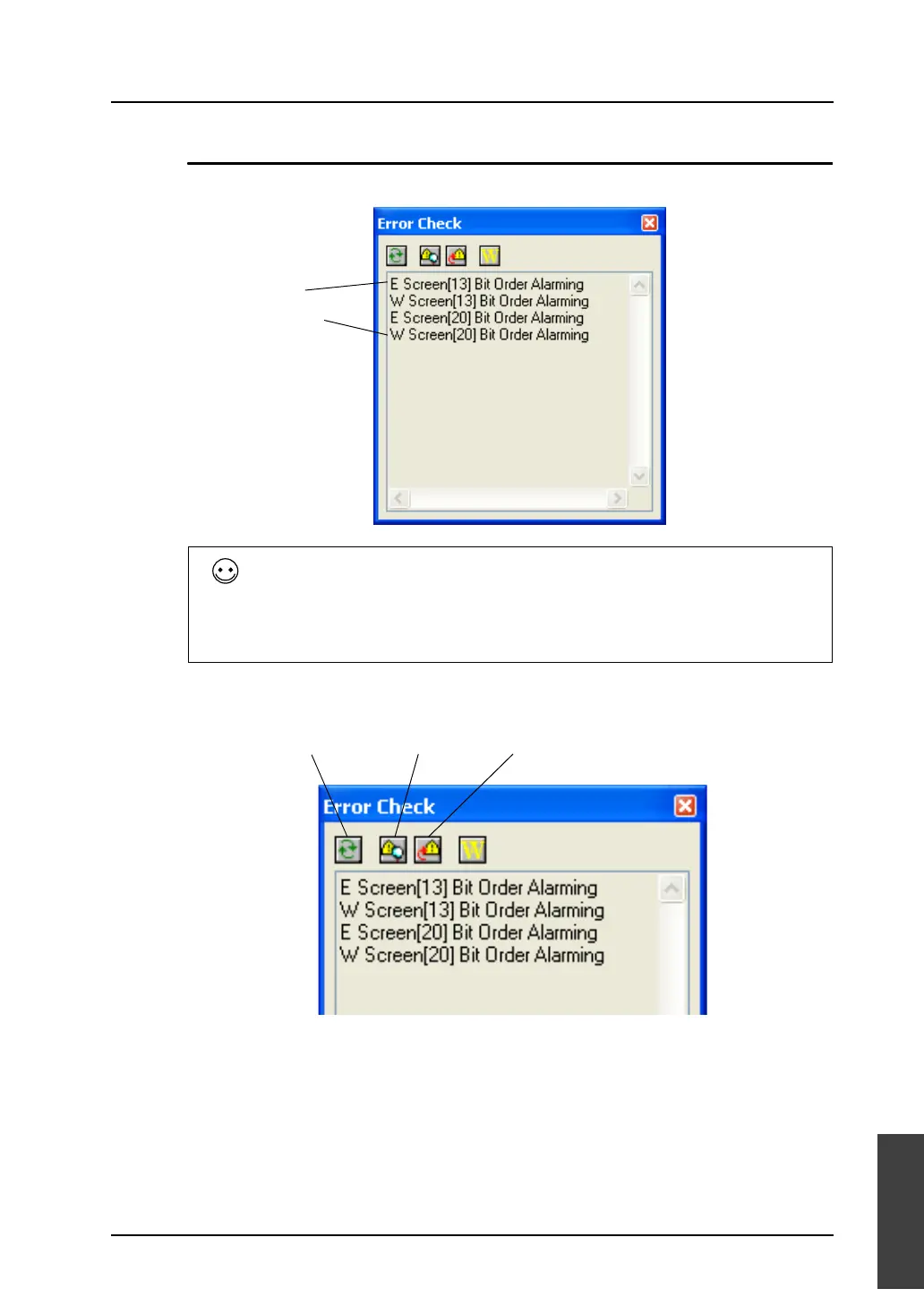
When an error occurs, the following [Error Check] window is displayed.
Icon menu
The following icons are displayed in the [Error Check] window.
Difference between error and warning
[E] denotes an error. If you attempt to transfer data indicated with [E] to MONITOUCH, “Data has
some error.” is displayed and MONITOUCH may not be in the RUN mode, or not work correctly. Be
sure to transfer data when no errors are present.
[W] denotes a warning. This is a moderate error that is detected due to a discrepancy in settings but
does not cause any problem in operation of MONITOUCH.
E: Error
W: Warning
Error Check Update Error Details Jump to Error Item



 To Next Page