3.8 Useful Functions for Screen Editing
3-108
Modify Part
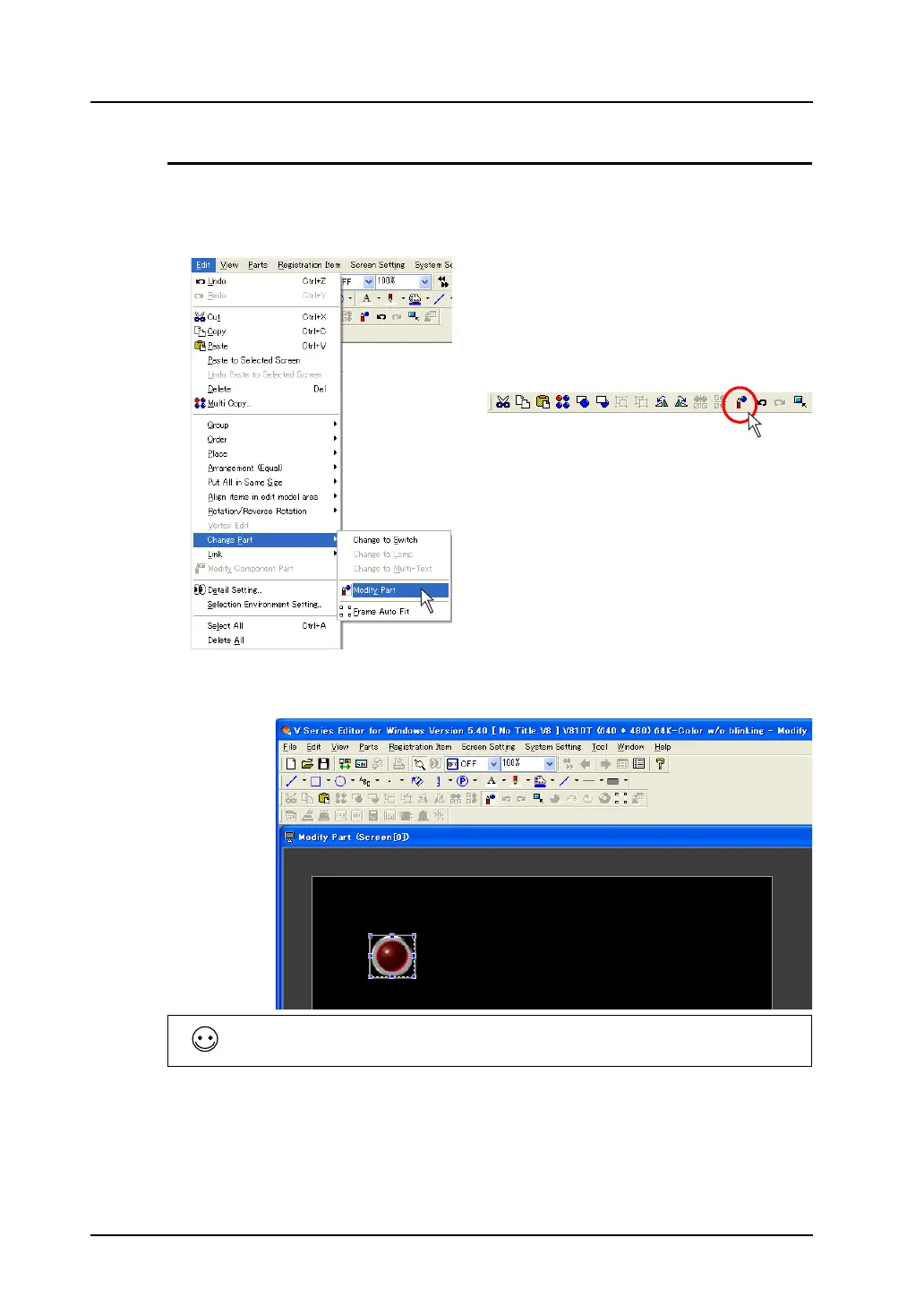
When modifying the design of any part you placed, use the [Modify Part] icon.
1. Click the part you wish to modify. Click [Edit] → [Change Part] → [Modify Part], or right-click the
part and click [Change Part] → [Modify Part]. Or, click the [Modify Parts] icon.
2. The [Modify Part] window is displayed.
Using drawing items, etc., modify the part to a design as desired.
When modifying a switch or lamp part, you can switch between [ON] or [OFF] for its status display on
the menu bar and make a modification to each pattern.
OR



 To Next Page