7.1 Overview
7-1
7
Print
7Print
7.1 Overview
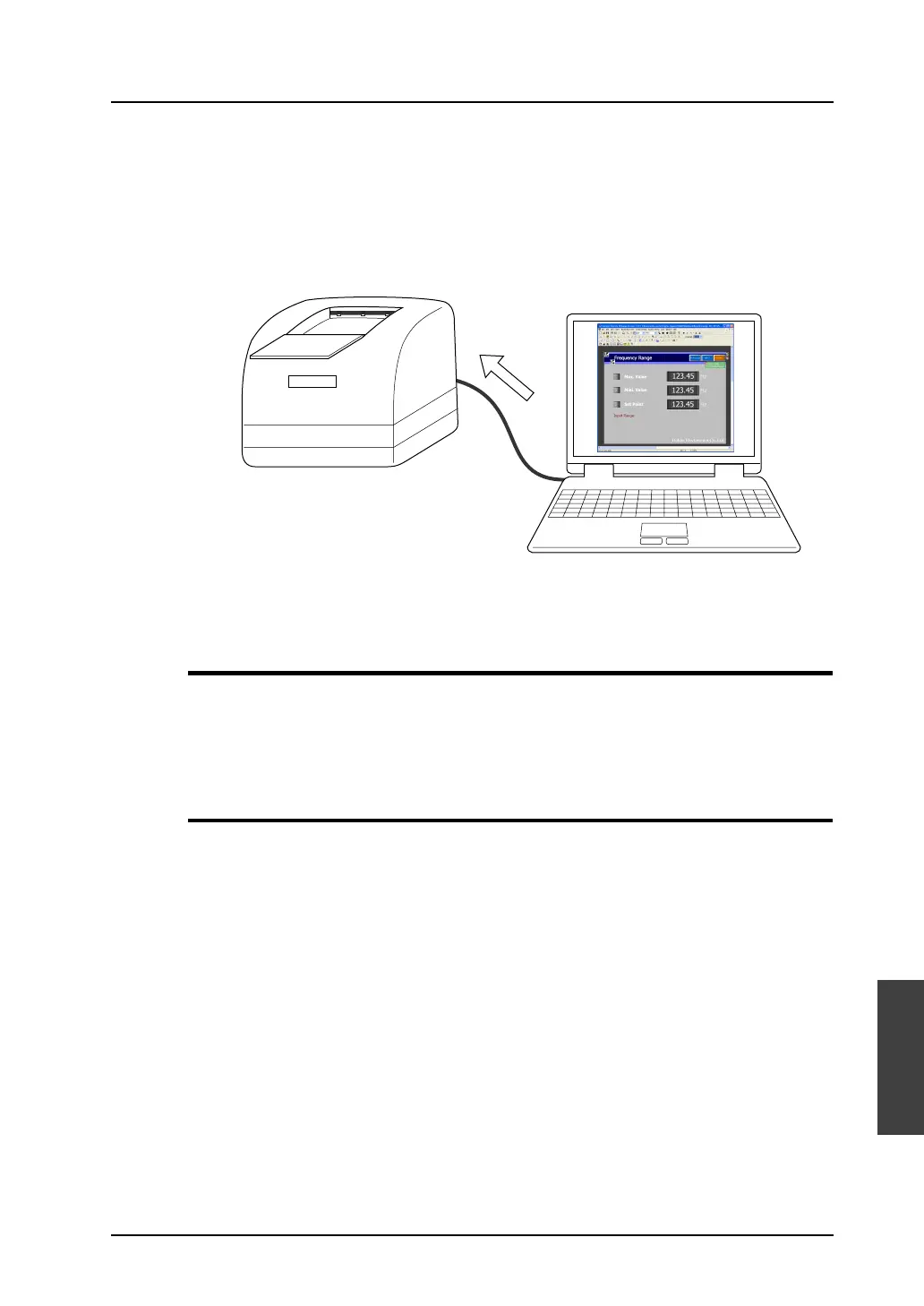
The screen data file currently edited can be printed out from the printer connected to the computer.
* When printing the data from the printer connected to MONITOUCH, refer to “16. Print” in the
Reference Manual separately provided.
Available Printers
Printing can be executed from the editor using any printer that is available in the Windows
environment.
* Note that there is a limitation on available printers to execute printing from MONITOUCH.
Operating Procedure
1. Prepare the printer.
Connect a printer to the computer.
2. Open the screen data.
3. Set the printing environment ([File] → [Print] → [Option Setting] dialog) (page 7-2).
• Printer setting
• Page setting
4. Set the print target ([File] → [Print] → [Option Setting] dialog).
• Output range (page 7-3)
• Print format (page 7-5)
5. Printing
Windows-compatible printer
Print out
the data.



 To Next Page