8.8 File Management
8-89
8
Useful Functions
Copying the File
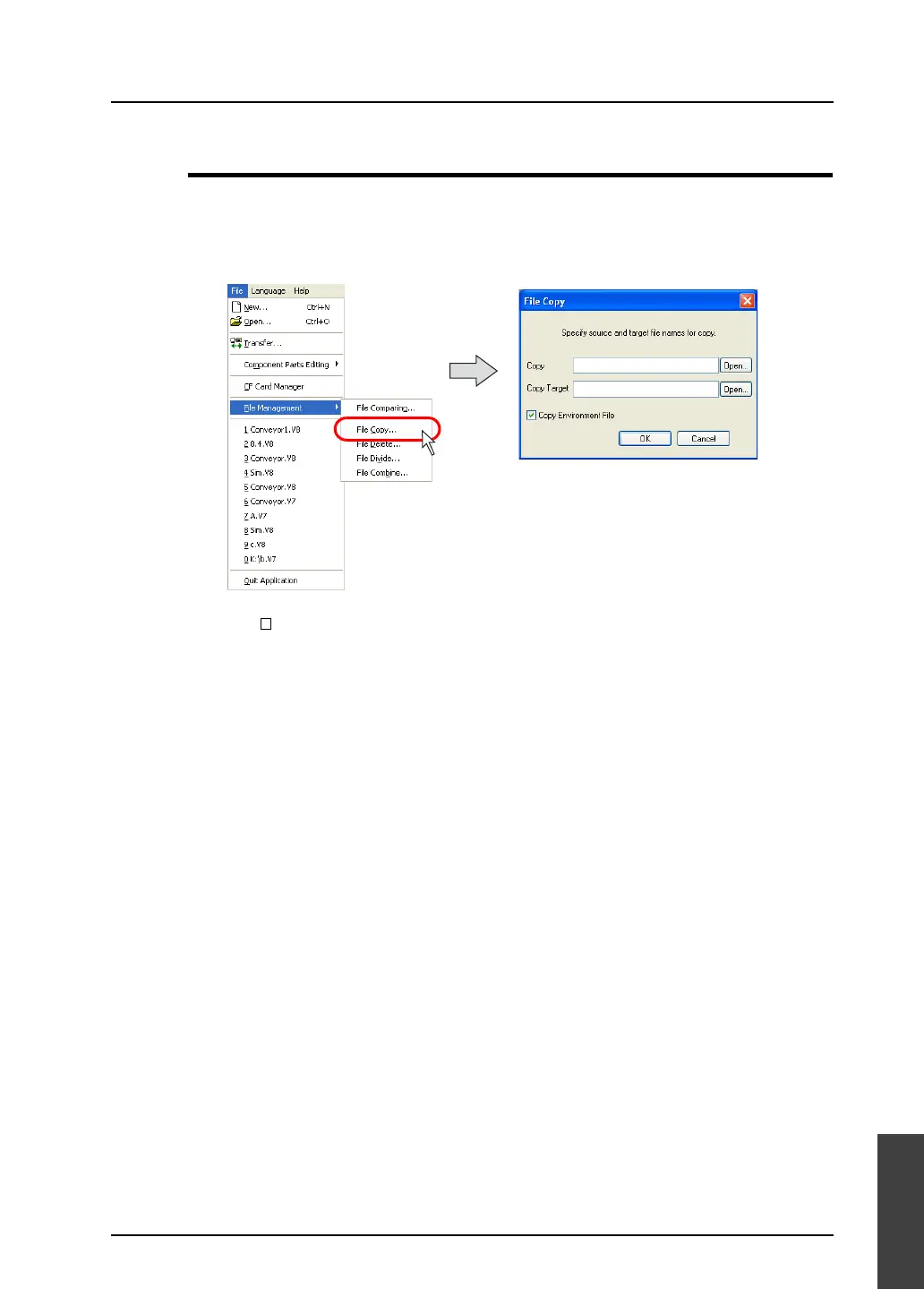
1. Select [File Managing] from the [File] menu.
2. Click [File Copy].
3. The [File Copy] dialog is displayed.
Specify the desired files for [Copy Source] and [Copy Target].
4. When [ Copy Environment File] is checked, the environment file for the copy source file (with
extensions “.env”) is also copied.
The environment file is not copied when unchecked.
5. Click [OK]. Copying is executed.



 To Next Page