8.6 Customizing the Toolbar
8-60
How to Change Order
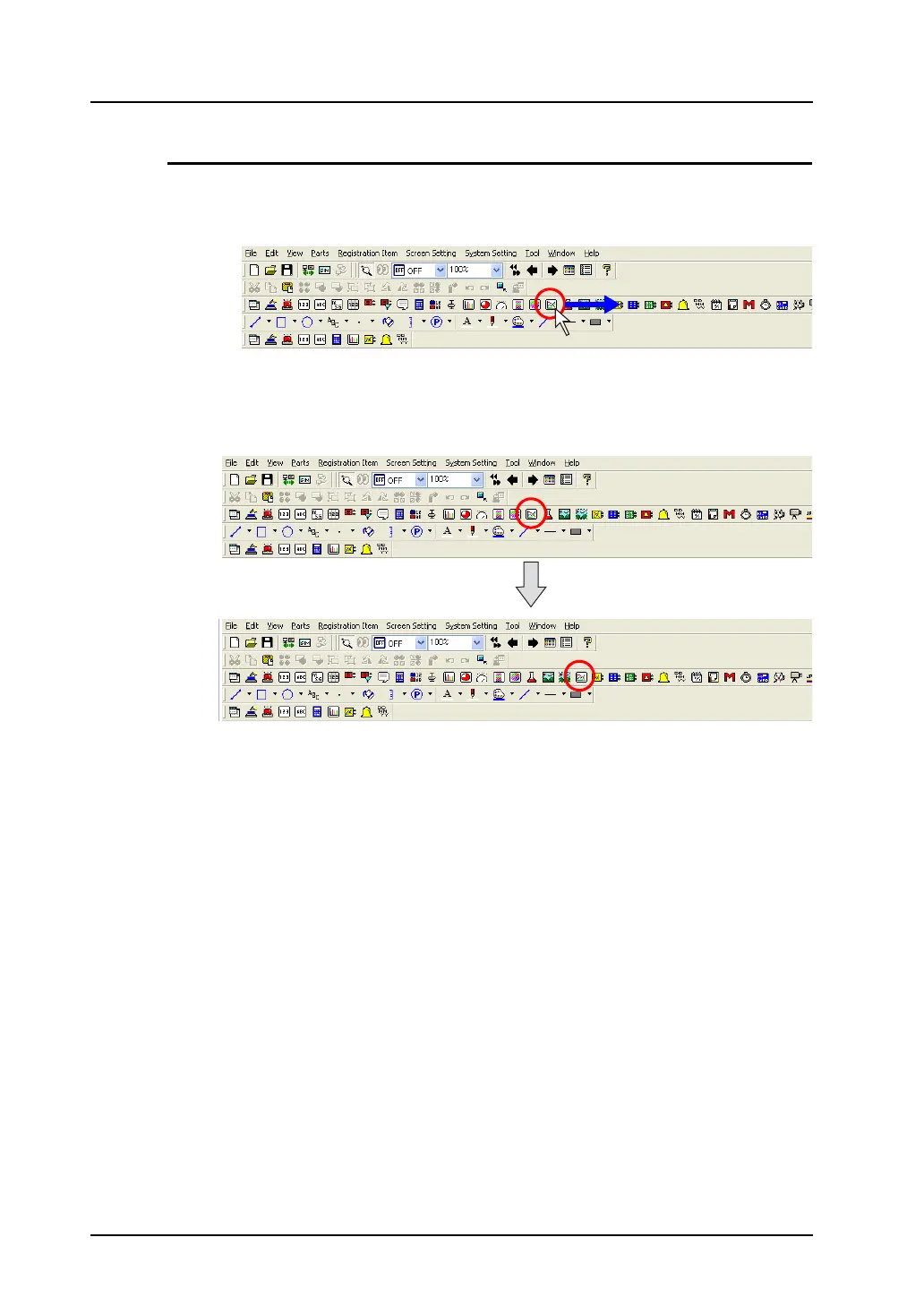
This section explains how to change the order of icons on the [Parts] toolbar as an example.
1. Hold down the Alt key and drag the [Trend] icon toward the desired direction.
2. The [Trend] icon is moved to the dragged point.
Hold down the Alt key and drag the icon
toward the desired direction.



 To Next Page