2.5 Toolbar
2-30
Overlap
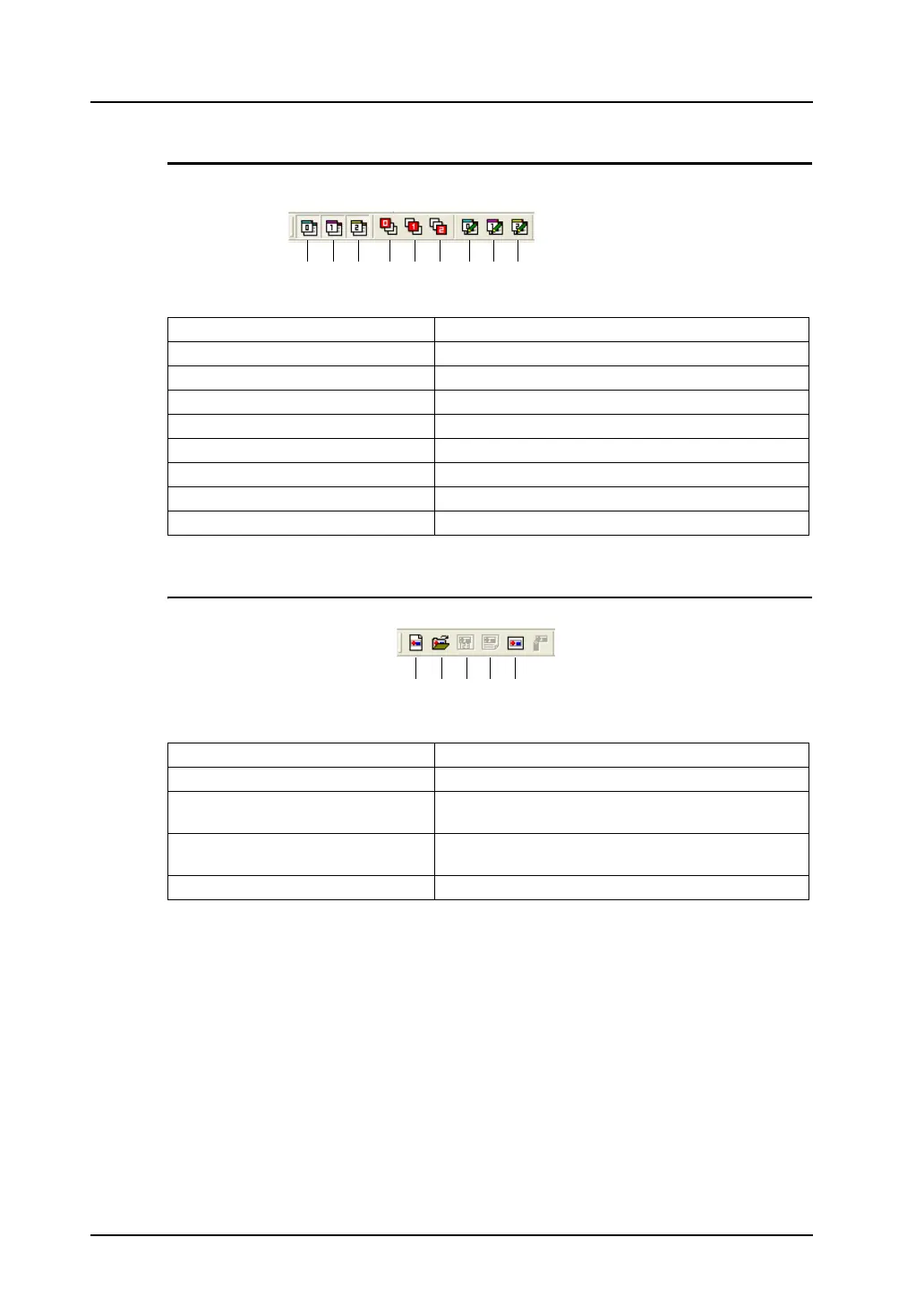
This toolbar is active only when the overlap display is placed.
Component Parts Editing
1. Overlap 0 Shows or hides overlap ID No. 0.
2. Overlap 1 Shows or hides overlap ID No. 1.
3. Overlap 2 Shows or hides overlap ID No. 2.
4. Bring Overlap 0 to Top Displays overlap ID No. 0 on the top.
5. Bring Overlap 1 to Top Displays overlap ID No. 1 on the top.
6. Bring Overlap 2 to Top Displays overlap ID No. 2 on the top.
7. Overlap 0 Edit Displays the normal overlap ID No. 0 editing screen.
8. Overlap 1 Edit Displays the normal overlap ID No. 1 editing screen.
9. Overlap 2 Edit Displays the normal overlap ID No. 2 editing screen.
1. New Opens a new component parts editing window.
2. Open Opens an existing component parts editing window.
3. Component Memory Table Displays the memory table in the component parts editing
window.
4. Component Text Table Displays the text table in the component parts editing
window.
5. Component Parts Places a component part on the screen.
1. 2. 3. 4. 5. 6. 7. 8. 9.
1. 2. 3. 4. 5.



 To Next Page