3.5 Color Types and Settings
3-42
Monochrome 16 Gray Scales
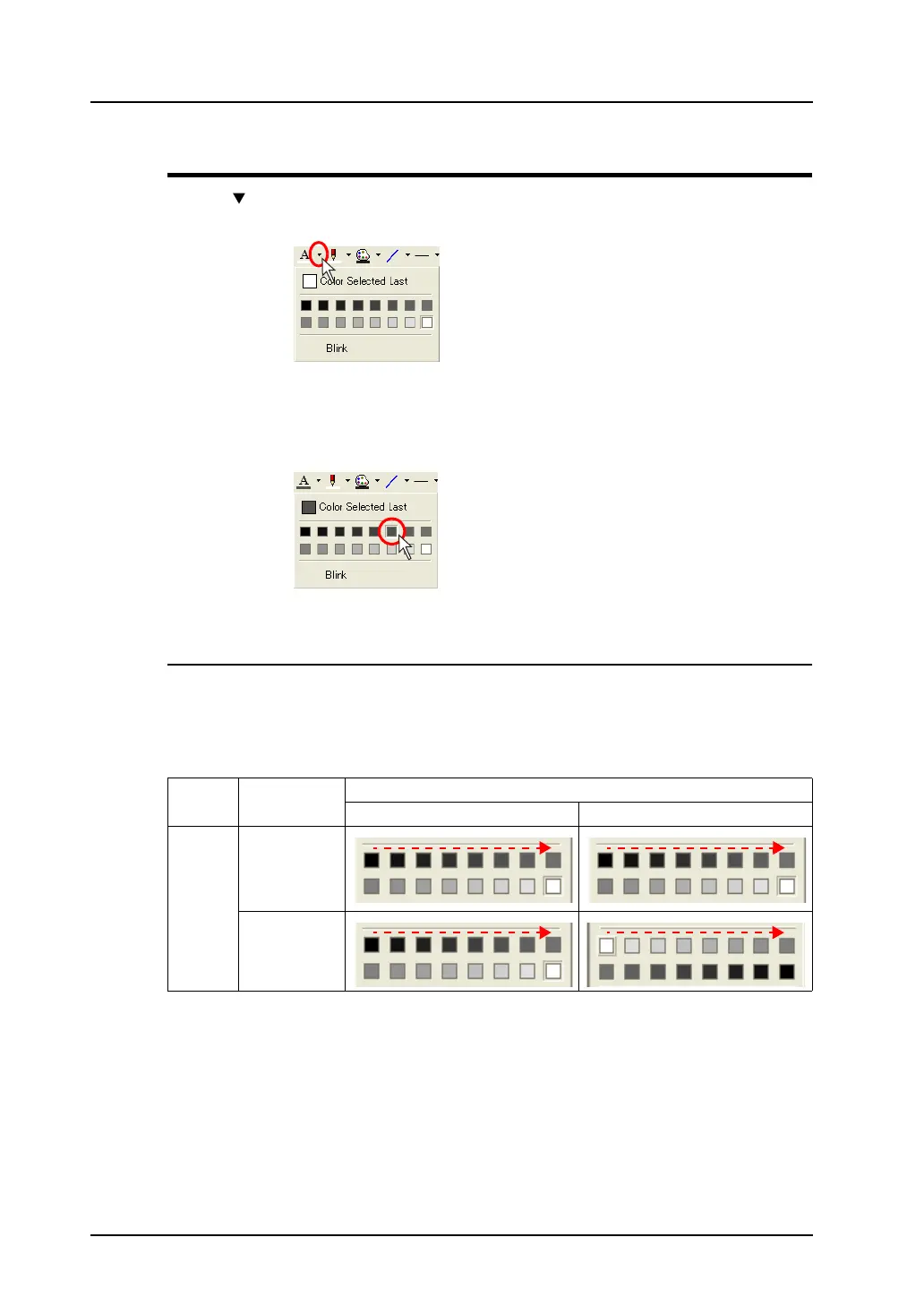
Click the “ ” button on the right of the color change icon or the color change button.
The pull-down menu for selecting a color is displayed.
Click your desired color in the pull-down menu.
The color clicked is applied as the color of the specified item(s) and/or the color change icon.
Monochrome-Type Colors
In the monochrome type, there may be slight differences between colors shown in 16-gradation colors
on the editor software and colors displayed on MONITOUCH.
Displayed colors will also vary, depending on which option, [Normal] or [Reversed Image], is selected
for [Display] (click [System Setting] → [Unit Setting] → [Backlight]).
Refer to the following table for details.
Model Display Place
[System Setting] → [Unit Setting] → [Backlight]
[Display: Normal] [Display: Reversed Image]
V806iM/
V806M
Editor
MONITOUCH
Click.
The foreground color is selected.



 To Next Page