5.7 Overlap Library
5-28
Item Placement on Overlap Display
For item placement on an overlap display, you may start the procedure from either of the following:
Method 1: Select the overlap.
Method 2: Bring up the [Overlap Edit] window.
The following explains method 1. For explanation of method 2, refer to “Item placement on overlap
display” page 3-67.
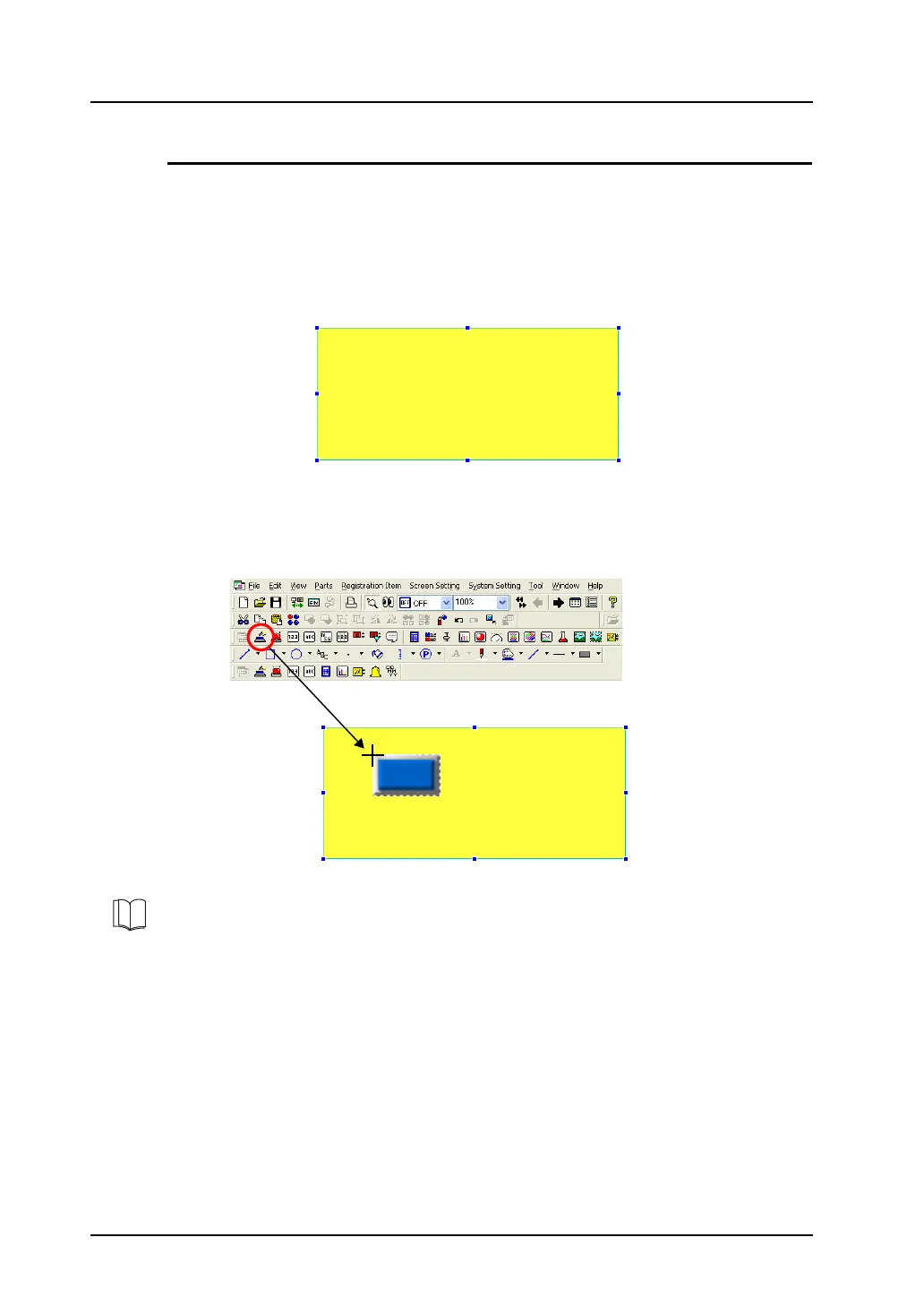
1. Select the normal overlap display part placed on the screen. Then, it is enclosed with the handle.
2. While the handle is displayed, click the [Switch] icon on the parts toolbar and move the cursor to
the screen.
Click the mouse on the overlap display.
A switch part is placed on the overlap display.
Place the switch part on the overlap display by moving and clicking the mouse.
For more information on other placement or editing procedures, refer to page 3-67.



 To Next Page