3.1 Editing Procedure
3-1
3
Screen Editing
3 Screen Editing
3.1 Editing Procedure
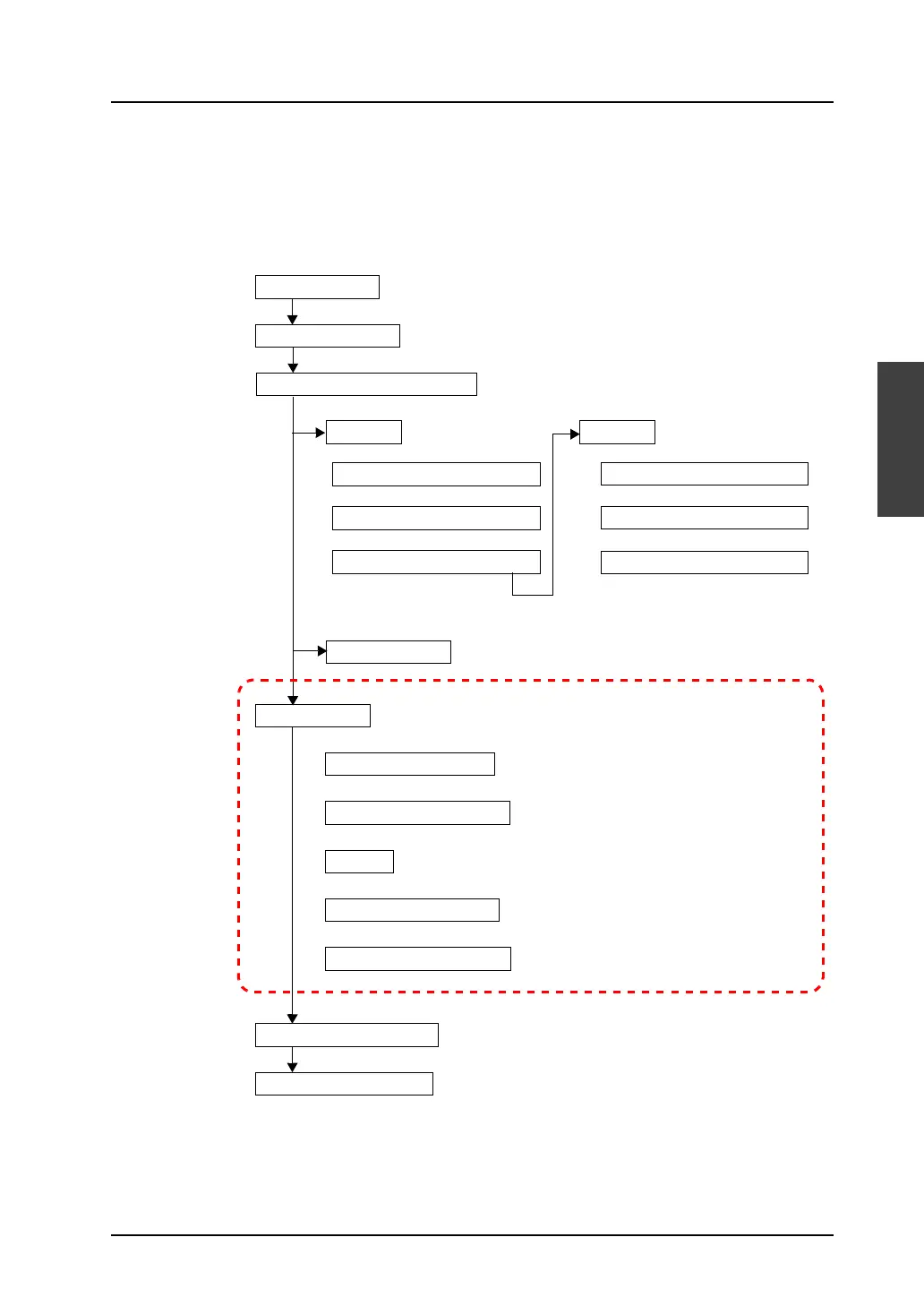
The following flowchart shows the procedure from creating a new screen data to transferring the
created screen data to the V8 series.
This chapter explains the setting procedures for the items in the above dotted frame.
Create a new file.
Select an edit model.
Edit screen data.
Background color setting
Editing environment setting
Drawing
Editing parts and items
Editing other libraries
Save the screen data file.
Transfer to MONITOUCH.
“3.2 Setting Up Editing Environment” page 3-2
“3.2 Setting Up Editing Environment” page 3-2
“4 Drawing” page 4-1
“3.6 Parts” page 3-45
“5 Registration Items” page 5-1
“6 Transfer with V8” page 6-1
Make device connection settings.
Model and target port selection
PLC1
Communication setting
Other settings
PLC2 -
Model and target port selection
Communication setting
Other settings
For setting PLC2 and after:
Read/write area
Refer to the V8 Series Connection Manual.



 To Next Page