5.11 Data Sheet
5-59
5
Registration
Data Sheet Environment Setting
Display Environment
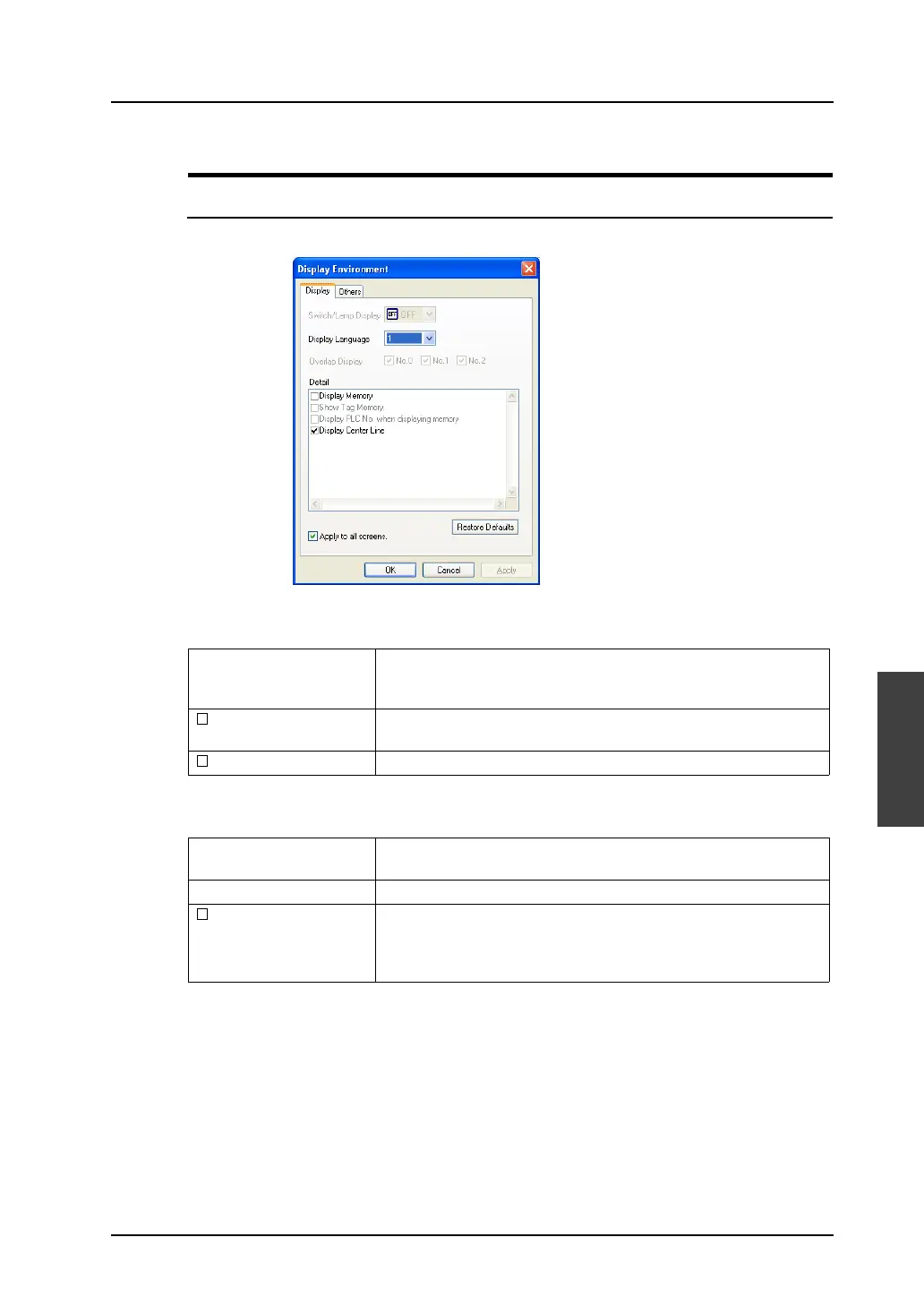
Clicking [Display Environment] from the [View] menu brings up the following dialog.
[Display] tab window
[Others] tab window
Display Language This option is active only when the language selection function is in
use.
Allows you to select the interface language number.
Display Memory When this option is checked, the memory set for each data display
part is displayed.
Display Center Line When this option is checked, the center lines are displayed.
Handle Color Allows you to select a color of handles shown around the selected
item.
Background Allows you to choose the background color around the editing area.
Margin Display When this option is checked, the space (margin) is created at the left
and the upper side of the editing area with the color set for [Margin
Color].
If you uncheck this option, the margin area disappears.



 To Next Page