6.6 Transfer Procedure (Using a Modem)
6-49
6
Transfer with V8
6.6 Transfer Procedure (Using a Modem)
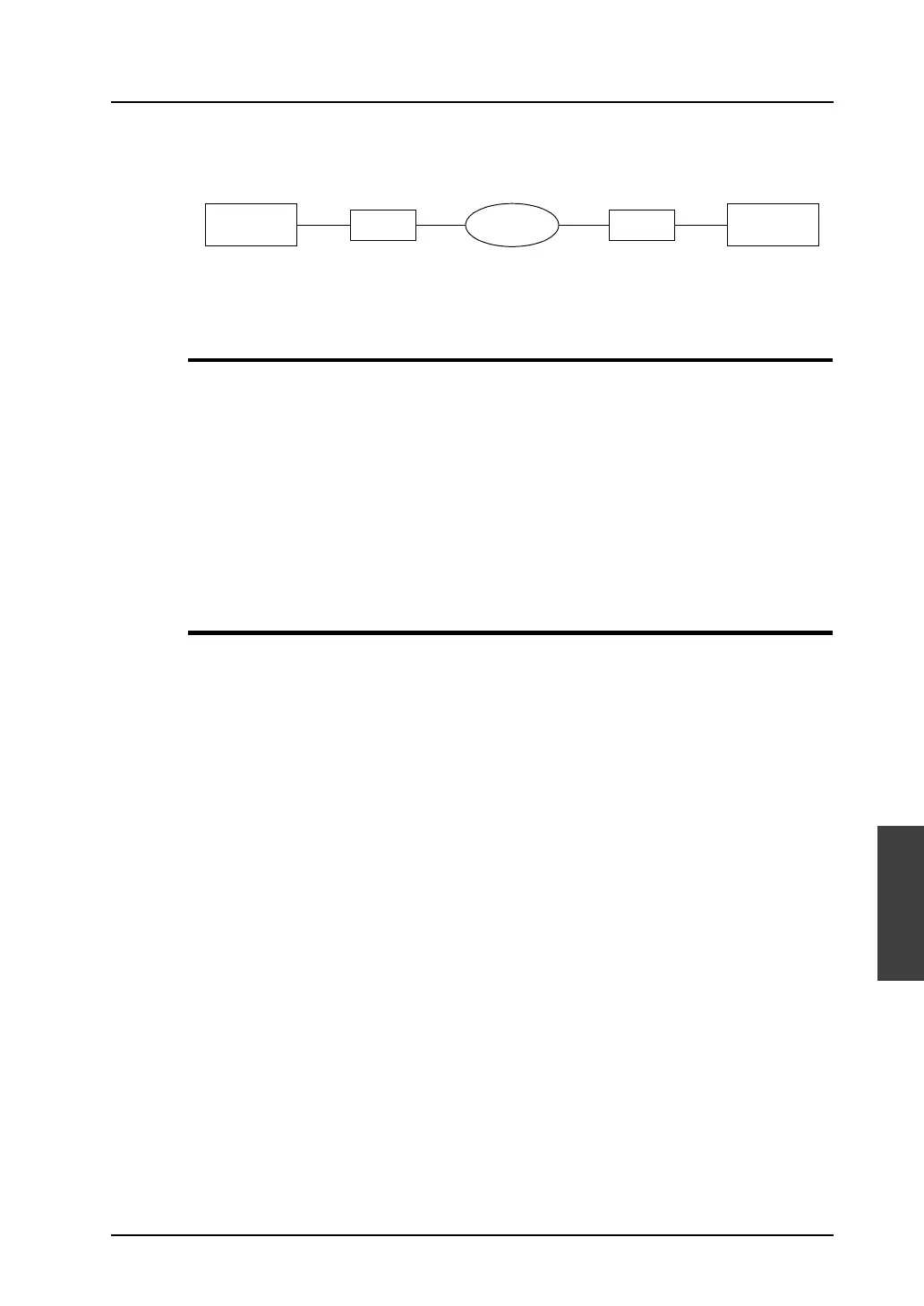
With modems, it is possible to transfer screen data to the V series in a remote place.
Preliminaries
Receive (V series) side
• Modem (Accessories: RS-232C cable, modular cable, AC adaptor)
•V-CP
• RS-232C cross cable (page 6-53)
• V-SFT or communication software (HyperTerminal, etc.)
Send (computer) side
• Modem (Accessories: RS-232C cable, modular cable, AC adaptor)
•V-SFT
Setting Procedure
Receive (V series) side
1. Connect the modem on the receive (V series) side to a computer according to the instruction
manual.
2. Transfer AT commands to the modem.
3. Disconnect the modem from the computer, and connect the modem to the V series. (Refer to
page 6-53.)
4. Set a baud rate used between the V series and the modem. (Refer to page 6-52.)
Send (computer) side
1. Connect the modem on the send (computer) side to a computer according to the instruction
manual.
2. Start up V-SFT. Transfer AT commands to the modem. (Refer to page 6-50.)
3. Make settings for communications between the computer and the modem. (Refer to page 6-54.)
4. Transfer the V-series screen data. (* On-line editing is not allowed.)
V series
Telephone
line
ComputerModemModem



 To Next Page