6.5 Transfer Procedure (Using a Card)
6-48
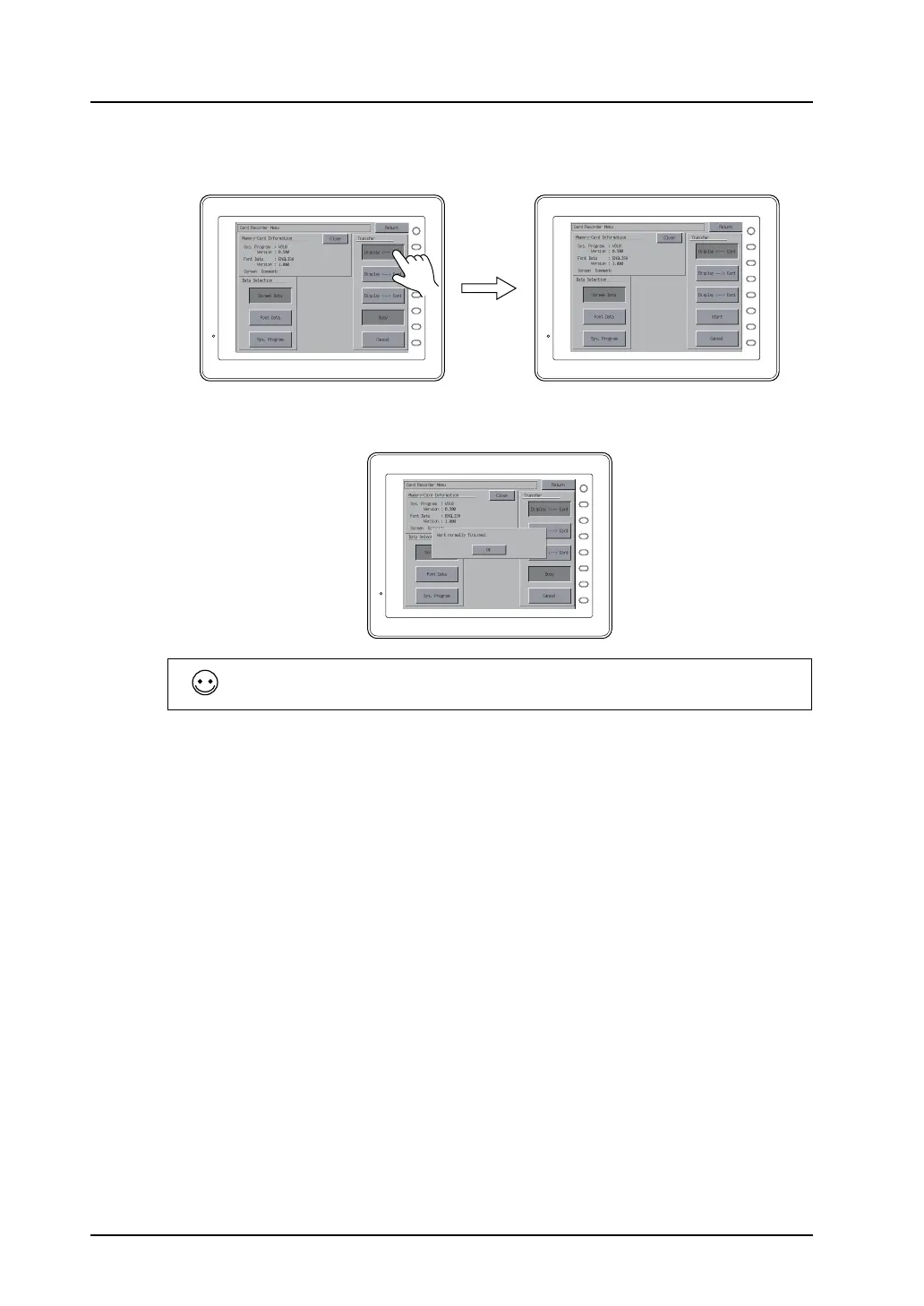
7) Select [Display <--- Card] in the [Transfer] field, and press the [Start] switch.
Data transfer is started. During data transfer, the [Start] switch changes into [Busy].
8) When the data transfer is completed, the following message is displayed.
Press the [OK] switch.
9) Press the [Return] switch. The Main Menu screen is displayed again.
Data transfer has been completed.
When the system program is transferred using the [Program] switch, the Main Menu screen is brought
up on completion of data transfer.
F 1
F 2
F 3
F 4
F 5
F 6
F 7
SYSTEM
F 1
F 2
F 3
F 4
F 5
F 6
F 7
SYSTEM
F 1
F 2
F 3
F 4
F 5
F 6
F 7
SYSTEM



 To Next Page