Parts Editing
A3-13
A3
Parts Editing
Pie Graph
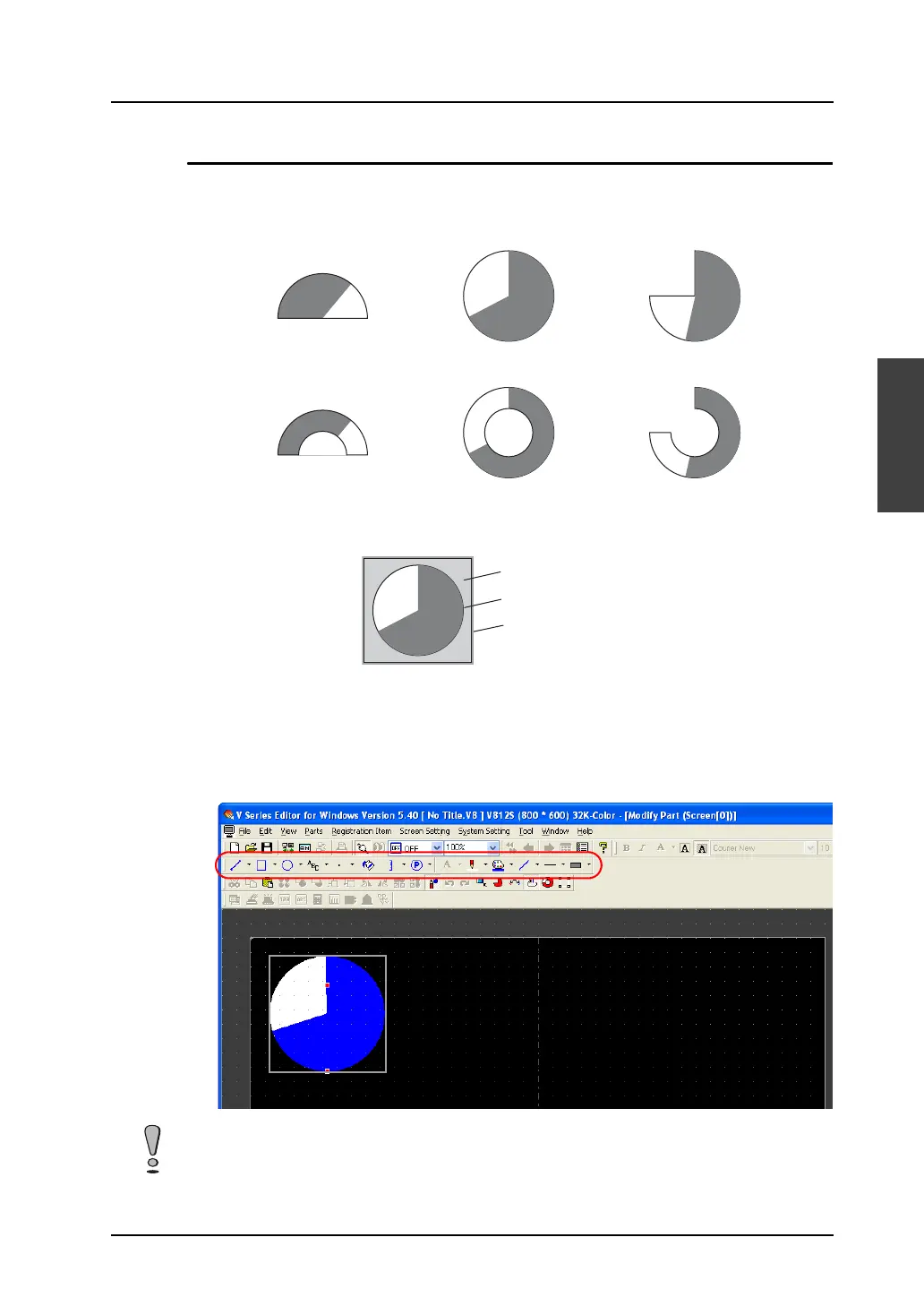
Pie graph parts are divided into the following types.
Structure
Procedure
1. Select the pie graph part you wish to edit, and open the [Modify Part] window.
2. Using drawing icons etc., edit its design as desired.
For editing procedure with icons, refer to “4 Drawing” page 4-1.
For how to edit pie graph parts, refer to “Icons dedicated to pie graph editing” (page A3-14).
Symmetrical without
internal circle
Circle without internal circle Asymmetrical without
internal circle
Symmetrical with
internal circle
Circle with internal circle Asymmetrical with
internal circle
Graphic data
Part basic area
Frame (part area)
Ex.) Circle without internal circle
Minimum permissible sizes are designated for pie graph parts.
• For a pie graph part without internal circle, the minimum radius is set to 16 dots.
• For a pie graph part with internal circle, the minimum radius of the internal circle is set to 10 dots,
and the minimum difference between the radii of the internal circle and the external circle is set to
16 dots.



 To Next Page