6.2 Type of Transferred Data
6-6
System Program File
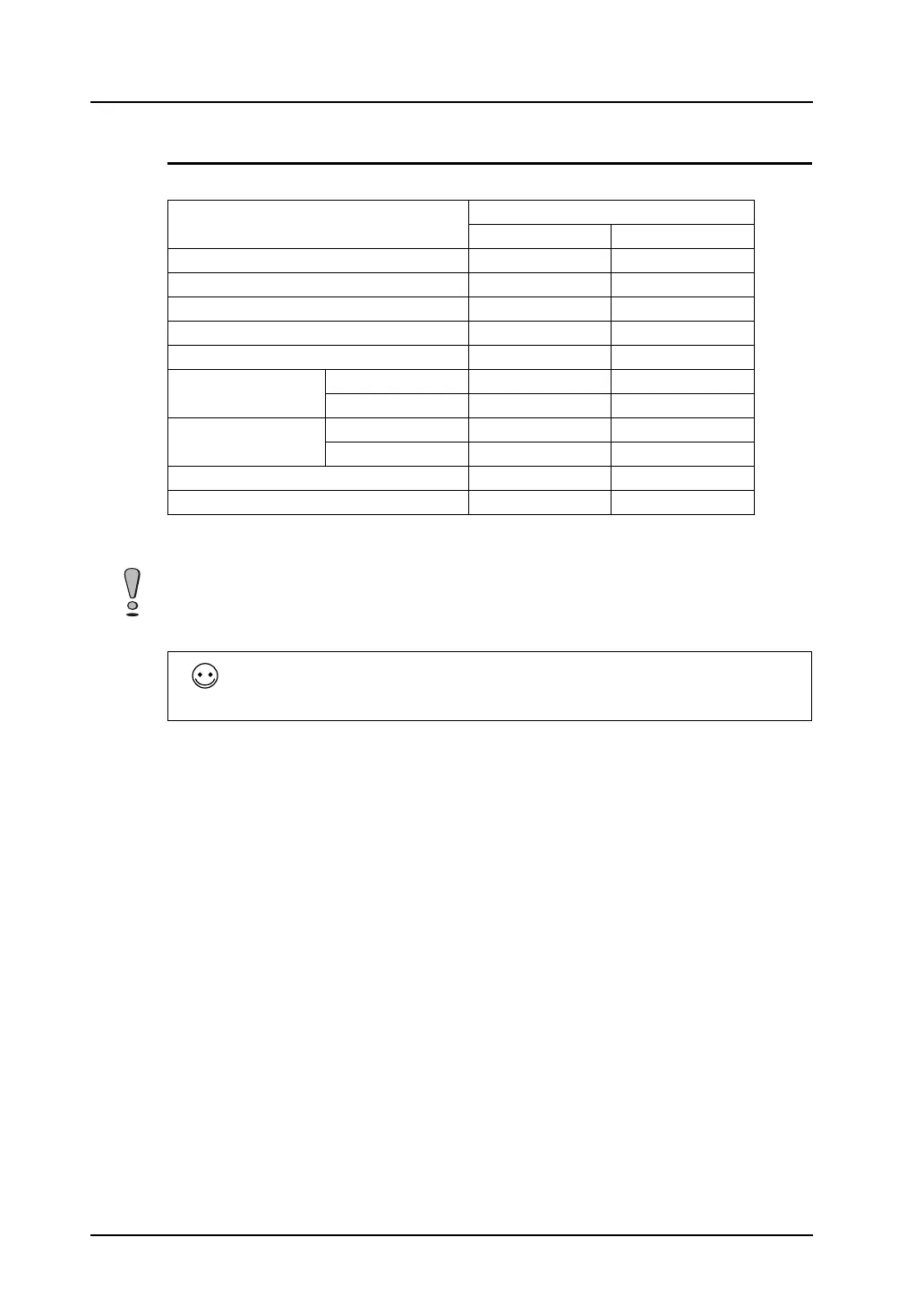
The following table shows the system program files corresponding to each MONITOUCH model.
Normally, it is not necessary to transfer the files above.
Files are transferred to update a program or the entire MONITOUCH system.
MONITOUCH Model
Program File
Normal Mode 128-color Mode
V815iX V8150.prg -
V812(i)S/V810(i)S V8120.prg V81202.prg
V810(i)T V8100.prg V81002.prg
V810(i)C V8100C.prg V8100C2.prg
V808(i)S V8080.prg V80802.prg
V808(i)C Landscape V8080C.prg V8080C2.prg
Portrait V8080CV.prg -
V806(i)T/V806(i)C Landscape V8060.prg V80602.prg
Portrait V8060V.prg -
V806M V80602.prg -
V808(i)CH V8080CH.prg V8080CH2.prg
Keep the power on during system program transfer. Shutting off the computer may causes errors to
MONITOUCH.
To update the entire system, it is recommended to use [System Update].
In this case, however, executing [System Update] re-transfers the whole system file so you may have
to transfer the screen data again.
As a basic procedure, transfer the screen data after executing [System Update].



 To Next Page