8.2 Emulator
8-35
8
Useful Functions
Operation
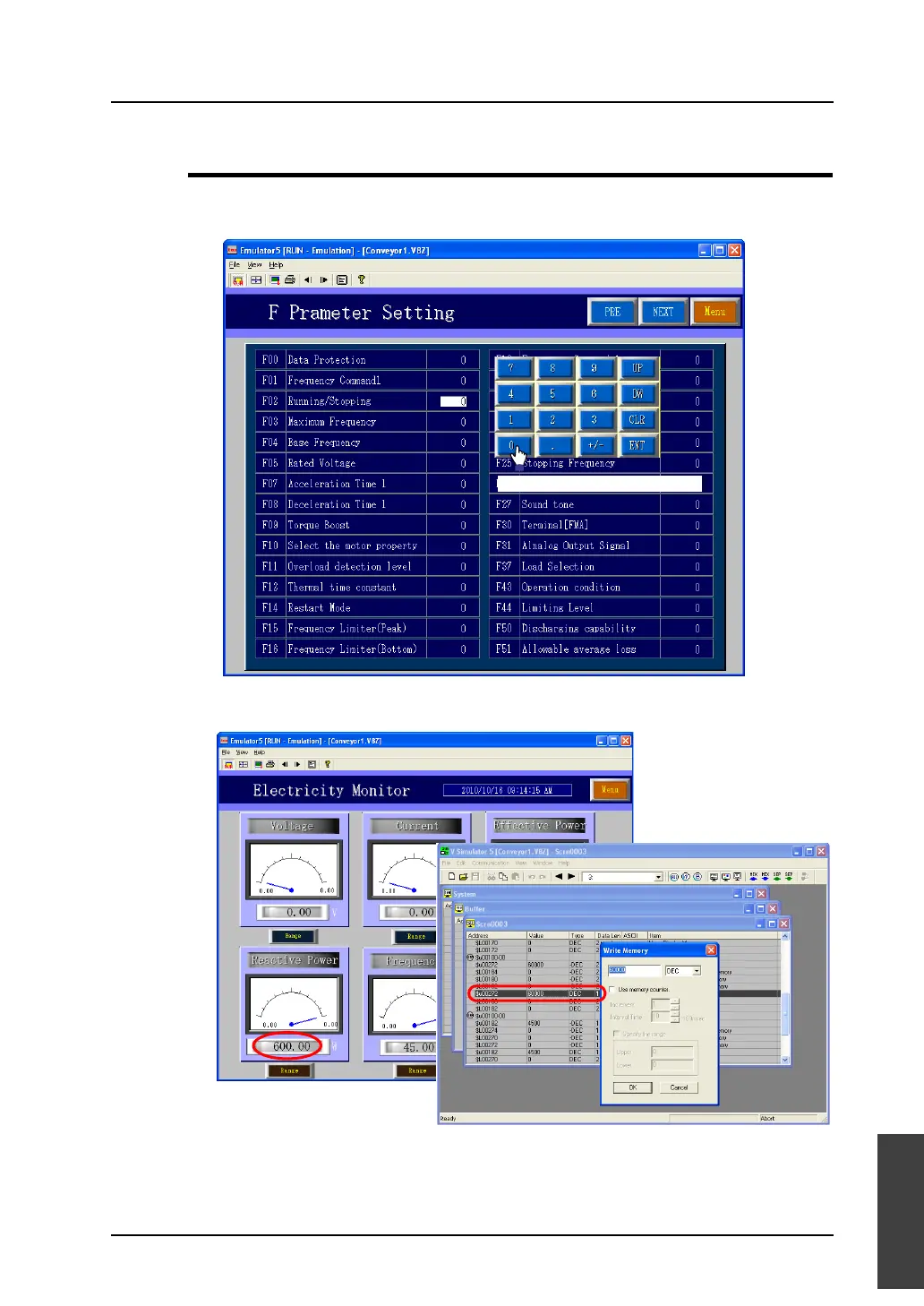
1. When you click on a switch part on the screen displayed on Emulator, the switch reacts in the
same way as it reacts on MONITOUCH.
2. To change the setting value for the connected device, use Simulator.
For more information on operating Simulator, refer to “8.1 Simulator” (page 8-1).
The switch is activated by clicking.



 To Next Page