3.5 Color Types and Settings
3-41
3
Screen Editing
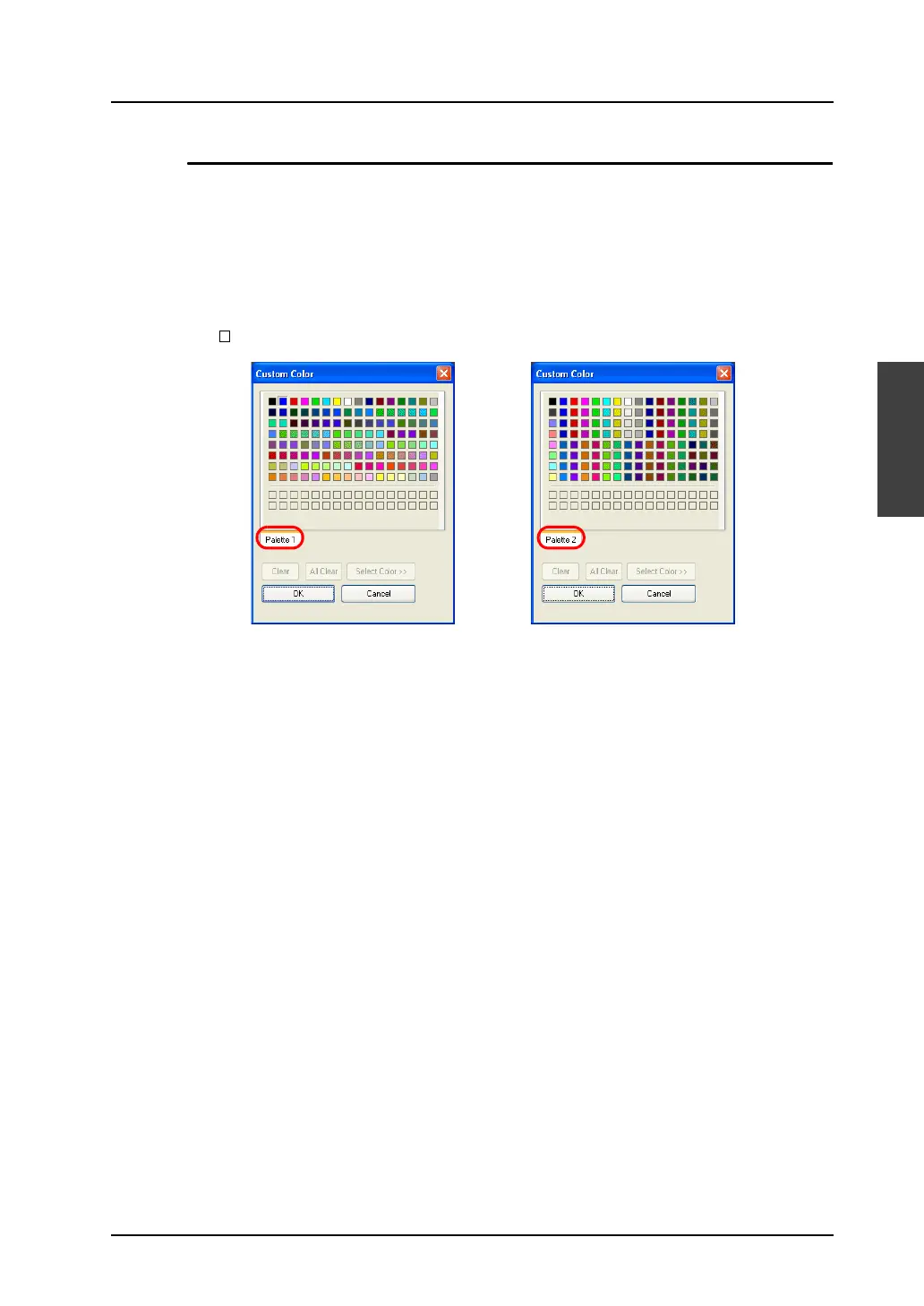
[Custom Color] Dialog for 128-color Type
The [Custom Color] dialog enables you to select colors from 128 colors.
[Palette 1] or [Palette 2] is displayed in the dialog.
• [Palette 1]
Gives the palette of the basic 128 colors.
• [Palette 2]
Gives the palette for 3-D parts.
(To show [Palette 2], click [System Setting] → [Unit Setting] → [General Settings] and check
[ Use 3-D Parts].)
Click a desired color and [OK]. Then the graphic is displayed in the selected color.



 To Next Page