3.8 Useful Functions for Screen Editing
3-96
Right-click Menu (with No Item Selected)
The right-click menu provides the following menu items:
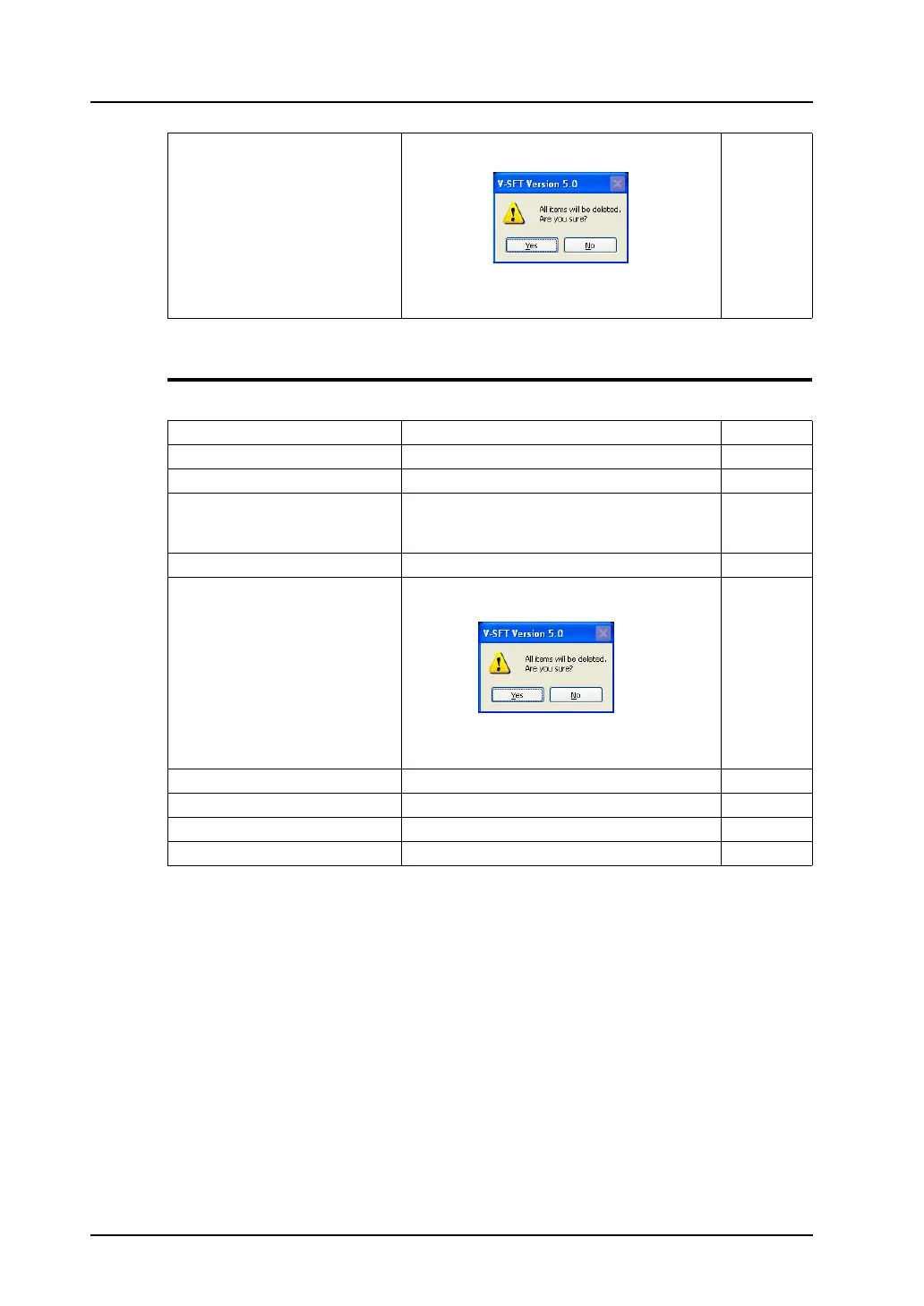
Delete All Clicking this brings up the dialog shown below.
When [Yes] is clicked, all items are deleted from
the screen.
−
Edit Content Refer to:
Paste Pastes the item in the clipboard to the screen. −
Undo Cancels actions performed. −
Redo Becomes active when [Undo] is performed. This
menu item restores the screen to the state
before the execution of [Undo].
−
Select All Selects all items placed on the screen. −
Delete All Clicking this brings up the dialog shown below.
When [Yes] is clicked, all items are deleted from
the screen.
−
Grid − page 3-3
Customize Shows/hides the center lines. −
Overlap Display Shows/hides a normal overlap. page 3-98
Overlap Editing Allows you to enter into overlap editing. page 3-67



 To Next Page