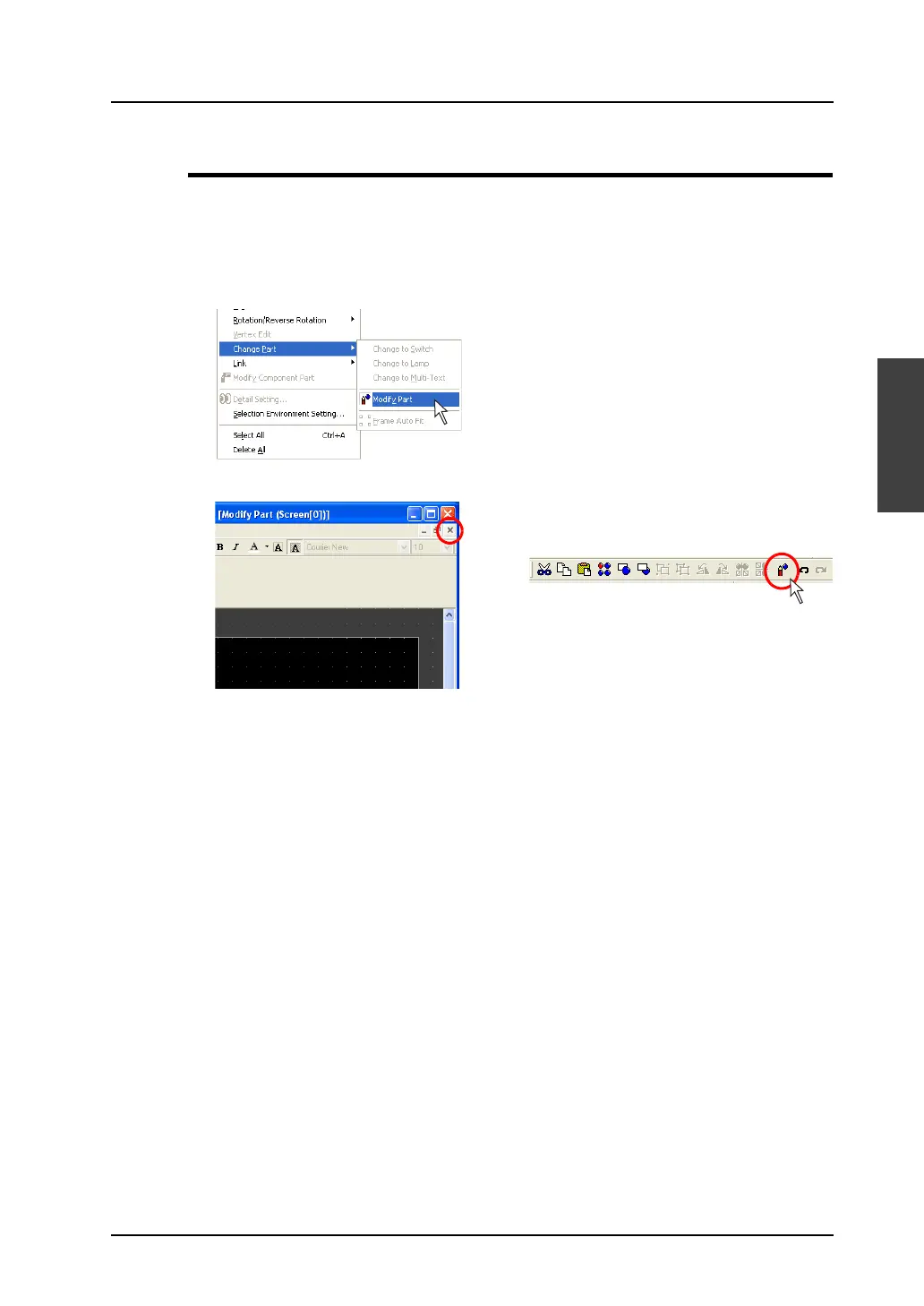
Calling the [Modify Part] Window
A3-3
A3
Parts Editing
Closing
1. When the part editing is completed, close the [Modify Part] window by any of the following
procedures:
• Click [Edit] → [Change Part]→ [Modify Part].
• Click the [x] mark at the upper right.
• Click the [Modify Parts] icon on the toolbar.
2. Go back to the previous screen.
OR



 To Next Page