8.1 Simulator
8-26
Test Example
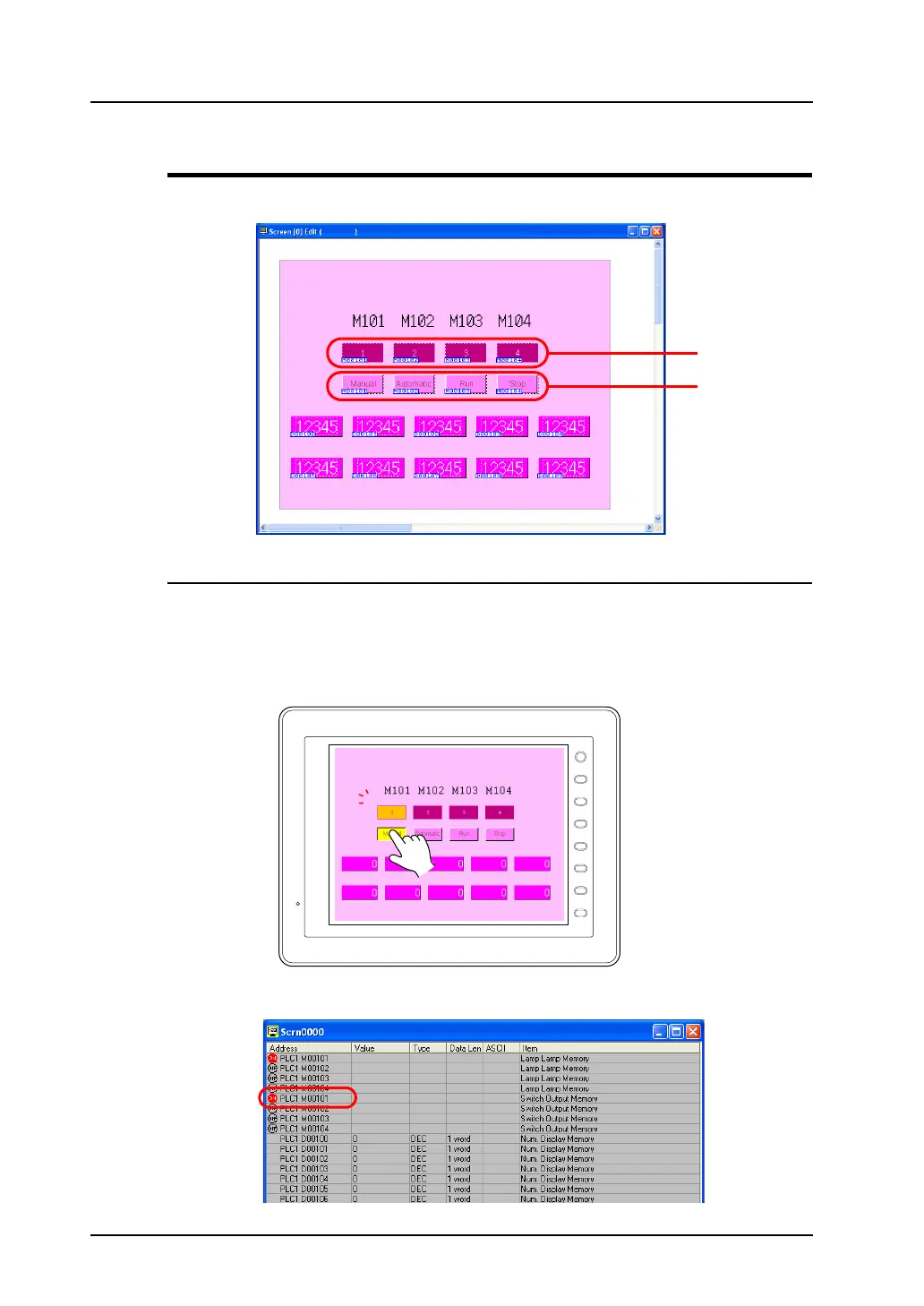
Testing will be explained using the screen shown below as an example.
Testing Bit Access Device
From the V8 series to Simulator
Use Simulator to check the output signal. As an example, M101 is allocated to the [Auto] switch on the
extreme left as an output memory.
1. Press the [Auto] switch on the extreme left of the V series.
2. M0101 will turn on at Simulator. The left icon will change from [OFF] to [ON].
Lamp
Switch
F 1
F 2
F 3
F 4
F 5
F 6
F 7
SYSTEM



 To Next Page