4.2 Attribute Setting Icon
4-4
4.2 Attribute Setting Icon
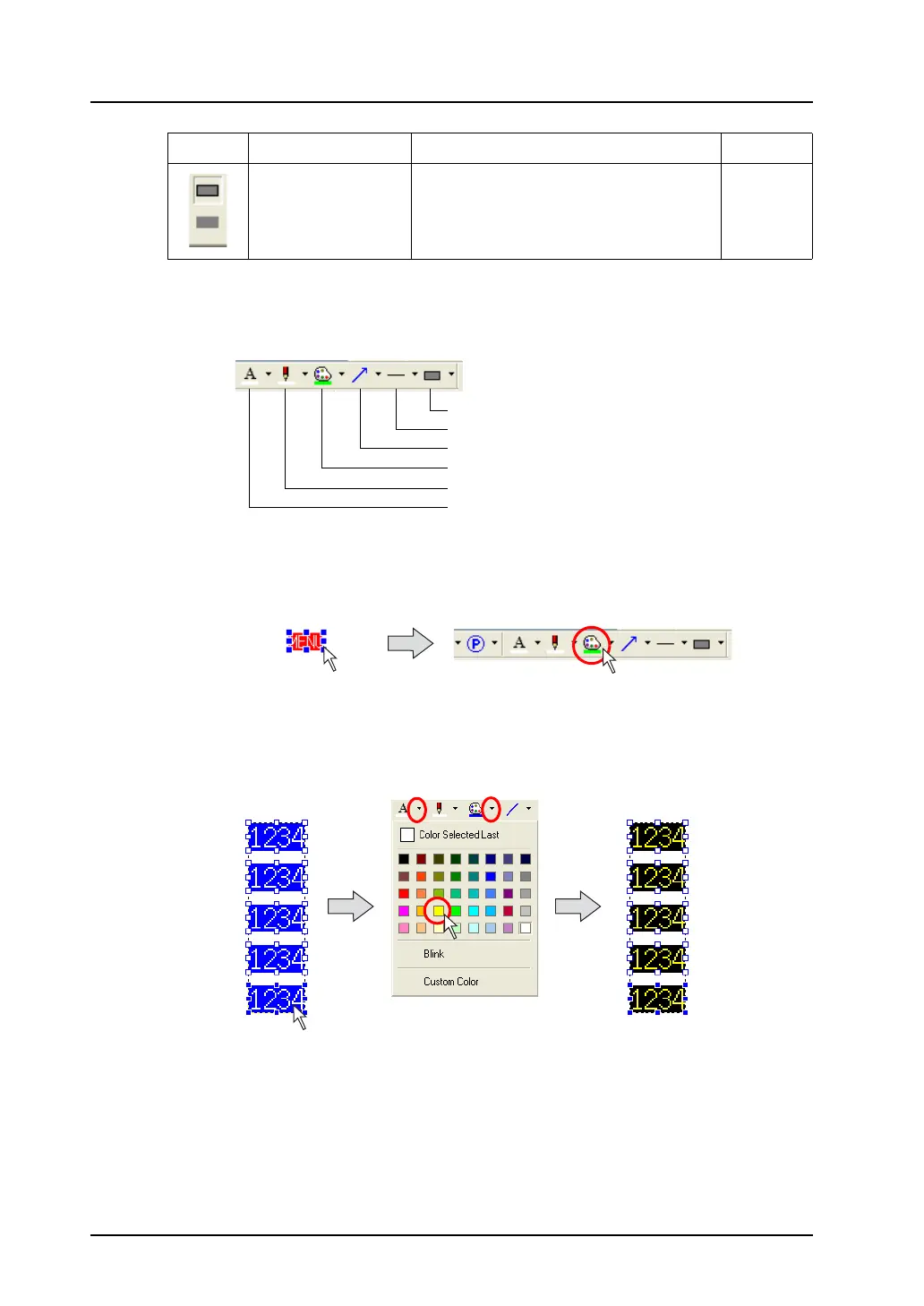
The drawing toolbar contains the following attribute setting icons.
An attribute which is set before drawing graphics affects all new graphics you draw.
To change attributes after drawing graphics, set each attribute while the target graphic is selected.
If the attribute setting icon is used while multiple graphics are selected, the attributes of all graphics
selected can be changed at one time.
Frame Type Allows you to select a frame type for box or
circle.
page 4-10
Icon Item Content Refer to:
Frame Type
Line Type
Arrow Type
Paint Color/Background Color
Line Color/Frame Color
Character Color
Click.
Click the attribute setting icon on the toolbar.
= changing color
Drag the mouse enclosing
all of the parts to be
changed.
Select a foreground color and
a background color.
The color is changed.



 To Next Page