7.1 Overview
7-5
7
Print
To go back to the former [Option Setting] dialog, click [OK].
Print Format
* The print formats described above are always active for any items to be printed out.
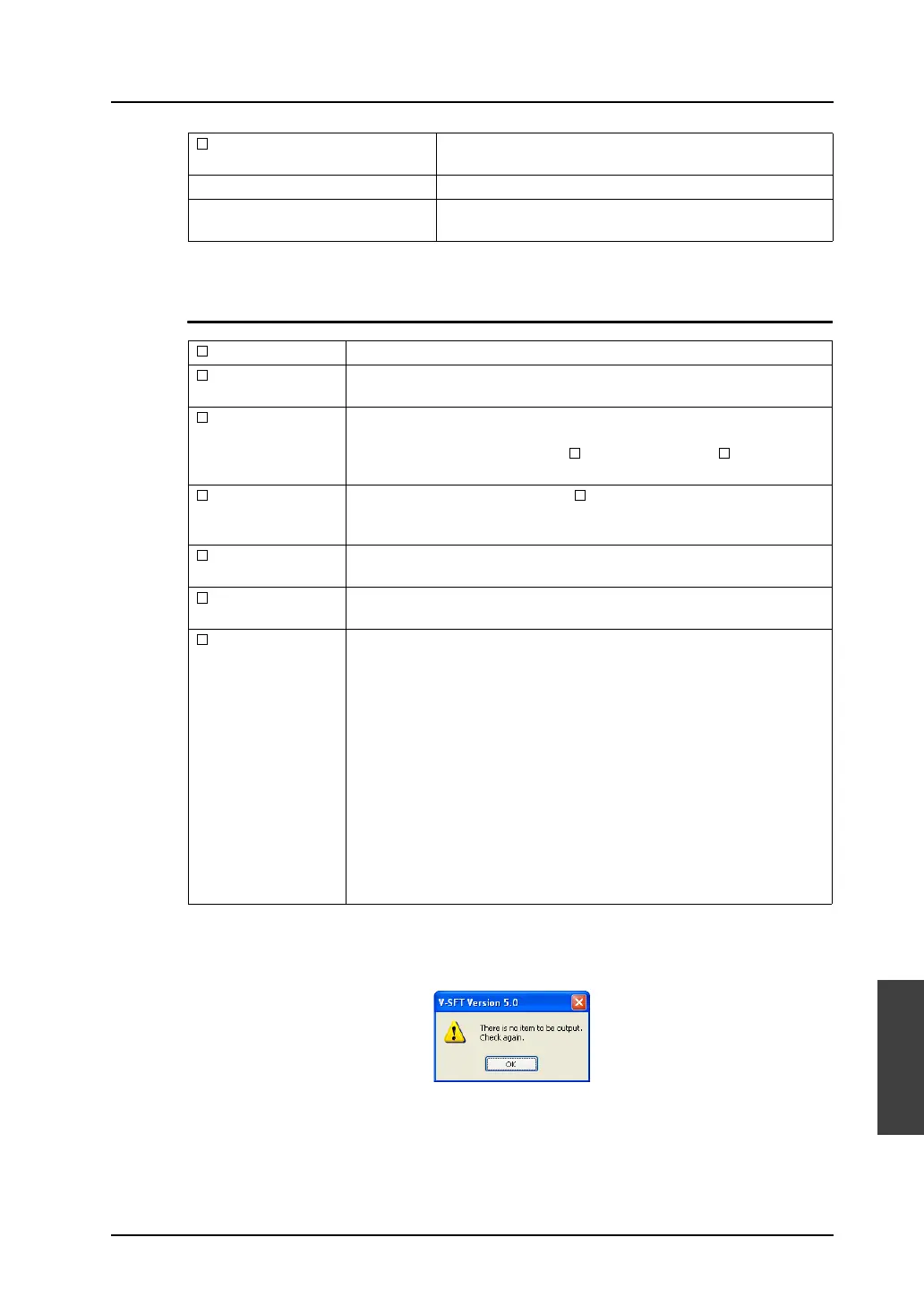
However, for the item that cannot be printed in the selected print format, the following
message appears when [Execute] is clicked.
When this message is displayed, make sure that the item to be printed and the print format
are correctly selected.
Click [Execute] to complete the setting. Printing is started.
To cancel the printing, click the [Cancel] button.
List of Memory Use Check this option to print items registered in the screen data
file.
Check All Clicking this button checks all options enabled.
Uncheck All Clicking this button unchecks all options that have been
checked.
Screen Output Screen images are printed.
List Output Items set for the screen are printed. (For the printed image, refer to page
7-7.)
Table Print The table of screen images is printed. (For the printed image, refer to page
7-8.)
When this option is checked, the [ Screen Output] and [ List Output]
options are prohibited.
Reverse Image This option becomes active when [ Screen Output] is checked.
The screen is printed in reverse video.
Only the white and black portions are reversed.
Simple Output If the printed screen data is difficult to see, check this box. Legibility may
be improved.
Display Icon Check this option when you wish to additionally print the icons of overlaps
or items.
Use
Cross-reference
The memory addresses allocated in the screen library or overlap library are
printed out together with each registered item. (For the printed image,
refer to page 7-10.)
This option is valid for the following items.
Message:
When messages are printed out, memory addresses set for the bit
order alarming are also printed.
Graphic Library:
When the graphic library is printed, memory addresses set for the
graphic relay are also printed.
Page Block/Direct Block/Screen Block:
When the page block, direct block or screen block is used for the alarm
sub display and is printed, the corresponding bit memories are also
printed out.



 To Next Page