Font Types
A1-3
A1
Font
Distinguishing Fonts on MONITOUCH
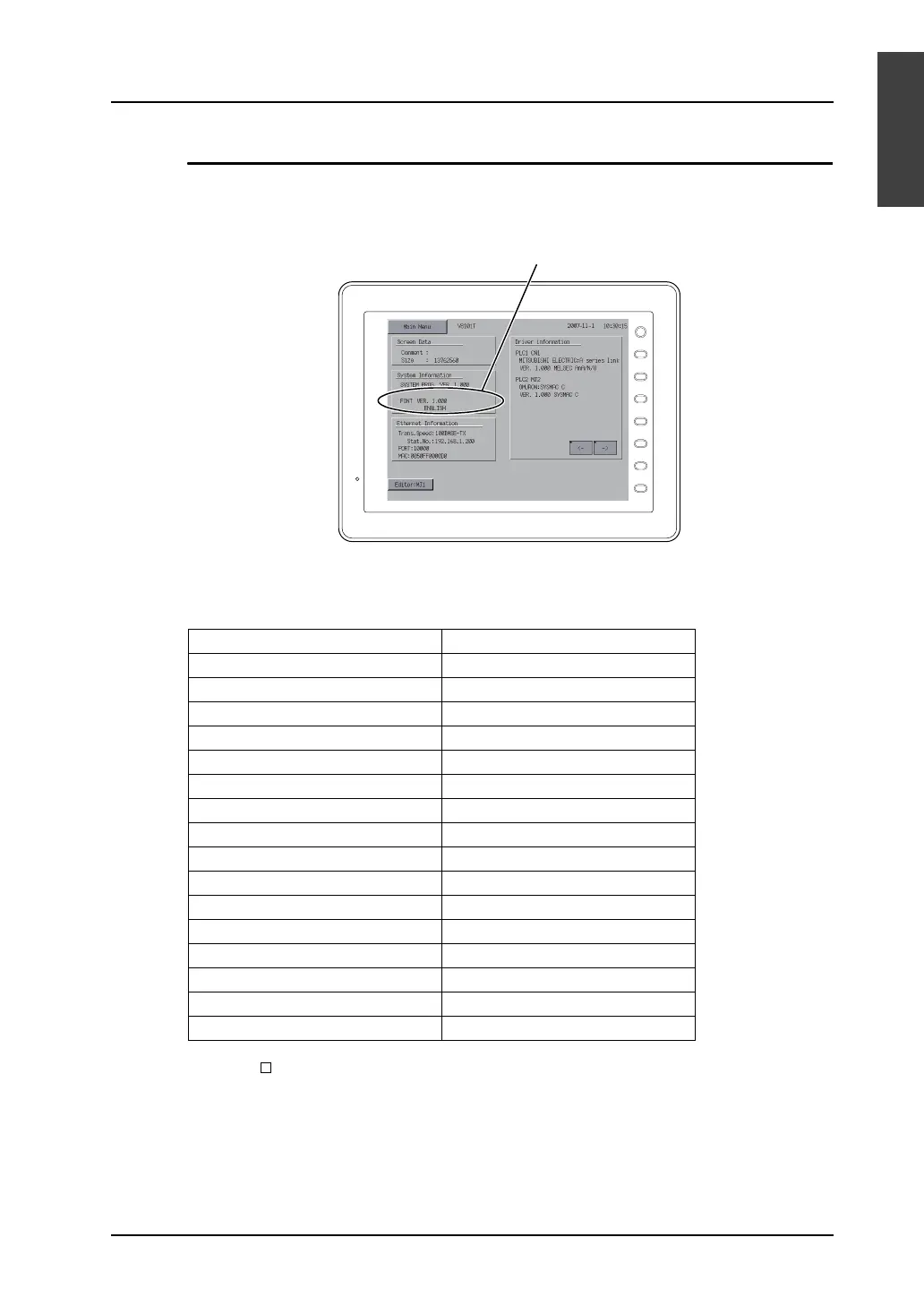
You can see which font is in use on MONITOUCH.
The font name is displayed in the following position on the Main Menu screen displayed on
MONITOUCH.
Font names
The following font names are displayed on the Main Menu screen:
* When [ ISO Code] is checked in the [Font Setting] dialog, “CP” disappears from the Main Menu
screen.
Fonts On the Main Menu Screen
Japanese JAPANESE
Japanese 32 JAPANESE 32
English/Western Europe ENGLISH
Chinese (Traditional) CHINESE (TRAD.)
Chinese (Simplified) CHINESE (SIMP.)
Korean KOREAN
Gothic HA Gothic
Gothic (IBM Extended Character) HA Gothic (IBM)
English/Western Europe HK Gothic HK Gothic
English/Western Europe HK Times HK Times
Central Europe Central Euro. CP *
Cyrillic Cyrillic CP *
Greek Greek CP *
Turkish Turkish CP *
Baltic Baltic CP
Two or more selected from the above MULTI LANG
F 1
F 2
F 3
F 4
F 5
F 6
F 7
SYSTEM
Font setting of screen data



 To Next Page