Notes
A2-26
Color Pallets
* For 128-color type only
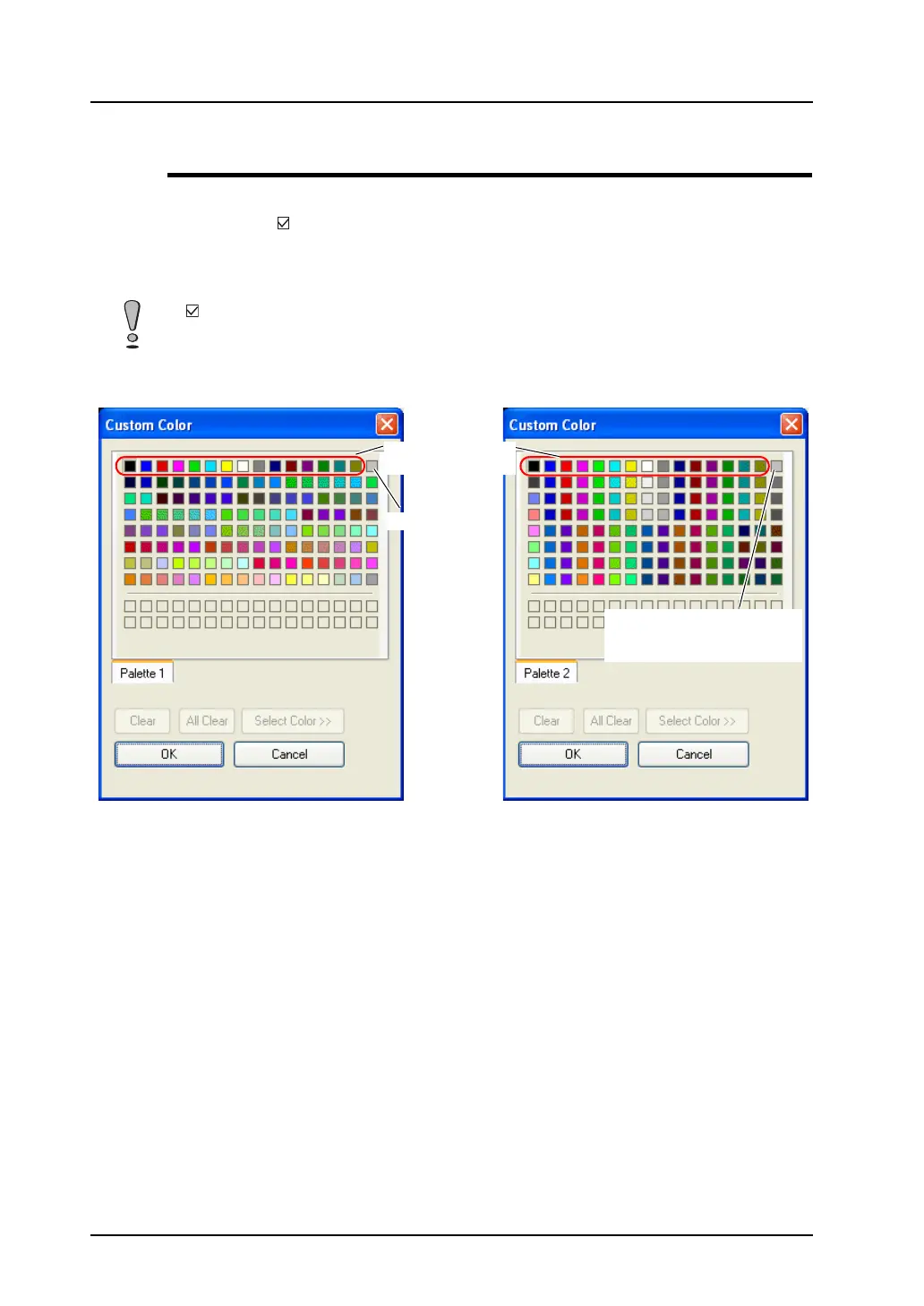
In a case where [ Use 3D Parts] is checked ([System Setting] → [Unit Setting] → [General Settings]),
the pallet file to be loaded is the one for 3D parts used for the 128-color type of the V7 series or earlier
(V710C/V708C/V6 series). When this option is unchecked, the conventional color pallet file will be
loaded instead. Therefore, the colors set for 3D parts, other than the basic 15 colors, will vary.
If [ Use 3D Parts] is unchecked for any created screen, it is displayed in colors that vary from the
previously set colors.
Silver gray
The color of silver gray is made
slightly brighter in the color
pallet for 3D parts.
Color palette for 3D parts
Conventional color palette
Basic 15 colors in
common use



 To Next Page