5.3 Screen
5-3
5
Registration
5.3 Screen
A screen is an editing window to be opened at start-up of the editor software.
Calling a Screen
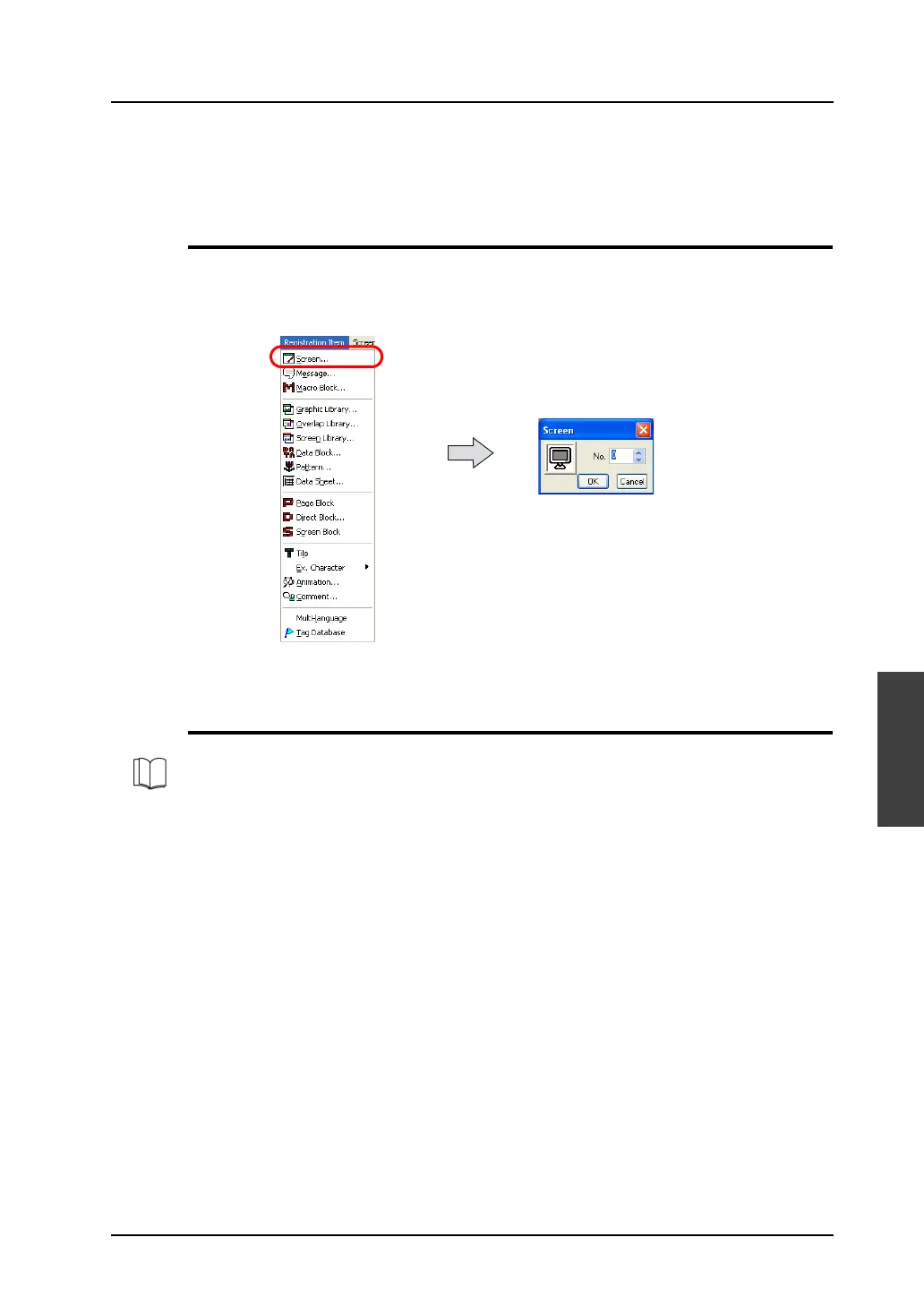
To go to a different screen from the current screen or while a different registration item window is
opened, select [Screen] from the [Registration Item] menu.
(Alternatively, you can call the screen from the [Screen] menu in Project View.)
The [Screen] dialog is displayed. Specify the screen number to be opened and click [OK].
Screen Editing
Refer to each individual chapter in this manual for editing a screen.
For limitations on screen editing such as a limited number of parts, refer to “2.6 Screen Composition”
(page 2-31).



 To Next Page