5.6 Graphic Library
5-14
Graphic Library Editing
Use this drawing toolbar for graphic library.
Except for the points below, the editing procedure using the drawing toolbar is the same as the
procedure for screens.
This section explains the graphic editing procedure specific to the graphic library.
Offset Position Setting
Outline of offset position
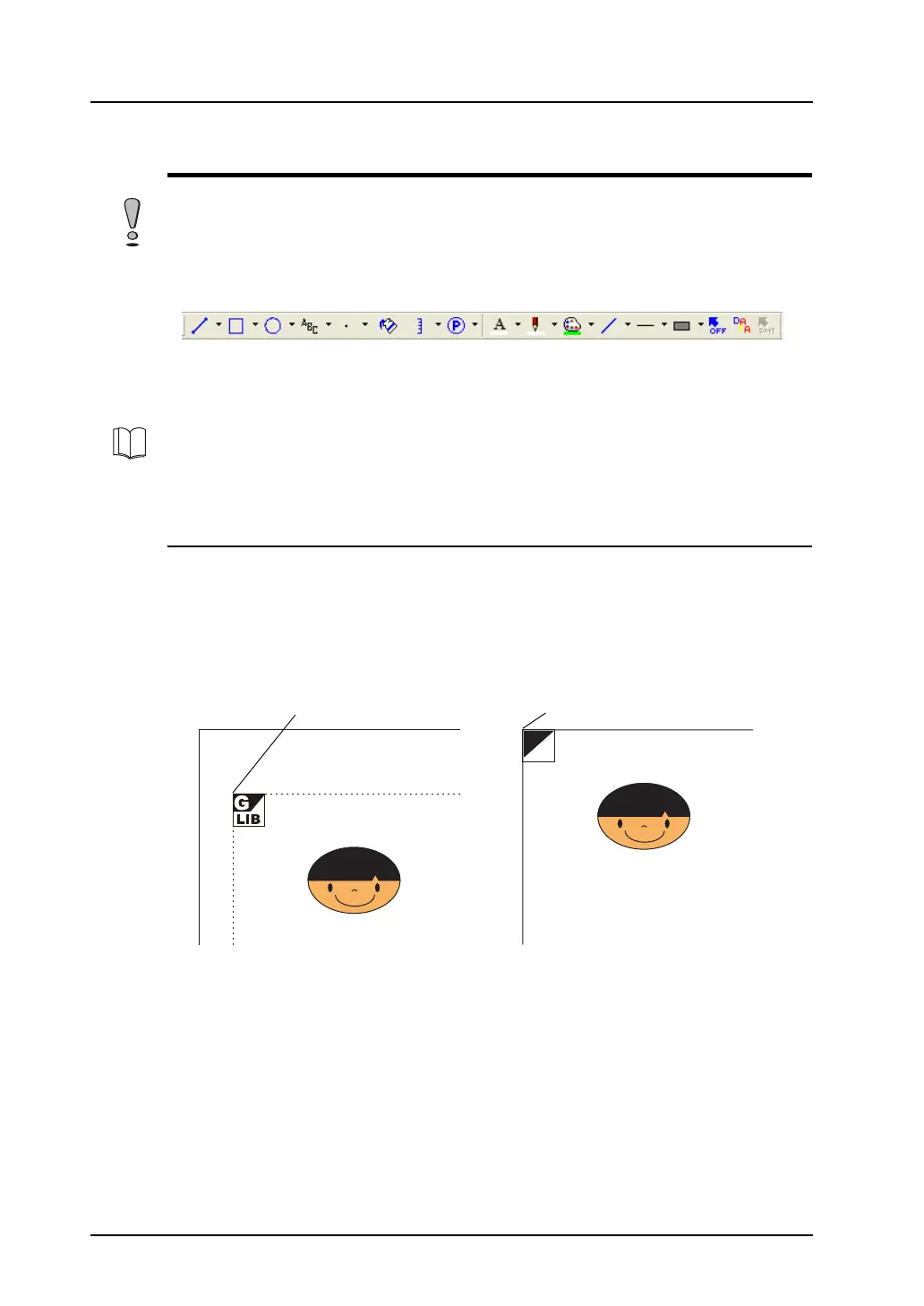
Every graphic library screen in the graphic library has a reference position called an offset.
When a registered graphic is called to the screen, it is placed based on the offset position.
The offset position in the graphic library is equivalent to the graphic call (GLIB) position in drawing as
well as the top left corner in a display area.
An offset position in the graphic library is shown with an “OFF” mark.
Only graphics can be registered in the graphic library (parts cannot be registered).
For more information, refer to “Graphic Call” (page 4-51) in “4 Drawing”.
OFF
Example:
Placement by [Graphic Call] on the drawing toolbar
“OFF” position in the graphic library
=



 To Next Page