HK Gothic and HK Times
A1-23
A1
Font
2. Font Setting for Individual Functions
With [English/Western Europe HK Gothic] or [English/Western Europe HK Times] selected for [Font],
the character property setting made for a function (part or mode) is altered to the setting for the HK
font.
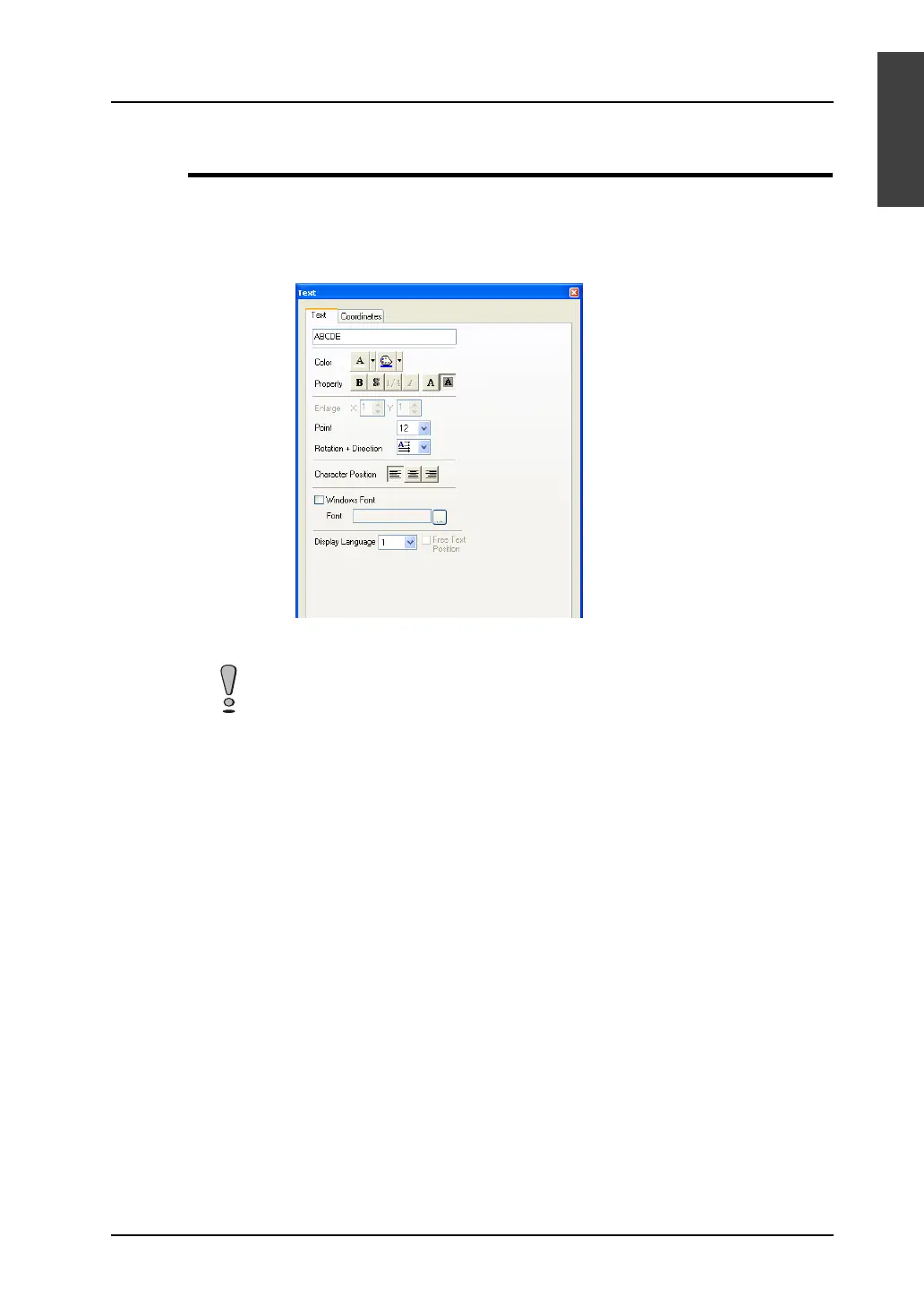
Ex.) Text
When either HK font is used, specify a character size in points in the dialog. Both X and Y sizes are
enlarged/reduced equally according to the specified number of points.
For each function (part of mode), the number of character points, and whether automatic or manual
font setting is to be made for placed texts, differ as the table on the following page indicates.
Note:
For automatic font setting and manual font setting mentioned in the table, refer to “Manual Font
Setting.”
[1/4] and [Italic] options are inactive in the property setting.



 To Next Page