Parts
A3-1
A3
Parts Editing
Appendix 3 Parts Editing
Parts
Parts are selectable from the parts list included in the editor.
User-created parts are also available.
You may modify the design of a part using a user-created bitmap file as explained in “Customizing”
page A2-14. Also you may draw a part using boxes or lines ([Modify Part]).
This chapter explains how to edit a part through [Modify Part].
Parts you create can be saved as the screen data (“*.V8”) and selected from the parts list. (For more
information, refer to “After Completion of Parts Editing” page A3-28.)
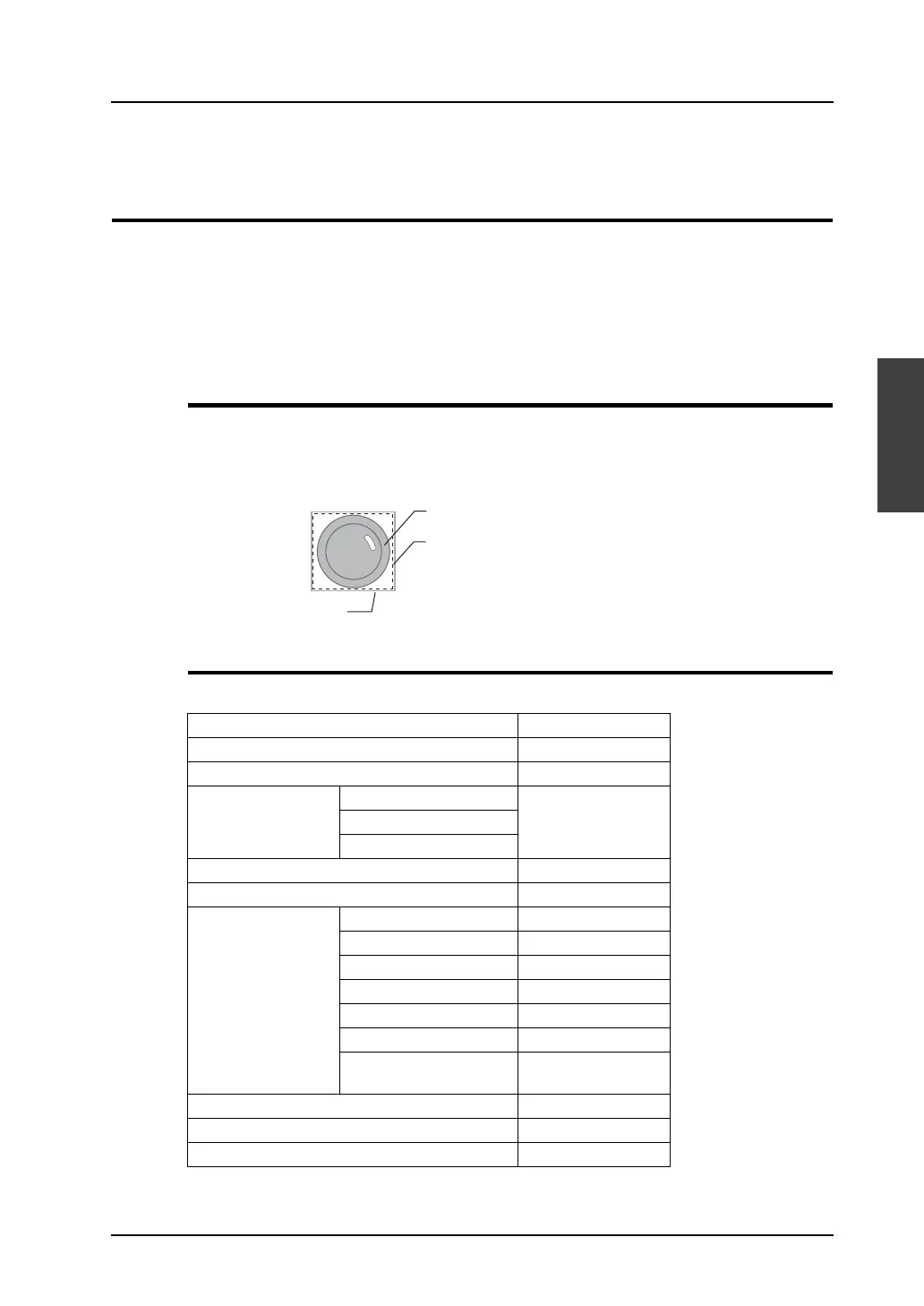
Structure of a Part
Parts are the same in structure though they are different in property. The components of a part are the
basic area that possesses part properties, the graphic data, and the frame (part area) that denotes the
overall size (involving the basic area and the graphic data) of the part.
Editable Parts
The parts listed below are editable.
Parts Refer to:
Overlap page A3-4
Switch / lamp page A3-5
Data display Numerical data display page A3-10
Character display
Message display
Keypad page A3-11
Slider switch page A3-11
Graph Bar graph page A3-12
Pie graph page A3-13
Closed area graph page A3-17
Panel meter page A3-19
Statistic bar graph page A3-20
Statistic pie graph page A3-21
Trend graph/
Trend sampling
page A3-22
Display area page A3-23
Data sampling page A3-24
Calendar page A3-26
Ex.) Switch part
Frame (part area)
Graphic data
Part basic area (= touch area*)
* The touch area exists for switch parts only.



 To Next Page