3.2 Setting Up Editing Environment
3-3
3
Screen Editing
Grid Setting
What Is “Grid”?
“Grid” is used as a guide when graphics or parts are placed. This is not displayed on MONITOUCH,
but displayed on the editor only.
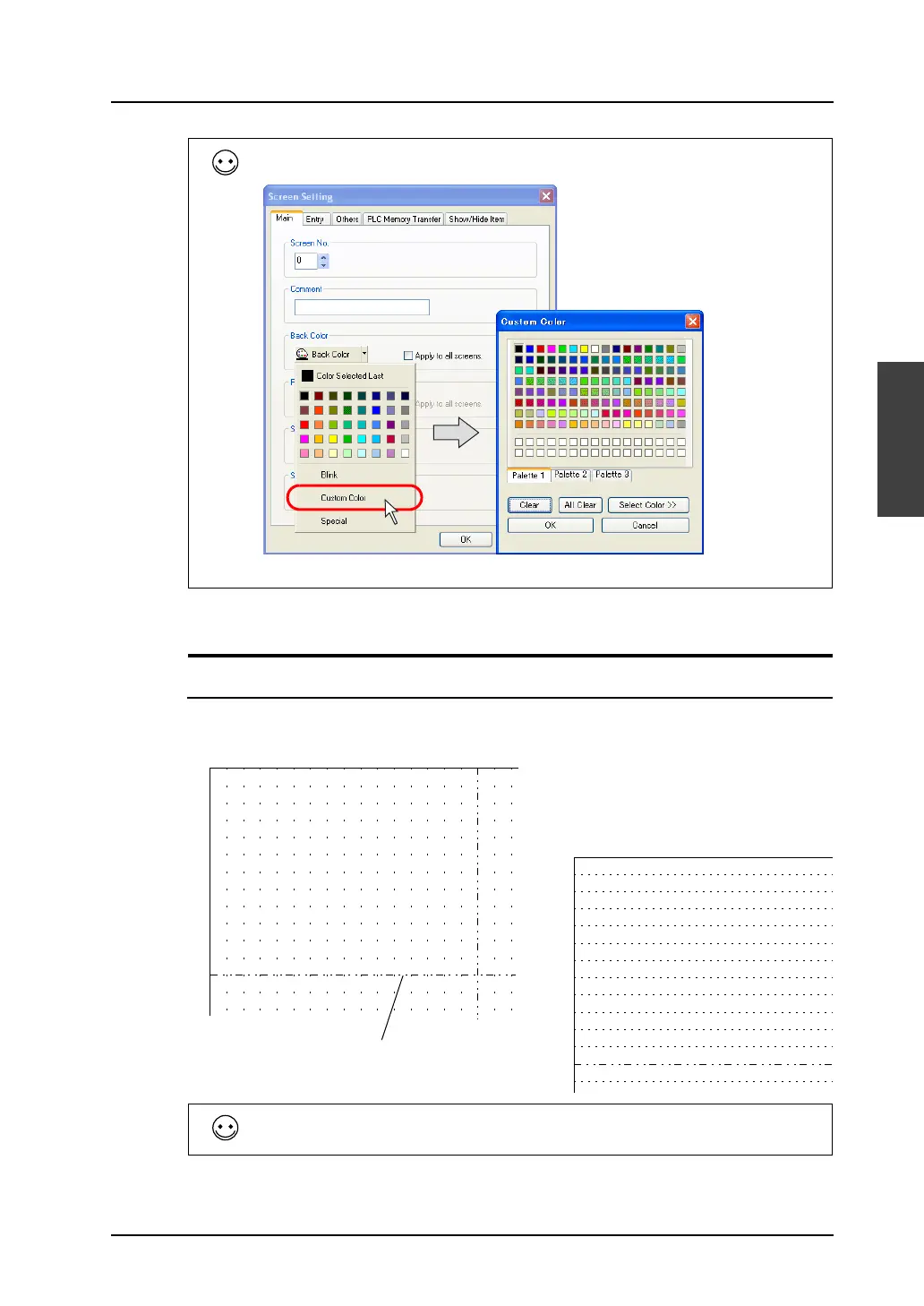
If you want to select any color other than colors listed in the pull-down menu, click [Custom Color] in
the menu. The [Custom Color] dialog is displayed.
Select a color as desired.
Center line
Aside from the grid, you can show/hide the center lines.
Click [View] → [Customize]. Check or uncheck [Center Line Display] to show or hide the center lines.



 To Next Page