2.3 Menu Item [View]
2-16
Changing the Size of the List-view Window
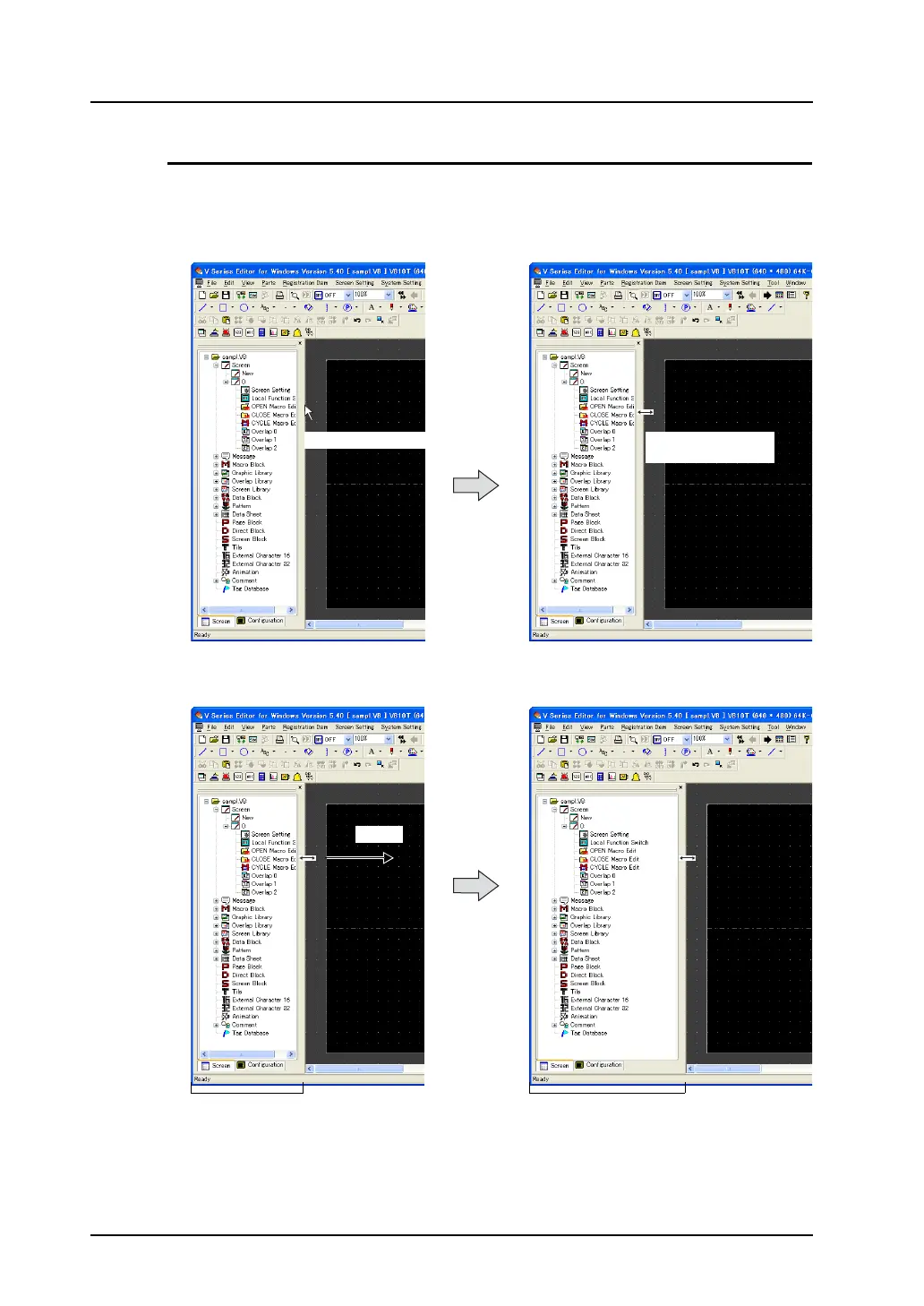
The display size of the list-view window can be changed after it is inset into the editing screen.
Move the cursor to the upper, lower, right or left side of the list-view window. The cursor is changed to
the shape for enlarging or reducing the display size.
Drag the cursor toward the desired direction with the double-headed cursor displayed. The list-view
window can be enlarged or reduced.
Bring the cursor closer.
The cursor shape is
changed.
Drag.
Enlarged.



 To Next Page