4.3 Drawing Methods
4-53
4
Drawing
Screen Library
“Screen library” is used to place a screen registered in the screen library.
Placing Screen Library
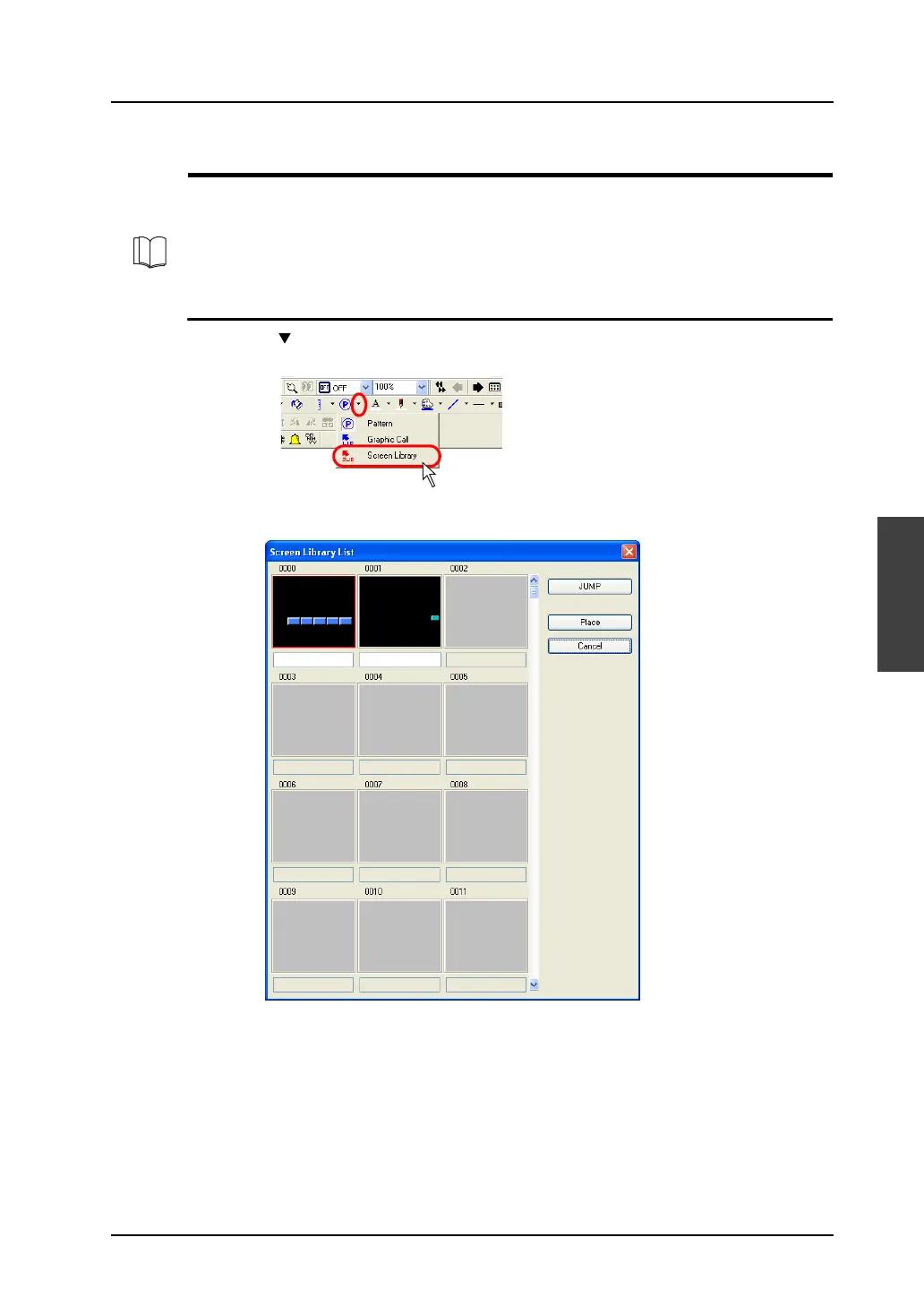
1. Click the “ ” mark on the right of the [Pattern] icon on the toolbar.
Select [Screen Library] from the list displayed.
2. The following [Screen Library List] window is displayed:
For more information on screen library, refer to “5.8 Screen Library” (page 5-31).



 To Next Page