5.7 Overlap Library
5-26
5.7 Overlap Library
This is an area where overlap displays are registered.
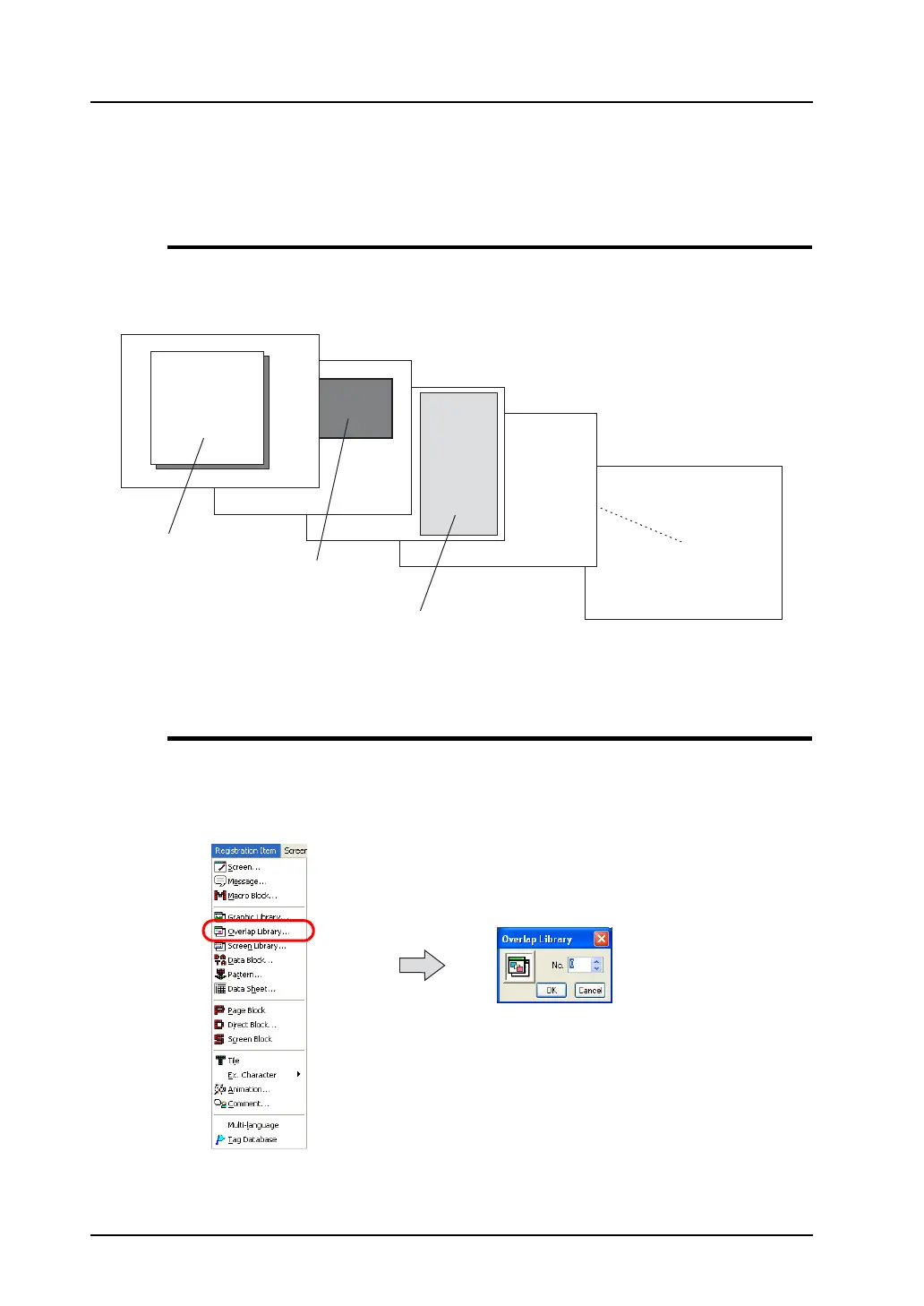
Overlap Library Structure
A maximum of 1,024 overlap displays can be registered in the overlap library.
One overlap display part is registered per editing window.
Calling an Overlap Library
Click [Overlap Library] from the [Registration Item] menu.
The [Overlap Library] dialog is displayed. Specify the number of the overlap library to be opened and
click [OK].
(Alternatively, you can call the screen from the [Screen] menu in Project View.)
A maximum of 1,024 overlap
displays can be registered.
Overlap display part
Overlap display part
Overlap display part
Overlap library



 To Next Page