5.10 Pattern
5-45
5
Registration
[Paint] Icon
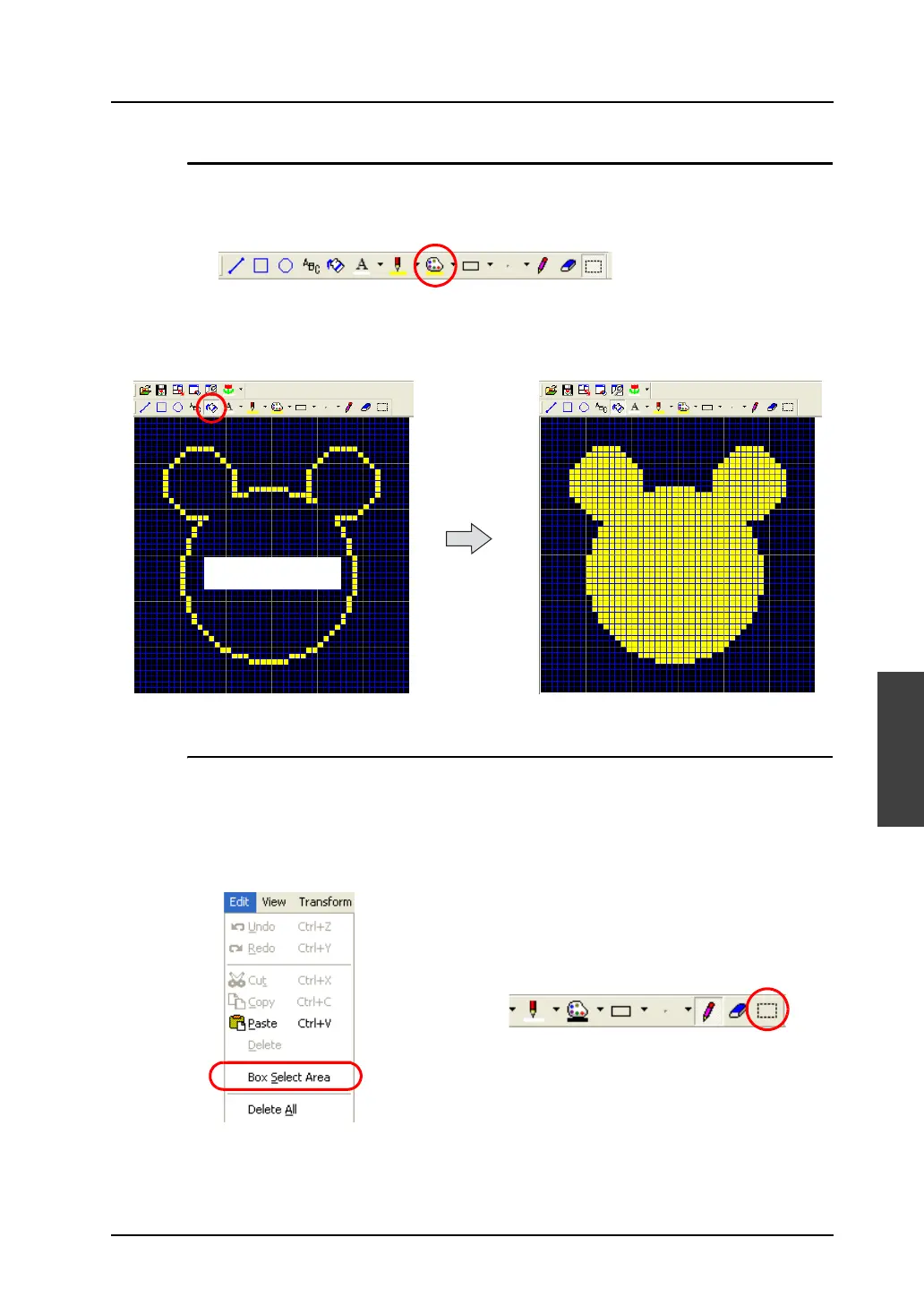
The [Paint] icon enables you to paint graphics.
1. Select your desired paint color with the [Paint Color/Background] icon.
2. Click the [Paint] icon, and click the graphic in the [Pattern Edit] window.
The graphic (enclosed area) is painted in the selected color.
[Box Select Area] Icon
This icon is used when specifying a pattern area. Dragging the mouse over a pattern encloses it. The
enclosed area becomes a target for copy or deletion.
[Box Select Area] usage
1. Select [Box Select Area] from the [Edit] menu or click the [Box Select Area] icon.
Click the mouse within
the enclosed area.
OR



 To Next Page