5.10 Pattern
5-44
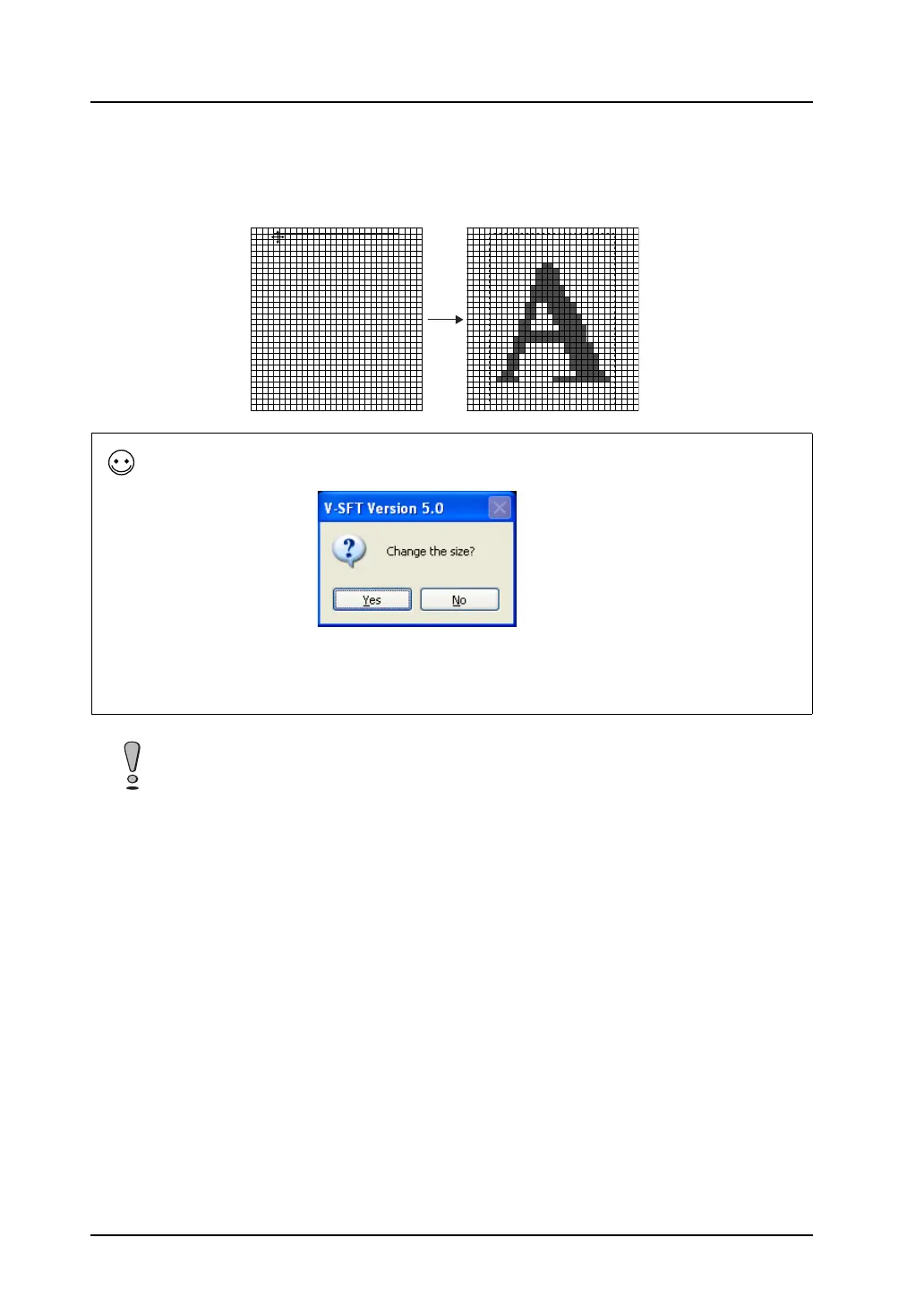
4. Click [OK]. In the [Pattern Edit] window, a box as large as the text is displayed. Clicking the
mouse places the text.
Dragging the mouse
displays a box.
Releasing the mouse
places the text.
If the pattern size in the window is too small at the time of clicking the mouse in step 4, the following
message appears.
By clicking [Yes], the pattern is enlarged to a size that suits the text.
When [No] is clicked, the text is displayed imperfectly because the pattern that remains the same in
size is too small to show the whole text.
It is not possible to change the placed text.
When correcting the text, delete it or cancel it by the [Undo] icon.



 To Next Page