1.3 Starting
1-18
Closing the File
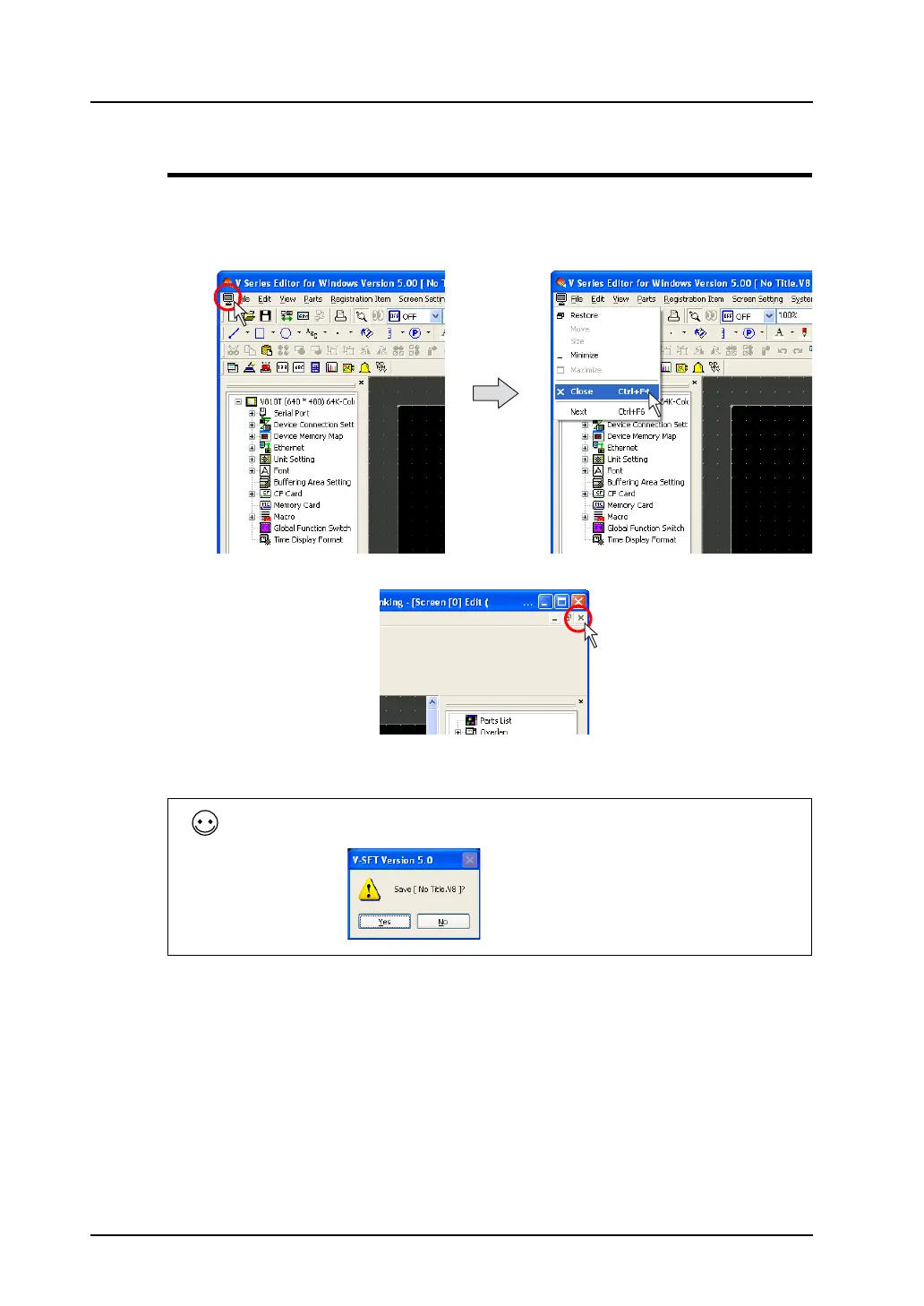
1. Click the icon on the top left corner of the [Screen Edit] window and click [Close].
Alternatively, click the [×] button on the top right corner of the [Screen Edit] window.
The file is closed.
Attempting to close a new file calls up the confirmation dialog below.
Save the file if necessary.
Click the icon of the [Screen Edit] window. Click [Close].
OR



 To Next Page