2.6 Screen Composition
2-39
2
Editor
Screen Setting
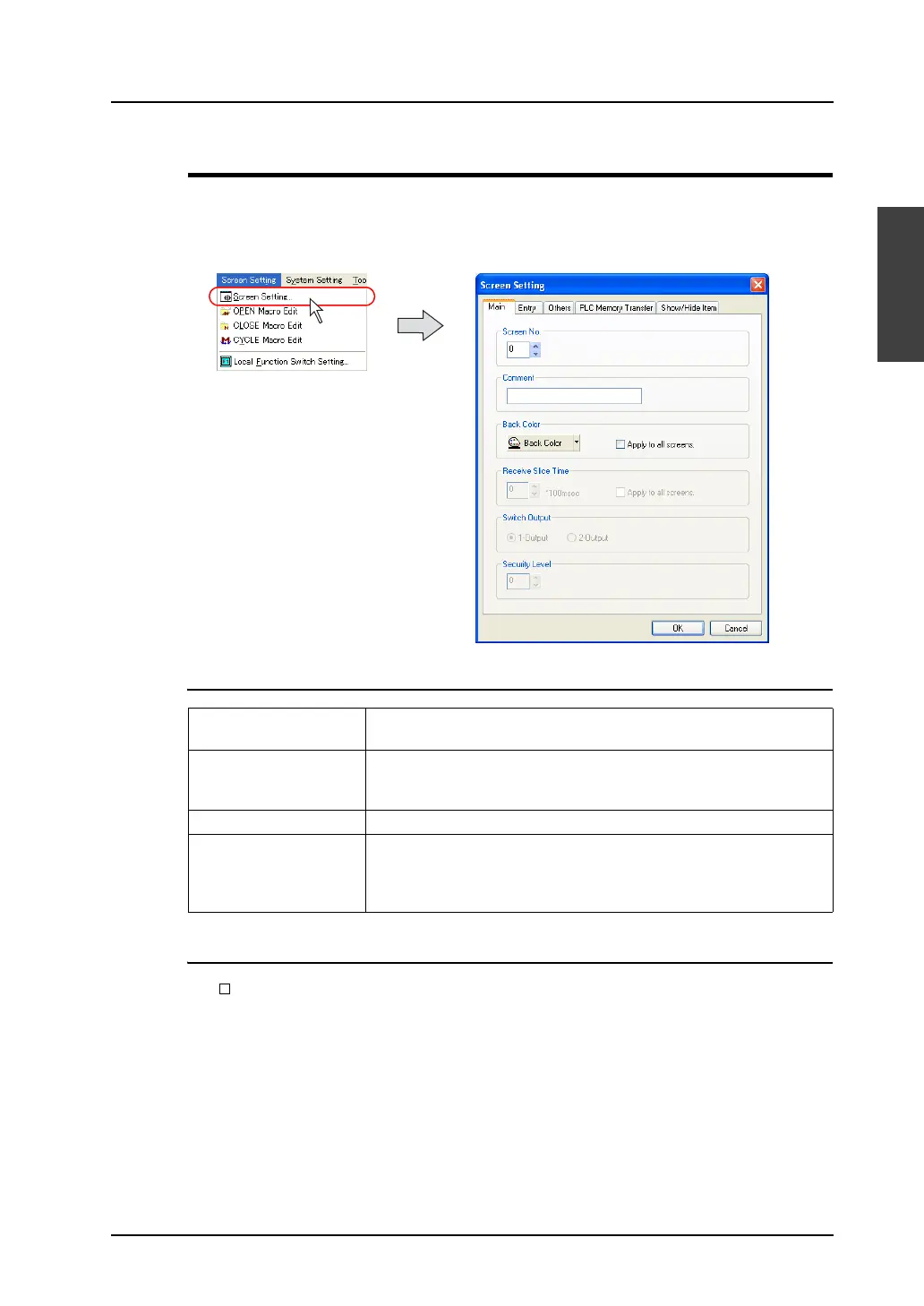
Select a screen background color or other settings which are unique to the screen in the [Screen
Setting] dialog.
Clicking [Screen Setting] in the [Screen Setting] menu brings up the [Screen Setting] dialog shown
below.
[Main] Tab Window
[Entry] Tab Window
• [ Item Select Memory]
This option is active when numerical data display or character display parts with the setting of
[Display Function: Entry Target] are placed in the entry mode on the base screen.
For more information, refer to “Chapter 7 Entry Mode” in the V8 Series Reference Manual.
Screen No.
(0 to 1023)
Allows you to change a screen number assigned to the current screen.
Comment
(16 one-byte characters/8
two-byte characters)
Allows you to add a comment to the current screen.
Back Color Allows you to select a background color for the current screen.
Switch Output This option is active only when the V8 series switch type is the matrix
type.
For more information, refer to “Chapter 3 Switch” in the V8 Series
Reference Manual.



 To Next Page