2.6 Screen Composition
2-38
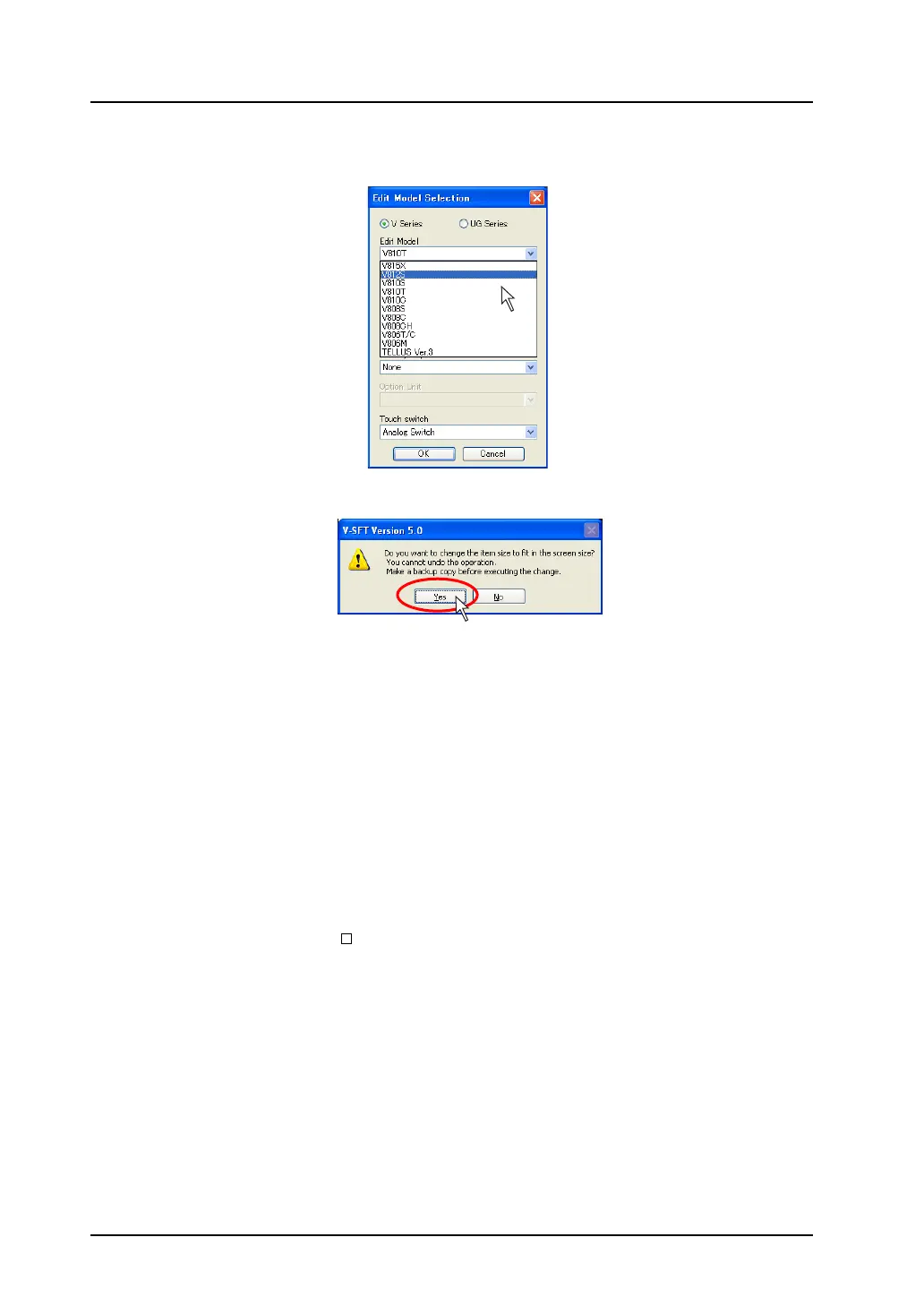
2. The [Edit Model Selection] dialog is displayed.
Change [Edit Model] from [V810T] to [V812S], and click [OK].
3. The confirmation dialog is displayed.
4. Click [Yes]. Then the screen resolution is automatically adjusted.
When you click [No], the edit model is changed while the screen resolution remains as it is.
Notes
• The target area for the auto adjustment function is:
screen, screen library, overlap library, graphic library, data block
• The character properties are adjusted according to the screen resolution; however, those of the
following functions will not be changed.
Bit order alarming, alarm sub display, time order alarming, alarm logging, message, data
sampling, alarm tracking, memory card
• The video display size is not changed automatically.
• For the parts whose size will not be changed automatically, adjust them manually.
• For performing auto adjustment neatly with the analog switch type, go to [View] → [Grid] → [Grid
Setting], and uncheck [ Place switches on switch grids.].
[V810T] is changed to [V812S].



 To Next Page