5.4 Message
5-7
5
Registration
Message Editing
Messages are entered in the same way as characters in graphics.
Copying and Pasting Messages
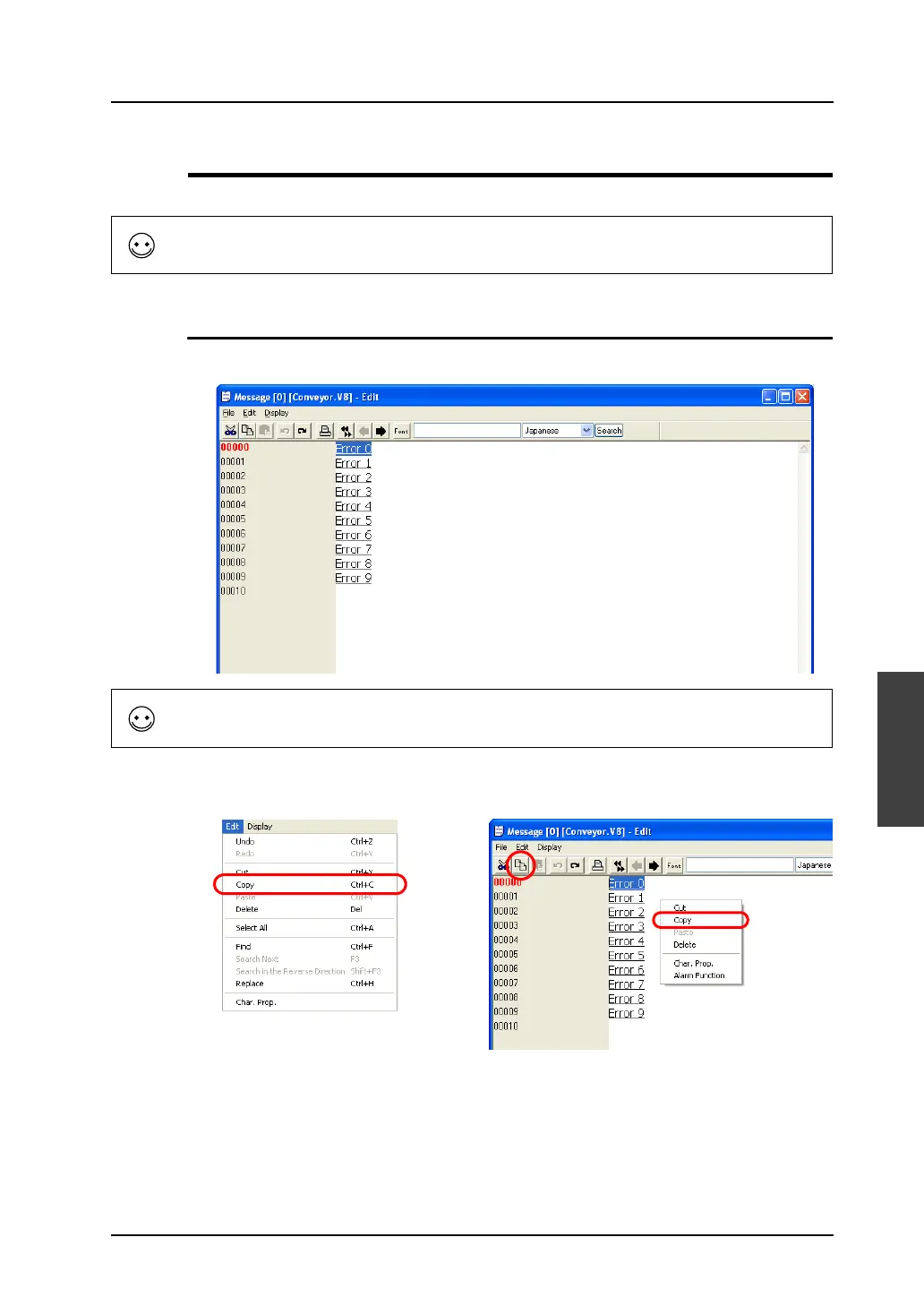
1. Specify messages as the copy source by dragging the mouse. The messages are highlighted.
2. Select [Copy] from the [Edit] menu or the right-click menu, or click the [Copy] icon on the edit
toolbar. The messages are copied to the Windows clipboard.
To shift to the next group, click the [Next] icon on the icon bar.
To select all messages in the group, click [Select All] from the [Edit] menu.
OR
Right-click.



 To Next Page