5.13 Direct Block
5-65
5
Registration
Direct Block Editing
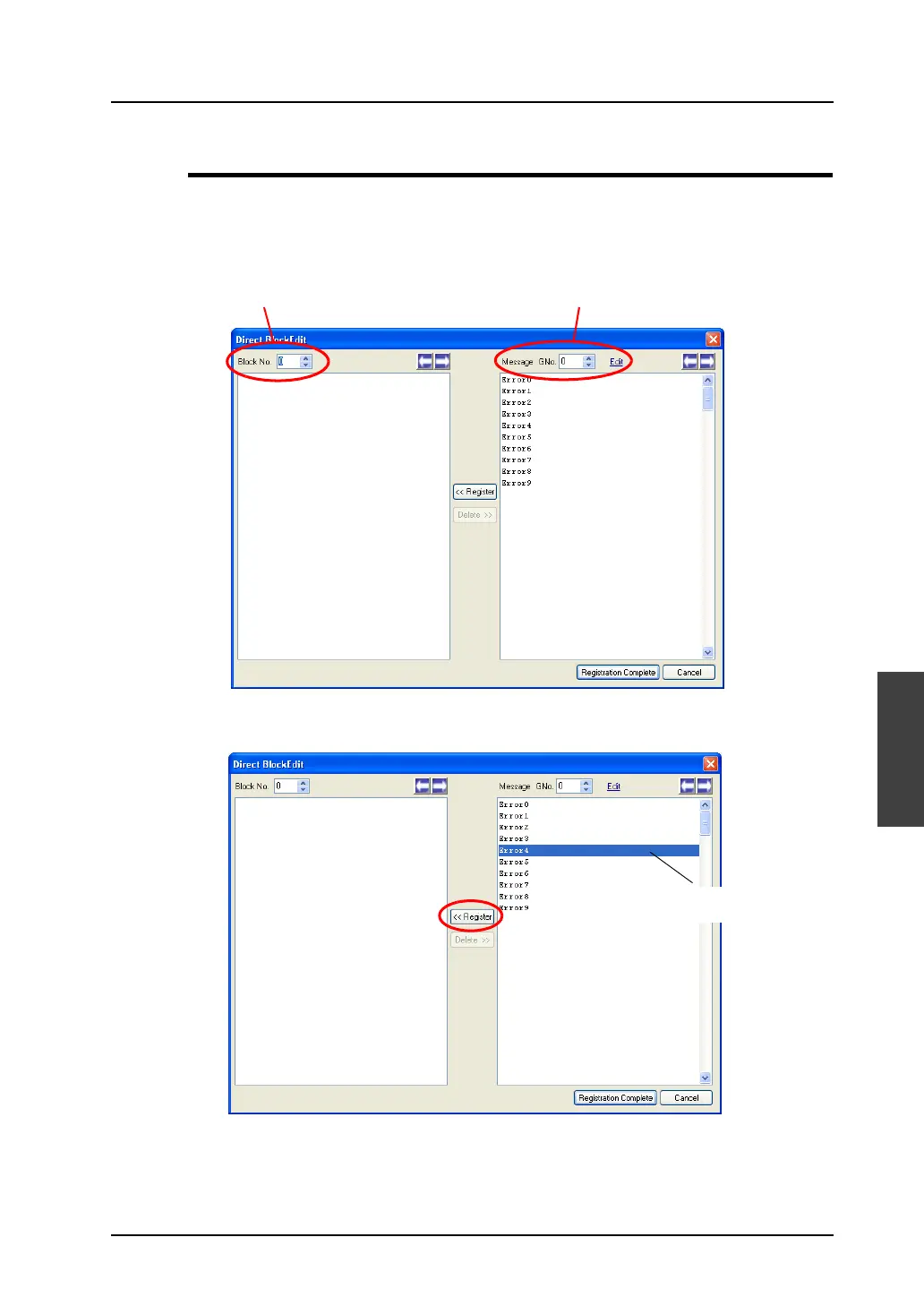
In the [Direct Block Edit] window, editing is performed on a block-by-block basis.
Follow the procedure below.
1. Check the current block number and also the message group number you are going to use.
2. In the right area under [Message GNo.], click the line to be used for a direct block and then click
the [Register] button.
Direct block No. Message group No.
Click a line and then
[Register].



 To Next Page