HK Gothic and HK Times
A1-27
A1
Font
4. Data Transfer to the V Series
Transfer screen data including the HK font data to the V series.
In the [Transfer] dialog, select [Screen Data] and click the [PC ->] button. The screen data and the font
data are transferred to the V series.
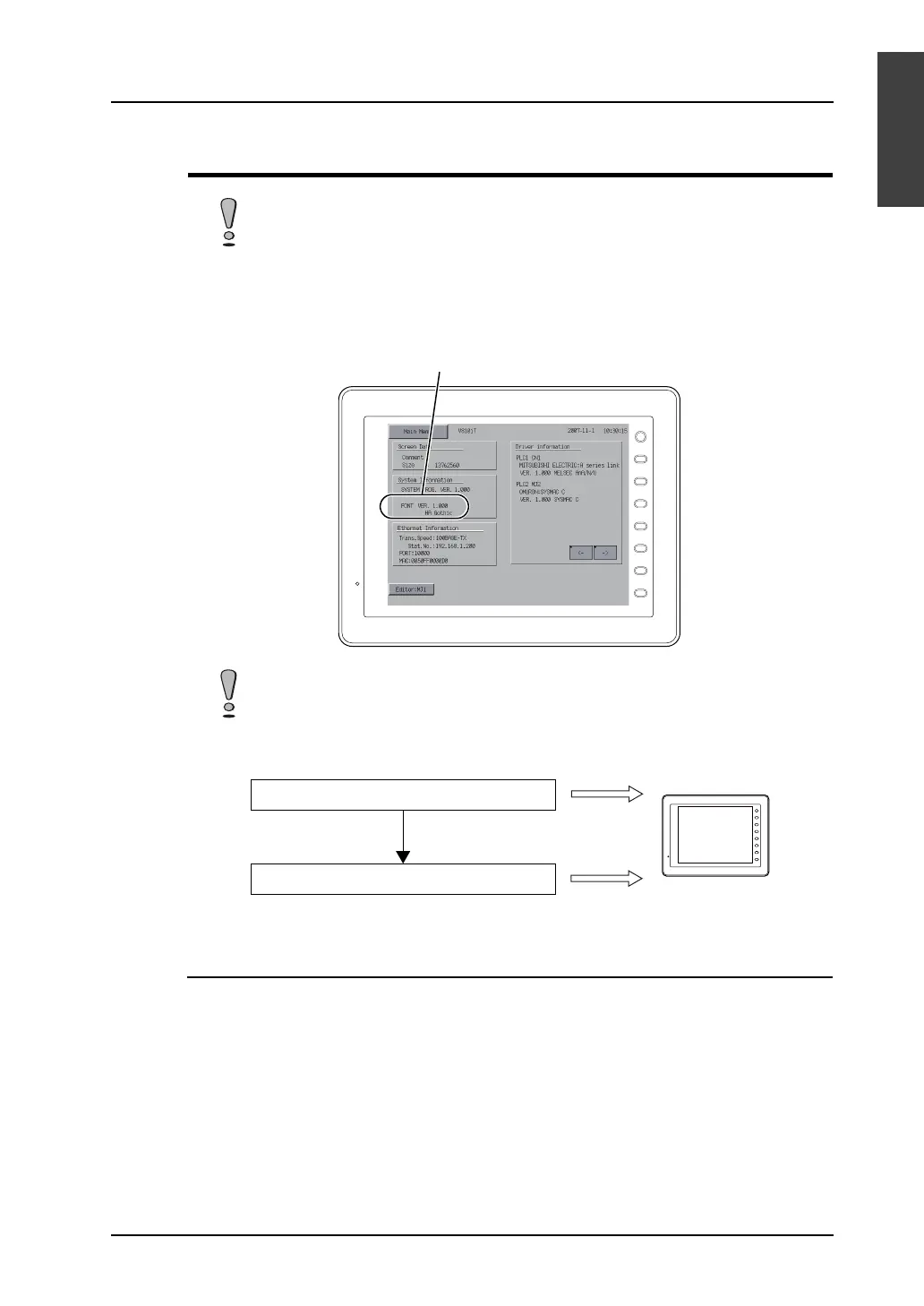
Notes on Font Data to be Transferred
If changes are made to the [Manual Font Setting] tab window during online editing, the correct font
data according to the changes will not be transferred. Stop online editing and perform data transfer.
When a V6 is used, transfer the V6 system program to the V6 to update the program
before transferring screen data.
When screen data is transferred, the 12-point font data is always transferred to the V
series first.
F 1
F 2
F 3
F 4
F 5
F 6
F 7
SYSTEM
This section changes.
F 1
F 2
F 3
F 4
F 5
F 6
F 7
SYSTEM
Data transfer order
12-point font data
Screen data
Transferred
Transferred



 To Next Page