5.6 Graphic Library
5-25
5
Registration
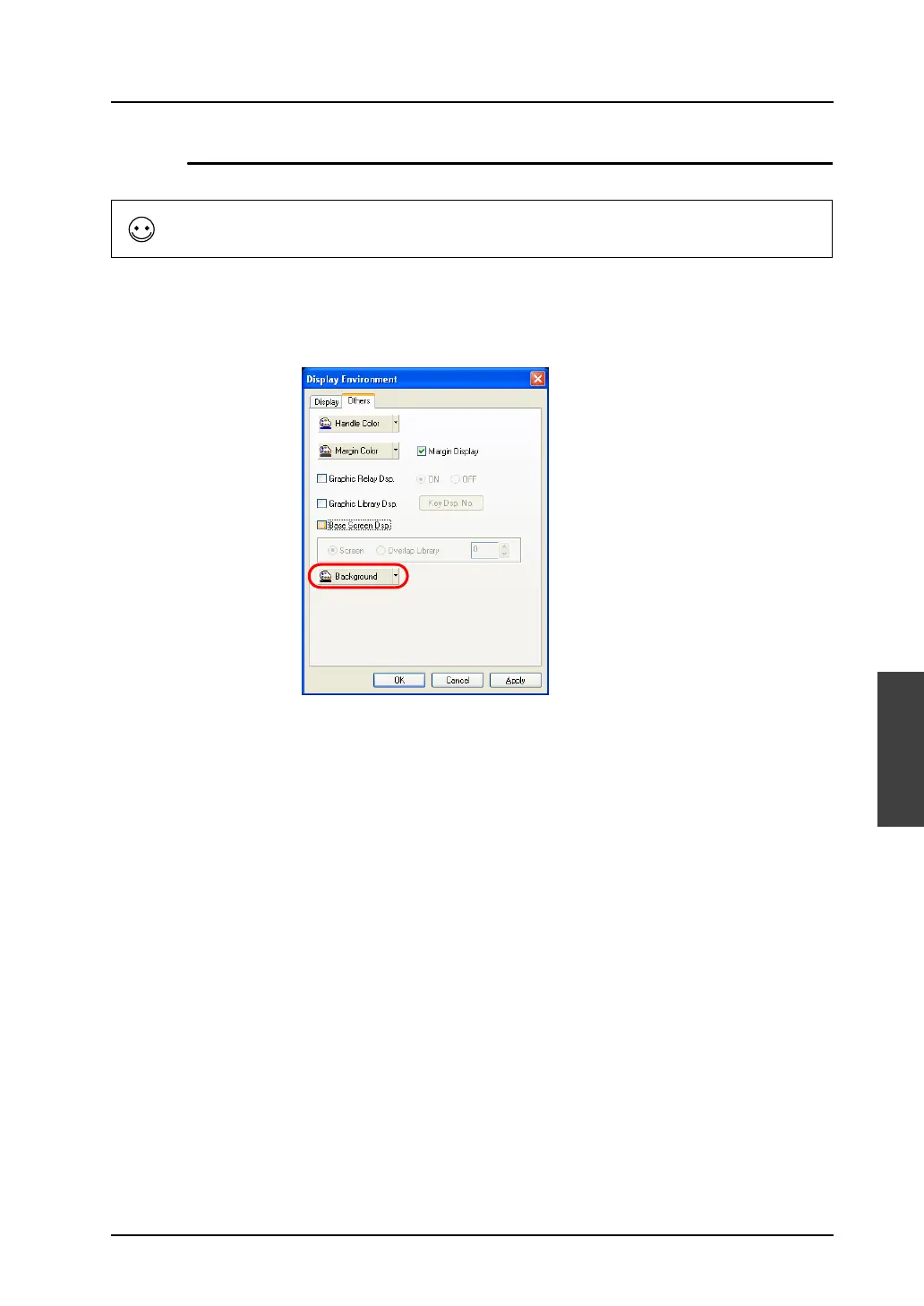
Background ([Others] Tab Window)
It is possible to change the background color in the graphic library.
Select [View] → [Display Environment].
The [Display Environment] dialog is displayed. Open the [Others] tab window.
Select the desired background color and click [OK].
The graphic library is shown on the background colored as specified.
When the graphic library is called, its background setting is ignored and thus only the registered
graphic is recognized as a target.



 To Next Page