6.5 Transfer Procedure (Using a Card)
6-36
6.5 Transfer Procedure (Using a Card)
CF Card
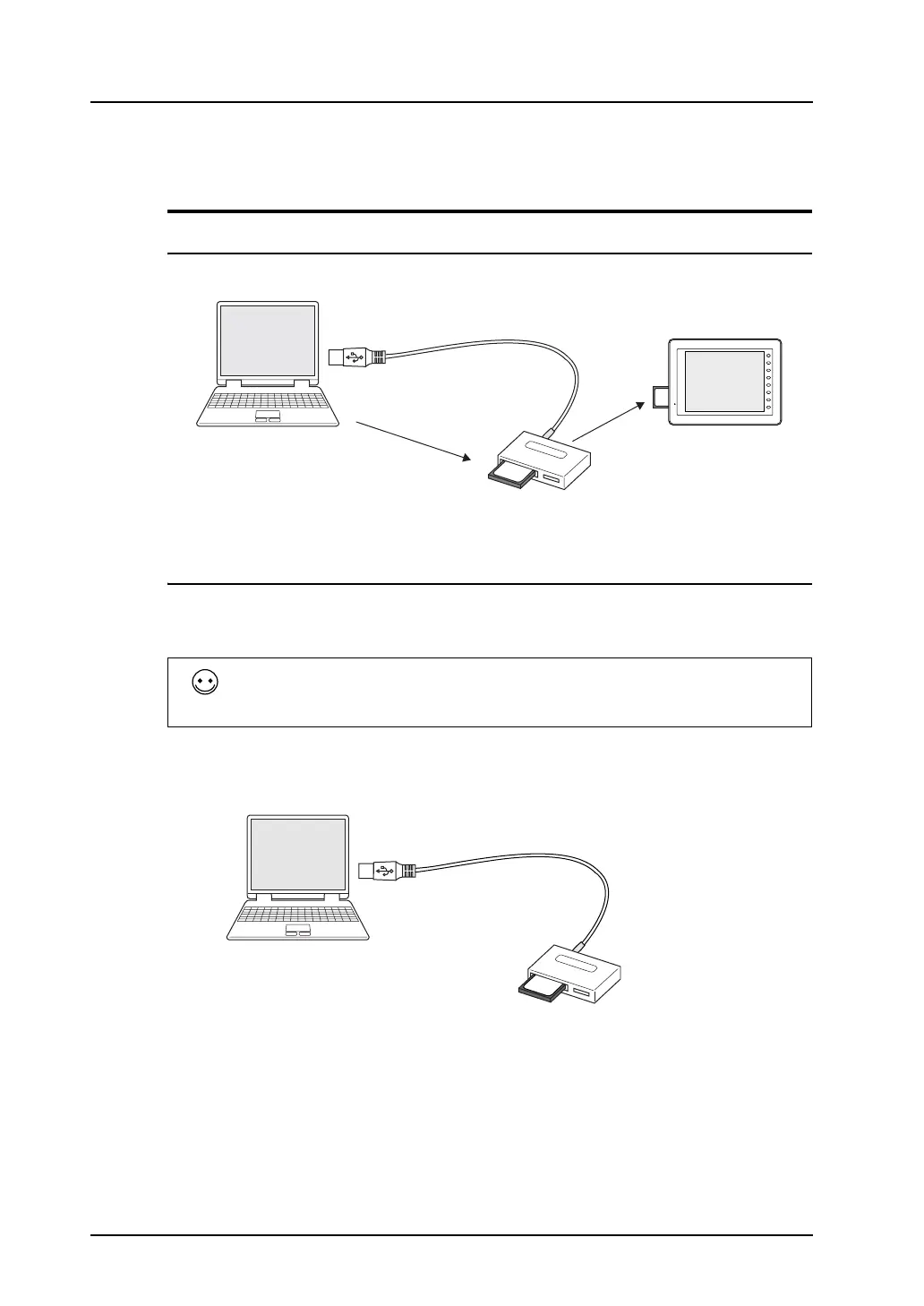
System Configuration
Data is transferred in the following system configuration using a CF card.
Transfer Procedure from the CF card to MONITOUCH
When a memory card is used, data is transferred following the procedure described below.
1. Transfer from the editor to the CF card (CF card manager)
2. Transfer from the CF card to MONITOUCH
1. Transfer procedure from the editor to the CF card (CF card manager)
1) Insert (or connect) the CF card into the computer.
Check the drive allocation for the CF card in advance.
(In the example, “F” is allocated to the CF card drive.)
Conversely, to transfer the data from the CF card to MONITOUCH, follow the two steps described
below.
1. Transfer from the CF card to MONITOUCH
2. Transfer from the editor to the CF card (CF card manager)
96MB
CompactFlash Card
F 1
F 2
F 3
F 4
F 5
F 6
F 7
SYSTEM
96
MB
CF card
manager
CF card
V8 series
CF card reader/writer
96
MB
CF card
CF card reader/writer



 To Next Page