5.9 Data Block
5-38
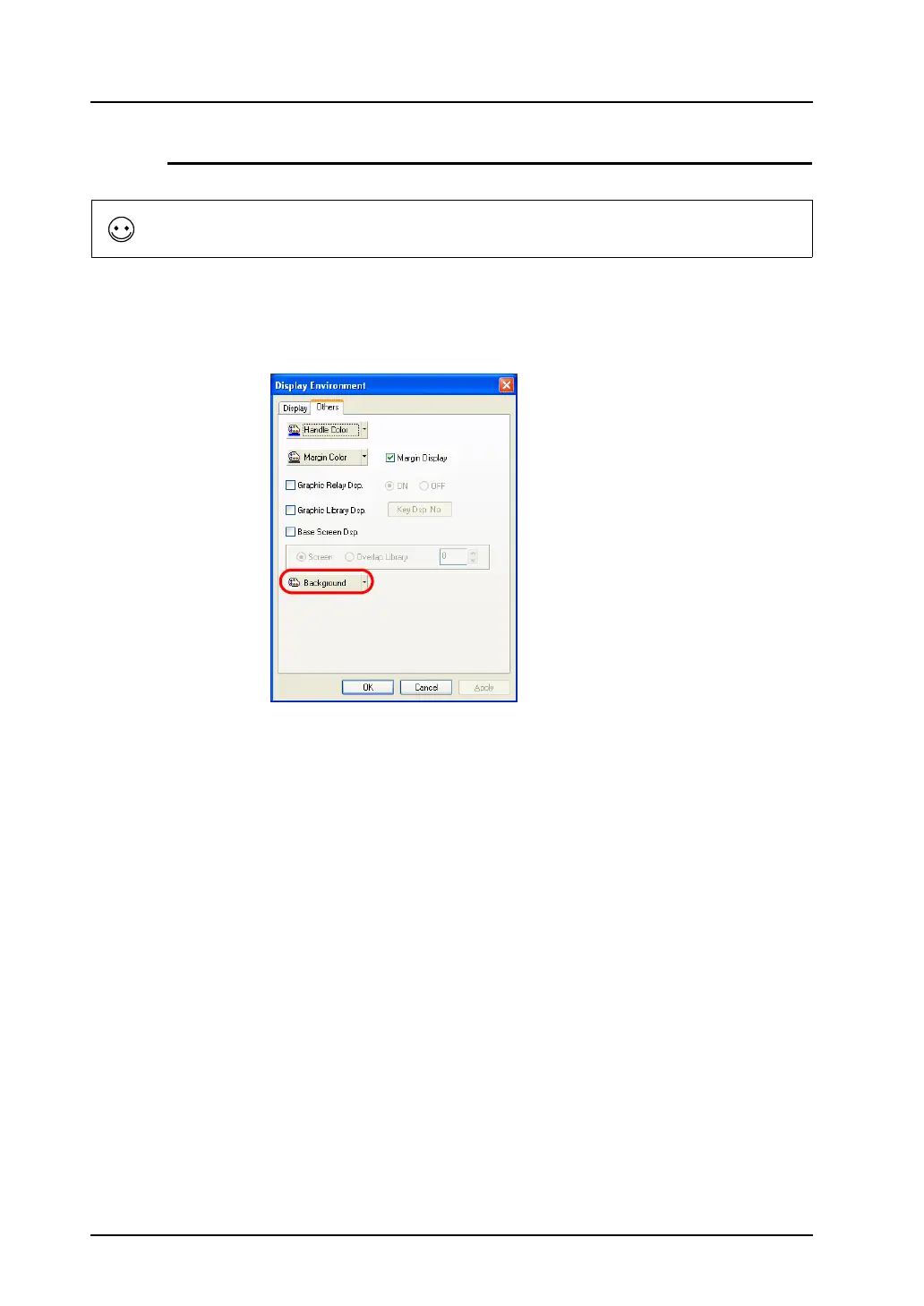
Background ([Others] Tab Window)
It is possible to change the background color of a data block.
Select [View] → [Display Environment].
The [Display Environment] dialog is displayed. Open the [Others] tab window.
Select the desired background color and click [OK].
The data block is shown on the background colored as specified.
When a data block is called, its background setting is ignored and thus only the registered data is
recognized as a target.



 To Next Page