Parts Editing
A3-4
Parts Editing
Overlap
Structure
* Overlap display parts are provided with no frame.
Procedure
This section explains the procedure for editing a normal overlap display part. Follow the same
procedure also when an overlap display with the overlap library is registered ([Registration Item] →
[Overlap Library]).
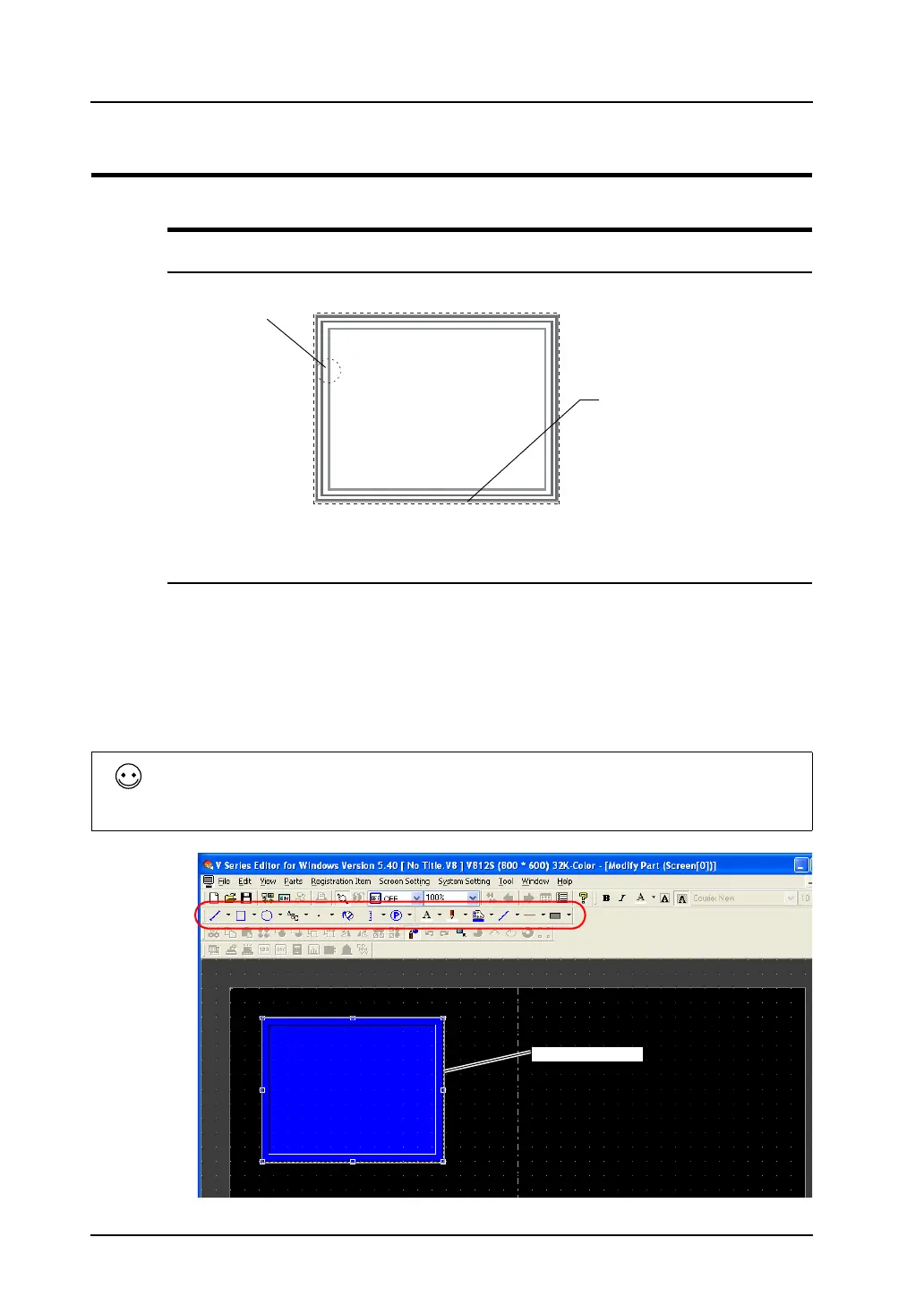
1. Select the overlap display to edit, and open the [Modify Part] window.
2. Using drawing icons etc., edit its design as desired.
For editing procedure with drawing icons, refer to “4 Drawing” page 4-1.
3. Go back to the base screen.
Part basic area
Graphic data
• Drawing outside the part basic area is invalid. Perform all drawing inside the part basic area.
• The color of the part basic area can be selected in the item dialog of the overlap display on the
base screen.
Part basic area



 To Next Page