8.1 Simulator
8-4
Connecting a Computer and the V8 series
Via V-CP
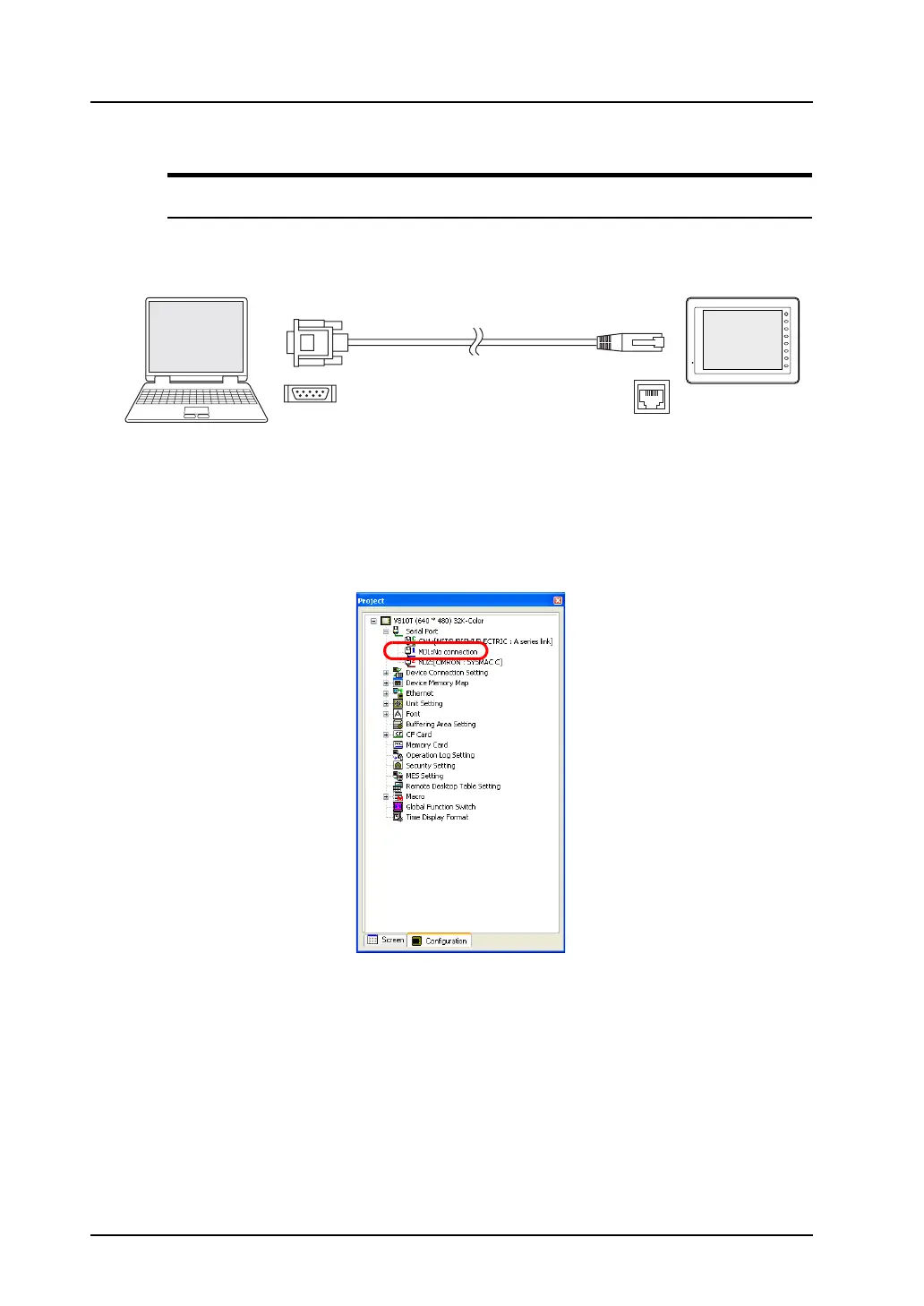
Connect the V8 series to a computer using the data transfer cable (V-CP).
Be sure to connect the cable to MJ1 (modular jack 1) of the V8 series.
On the editor software, check that [MJ1: No connection] is set.
* To see the above, go to the Project View (click [View])→ [View], and check [Project View]), select
the [Configuration] tab at the bottom. The information on [MJ1] is specified under [Serial Port].
D-sub 9pin
V-CP
F 1
F 2
F 3
F 4
F 5
F 6
F 7
SYSTEM
8pin
MJ1
V8 series
Computer
Modular jack



 To Next Page