8.8 File Management
8-91
8
Useful Functions
Dividing and Combining the File
The V8 series can create a screen data file of a large size.
However, such a file cannot be stored on only one floppy disk. Using [File Divide] and [File Combine],
the file can be divided into several sections for storage on floppy disks and can be recombined.
Dividing the File
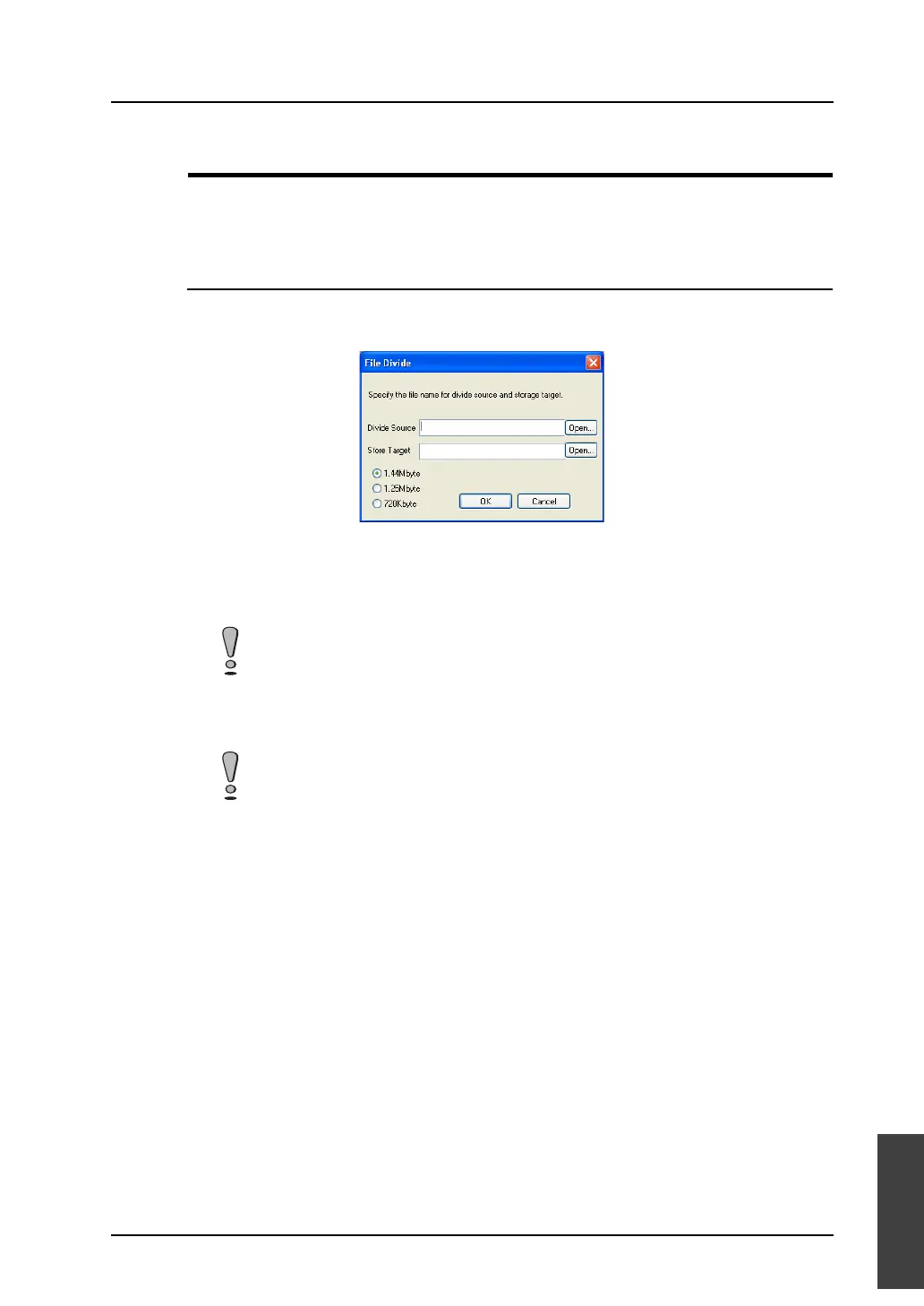
1. Click [File] → [File Management] → [File Divide].
The [File Divide] dialog is displayed.
2. Specify the desired file name for [Divide Source].
Clicking [Open] brings up the [File to be Divided] dialog. A file can be selected from the dialog.
3. Specify the desired file name for [Store Target].
The extensions “.div” is provided.
4. Select the floppy disk capacity from [1.44 Mbyte], [1.25 Mbyte], or [720 kbyte].
5. Click [OK]. The file is divided automatically.
At this time, the divided sections of the file cannot be stored on floppy disks. Store them
on the hard disk once.
The divided sections of the file are stored in the format of “file name (n).div.” Save all the
files to recombine them.



 To Next Page