8.8 File Management
8-92
Combining the File
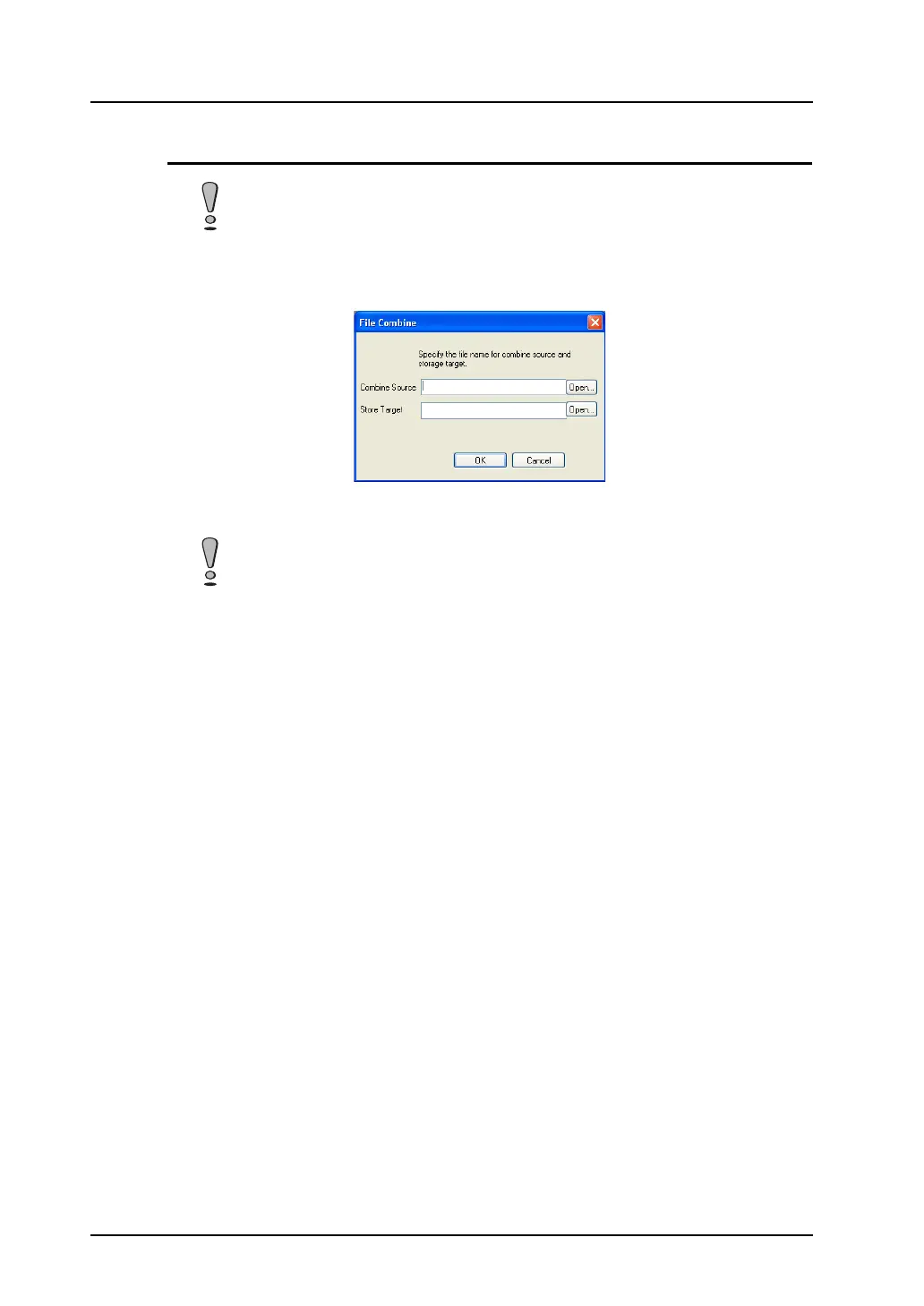
1. Click [File] → [File Management] → [File Combine].
The [File Combine] dialog is displayed.
2. Specify the desired file name for [Combine Source].
3. Click [Open]. At the same time, the file name before division is entered for [Store Target].
4. Click [OK]. The sections are combined automatically.
When the divided sections of a file are stored on different floppy disks, copy them to one
directory in advance.
The divided sections of the file are stored in the format of “file name (n).div.” Specify one
of the divided sections.



 To Next Page